102 6 Programming
6.1 Conversational Programming
Step Form Validation
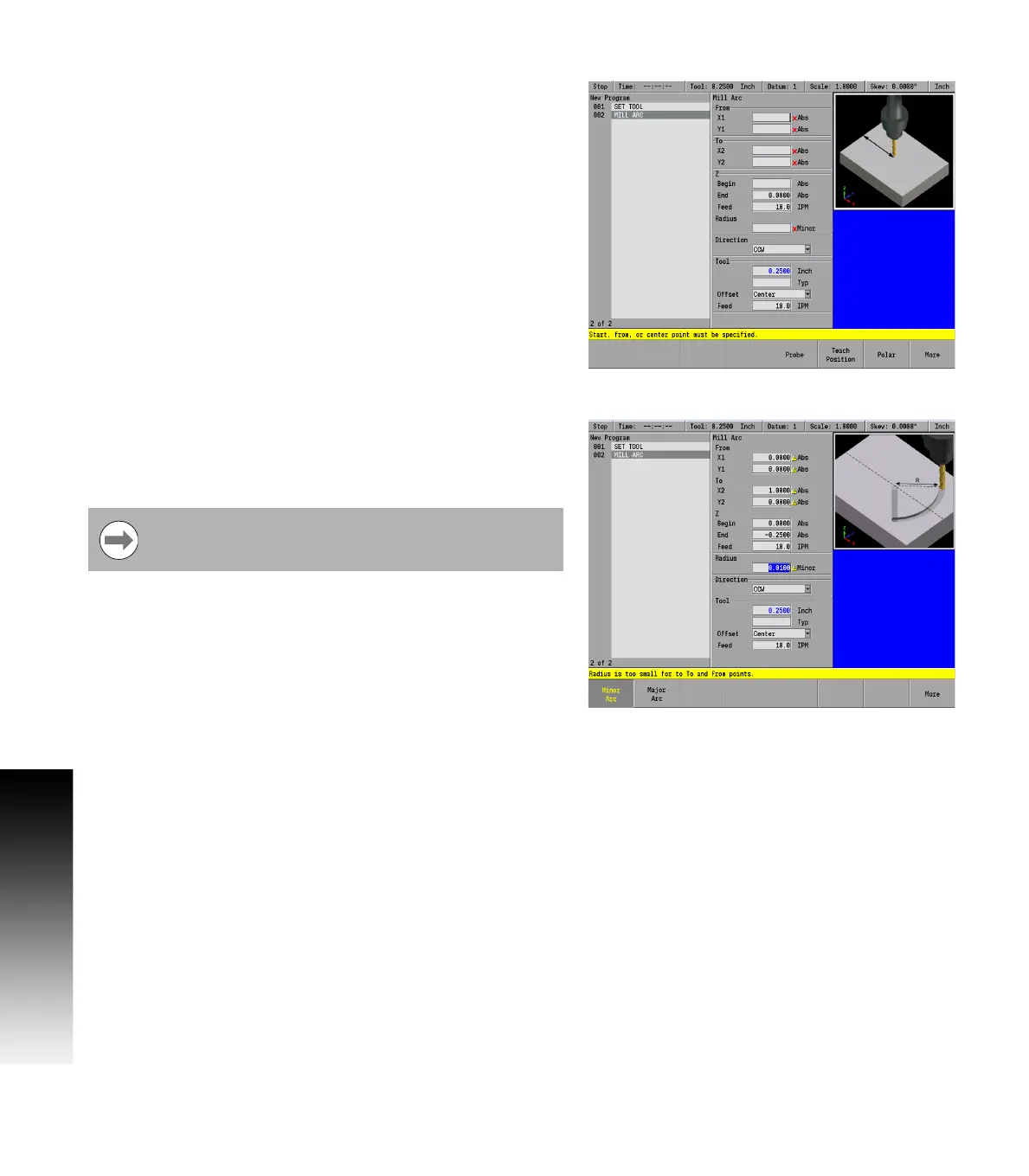
Once a step has been programed in the program dialogue and the
USE key has been pressed, if further data is required, that field will
display a red x.
Once a step has been programed in the program dialogue and the
USE key has been pressed, if the data in any field has been entered
incorrectly, that field will display a yellow warning symbol.
Correct any errors or warnings before proceeding.



 To Next Page