ACU-RITE MILLPWR
G2
61
3.1 DRO Manual Data Input
Circle milling
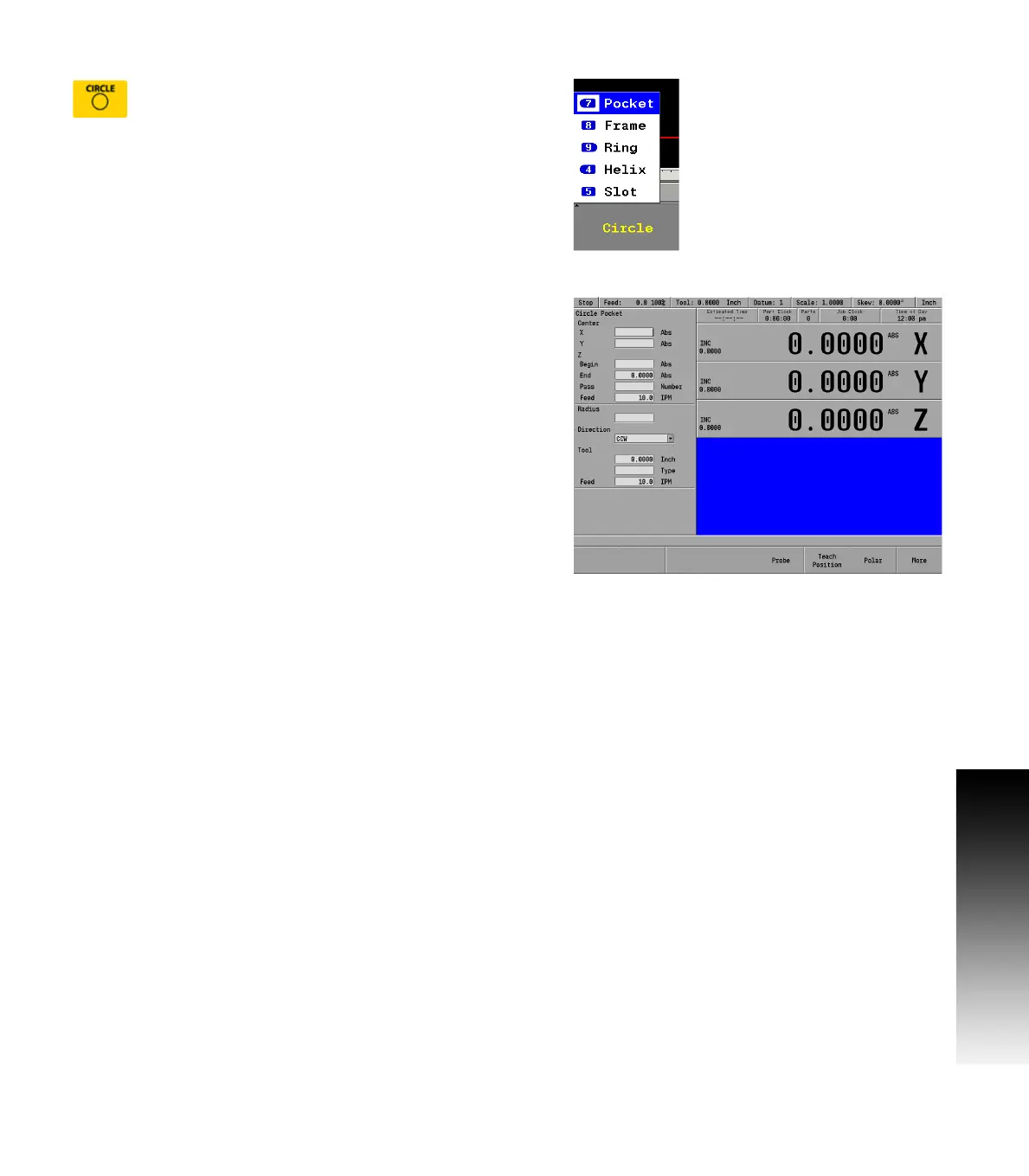
Press the CIRCLE key on the front panel. The soft key
CIRCLE is displayed, and a popup menu appears on
the display listing the type of circles available for
milling.
Circle milling example
(e.g. pocket, frame, ring, or helix)
Select Pocket from the popup menu.
The popup menu disappears, and the Circle Pocket dialogue is
displayed.
Enter the data to mill the pocket.
Press GO to run the circle pocket.



 To Next Page