112 6 Programming
6.1 Conversational Programming
Testing a MILLPWR
G2
program
Before machining a part, test the program for things like correct tool
path, count direction, feed rate, and sequence of operations.
MILLPWR
G2
provides several run-time choices to assist doing this.
Always verify a program when it was loaded, or edited.
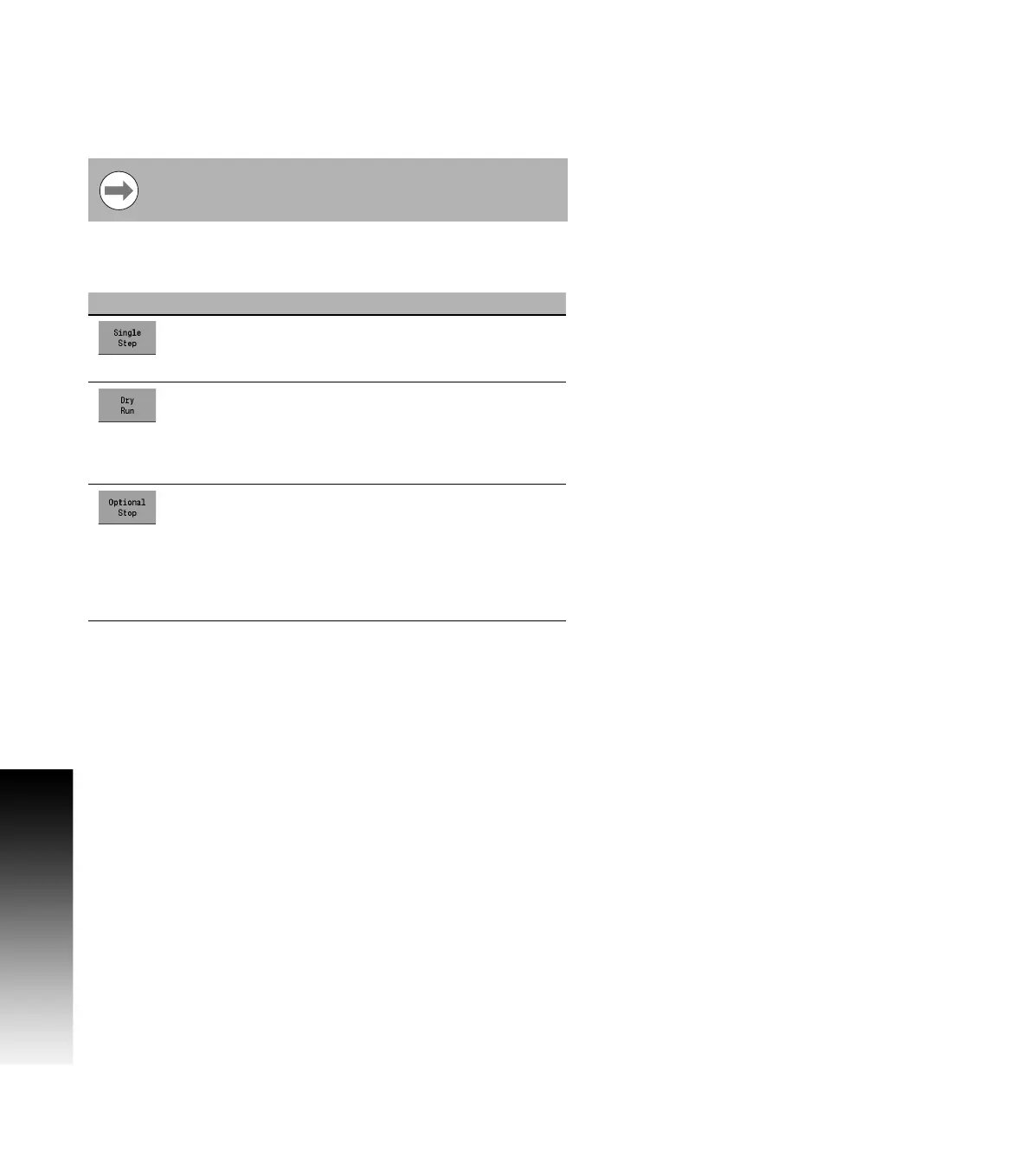
From the PGM screen, press Run Options to display the following soft
keys:
Whenever a program is about to run, check that the
handles are recessed.
Keys Function
Single Step runs through the program one step at a
time. Some steps will run as a single group such as
a contour, or custom pocket.
Dry Run runs through the program at the defined dry
run feedrate instead of programmed feeds. This
option is useful to more quickly test the tool path
motion. The dry run feedrate is set in the JOB
SETUP dialogue.
The Optional Stop soft key will allow the program
to be stopped at different locations to allow for
verification of particular program steps selected by
the operator. If a G-code program has an M01
(optional stop) in it, the system will only stop at this
block when Optional Stop is enabled. If it is
disabled, it will be skipped.



 To Next Page