184 8 Milling and Drilling
8.1 Milling and Drilling
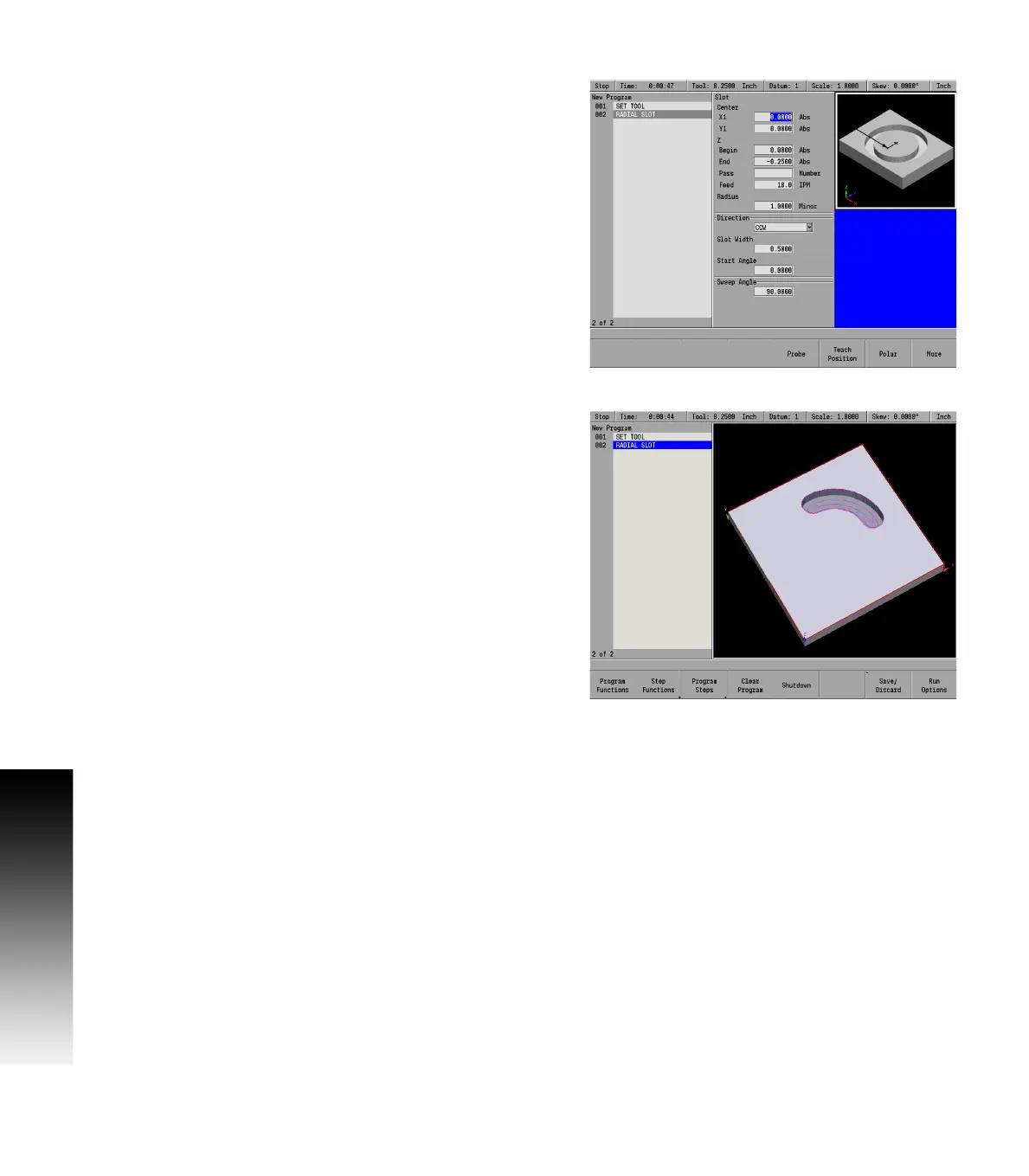
Radial slot
A radial slot can be defined one way:
By the center, radius, start angle, and sweep angle.
To program a radial slot:
From the PGM screen, press the CIRCLE key to access the Circle
popup Menu.
Select Slot from the popup Menu.
Entering data
In the Center field enter the X and Y axes coordinates for the center
of the slot using the ARROW DOWN key to enter the data, and move to
the next field.
Enter the Begin and End depths for Z.
Enter either the number of passes or the distance between each
pass.
Enter the Z axis Feed Rate. The last feed rate used previously in the
program will be displayed.
In the Radius field enter the radius.
For Direction, press either the CW softkey for a clockwise cutting
direction or the CCW soft key for a counter-clockwise cutting
direction.
Enter the Width of the slot.
Enter the Start Angle where the first Center of the slot will be.
Enter the Sweep Angle where the second Center of the slot will be.
ARROW DOWN or press the More soft key.
The Tool field will default to the current tool selected.
The Finish and Feed fields will assume the same as the previous
finish fields in the program if it exists. Otherwise this data must be
added if required, or leave blank if not required.
Press the USE key.
Tool path description:
Machining of the slot begins at its first arc center location.
The tool ramps or plunges at the Z feed rate.
The slot is milled from the center out.
The XY step size is determined by the system and will not exceed
the specified percentage of the tool diameter.



 To Next Page