202 8 Milling and Drilling
8.2 Additional Milling Functions
Footer note for Repeat and Rotate
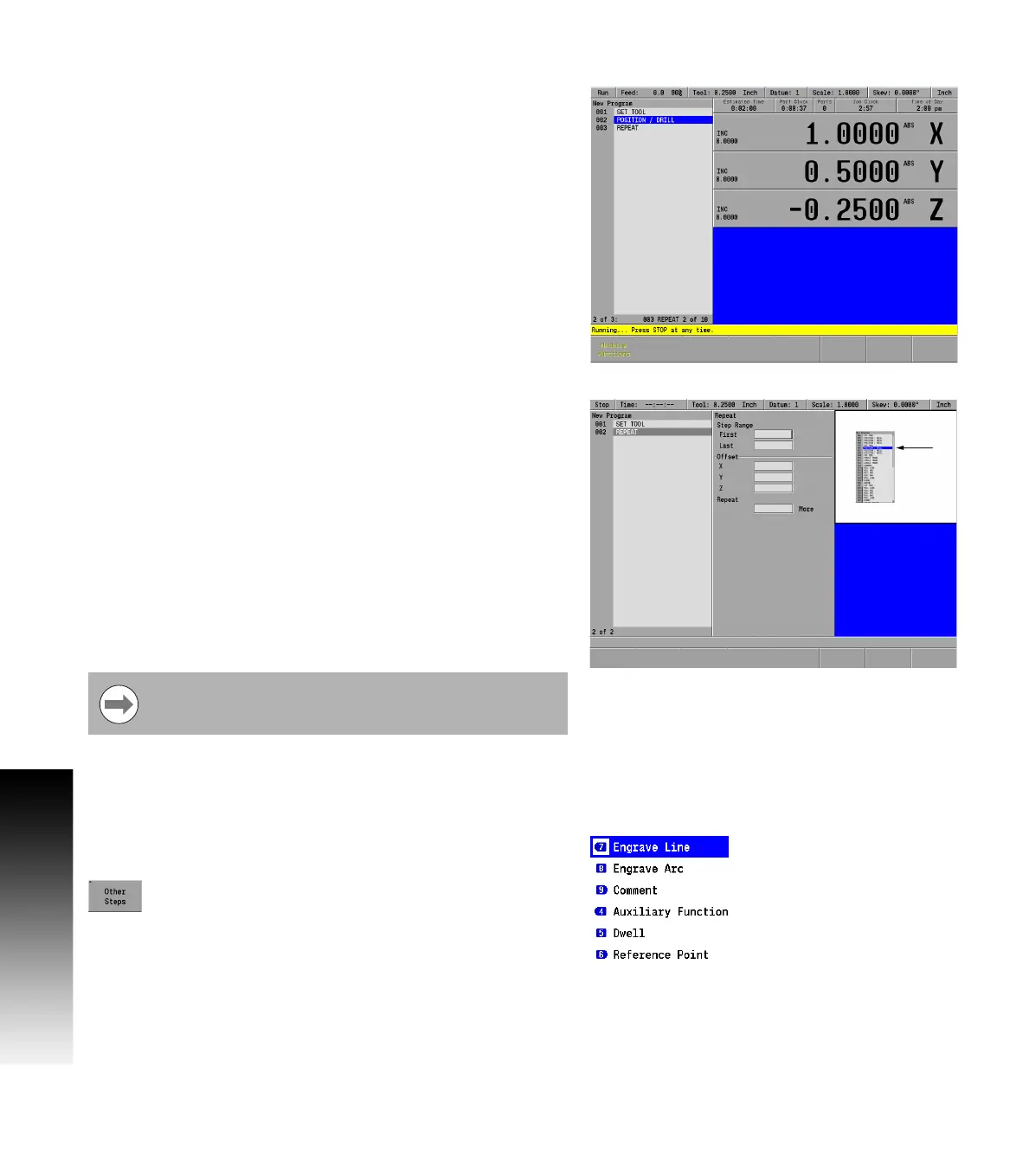
When running a program at the point of executing a Repeat or Rotate,
the footer in the program list view will display the line number, step
type, and iteration of the step.
Mirror
The steps being mirrored must precede the Mirror step.
With Mirror you can create a mirror image of an entire program or a
section of a program.
To program a mirror:
From the PGM screen, press the Program Steps soft key.
Press the Mirror soft key.
Enter the first and last steps in the Step Range that you would like
to mirror.
Enter the X and Y axes coordinates which define the line across
which the step range is mirrored.
Enter the Z offset.
Press the USE key.
Other steps
Other Steps soft key provides additional milling functions available
with the MILLPWR
G2
product.
From the PGM screen, press the Program Steps soft
key, then press the Other Steps soft key to display
the popup Menu.
With MILLPWR
G2
, you have the ability to engrave letters, numbers
and symbols, along a straight line or on an arc. Choose from a simple,
stick or stencil font. The character height, font and modifier settings
you select will define your engraving’s appearance.
The tool diameter being used establishes the spacing between
letters.
The mirrored steps maintain the same cutting convention
as specified in the original steps.



 To Next Page