236 13 Off-Line Software
13.1 MILLPWR
G2
Off-Line Software
13.1 MILLPWR
G2
Off-Line Software
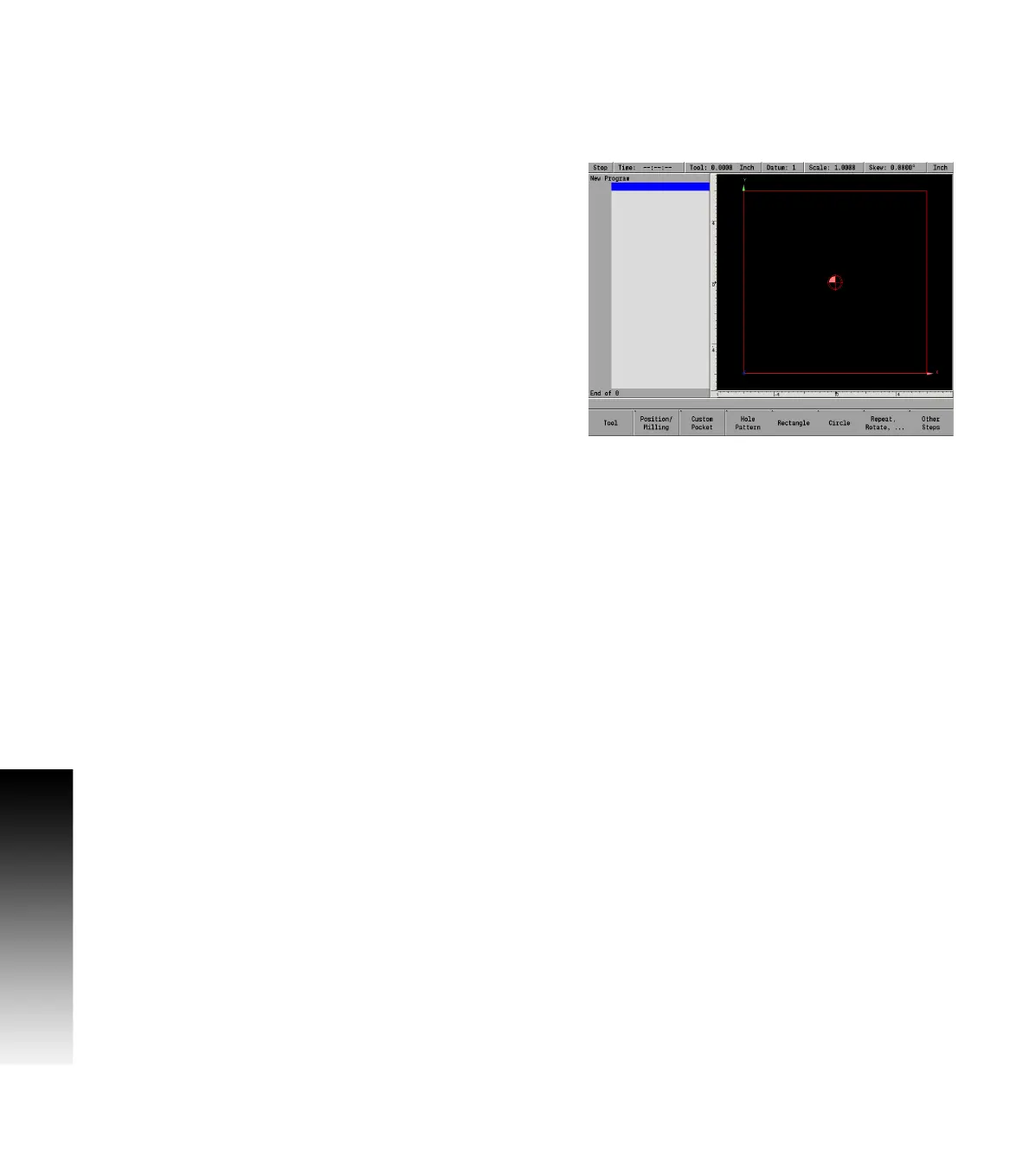
Off-line simulator
The off-line software provides a convenient way to write part
programs and simulate machine behavior using a standard Windows
®
computer. Features and functionality are virtually identical to that of
the MILLPWR
G2
control itself.
System requirements
Platform: IBM compatible PC.
Operating System: All 32-bit and 64-bit editions of ** Windows
Vista/7/8/8.1 are supported.
Available Drive Space: 2GB or higher.
Memory: 1GB or higher.
Display Resolution: 1024x768 (XGA) or higher required. 1440 x 900
(WXGA+) recommended.
Ports: One available USB port for protection device.
Peripherals: Keyboard and pointing device.
**Microsoft
®
,Windows
®
, and Vista
®
are registered trademarks of
Microsoft Corporation in the United States and/or other countries.



 To Next Page