44 1 Introduction
1.5 Accessories
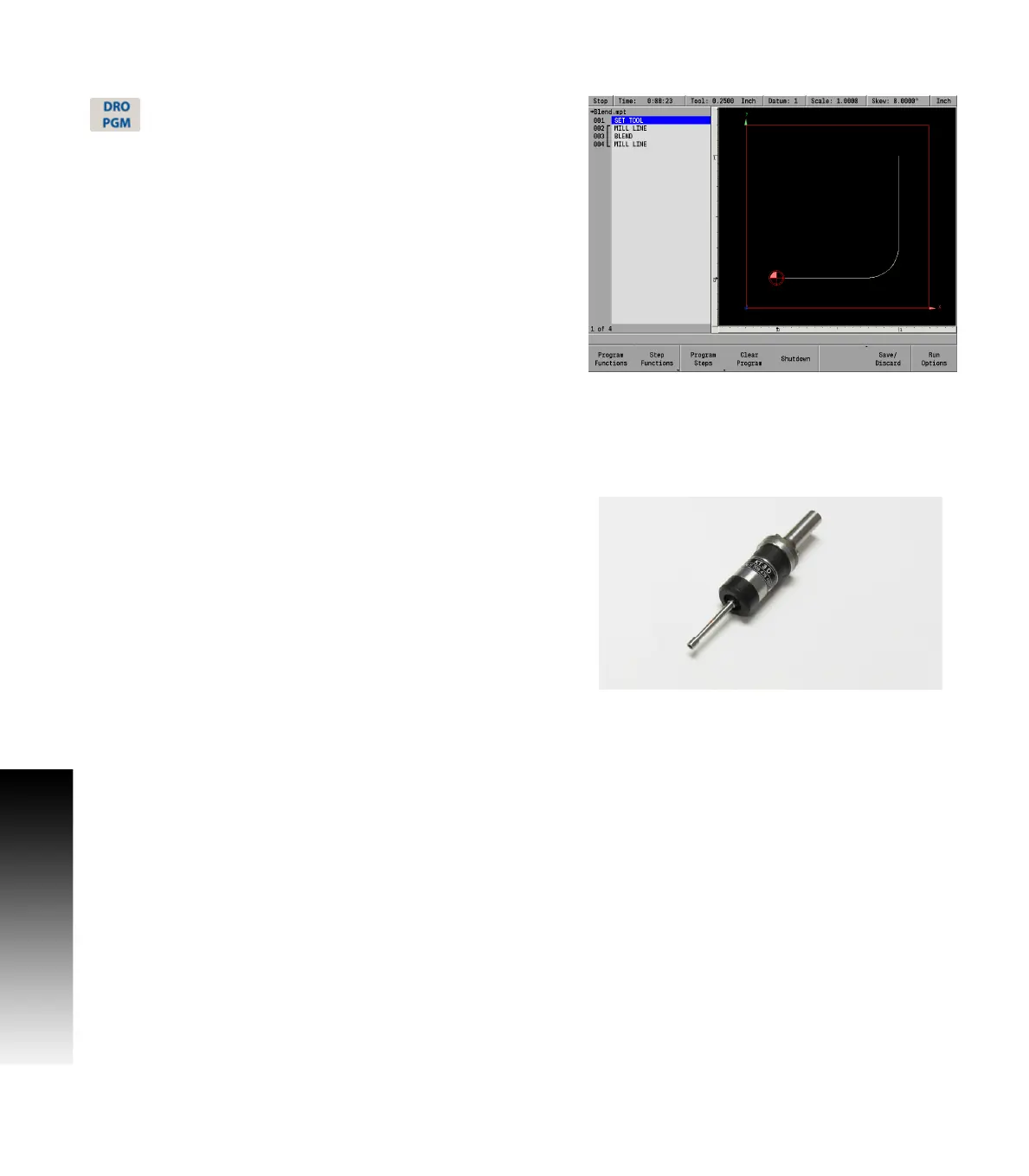
Program display screen
From the DRO mode, press the DRO/PGM key, and the
display changes to program mode showing the
currently selected or loaded program.
When programing a job, the display activates a graphic view of the
program. While the program is running, the operation that is being
performed is graphically shown as well. The VIEW key provides
features to configure the graphic area.
For more information, see "Program function screen" on page 79.
1.5 Accessories
Electronic edge finder
The electronic edge finder KT 3D enables the ability to teach positions,
find the center point of a circle, or locate datum (work piece zero) by
touching off on the part. Advantage of an electronic edge finder is that
it instantly senses when contact is made with the point (even if the
axis over traveled).



 To Next Page