ACU-RITE MILLPWR
G2
187
8.1 Milling and Drilling
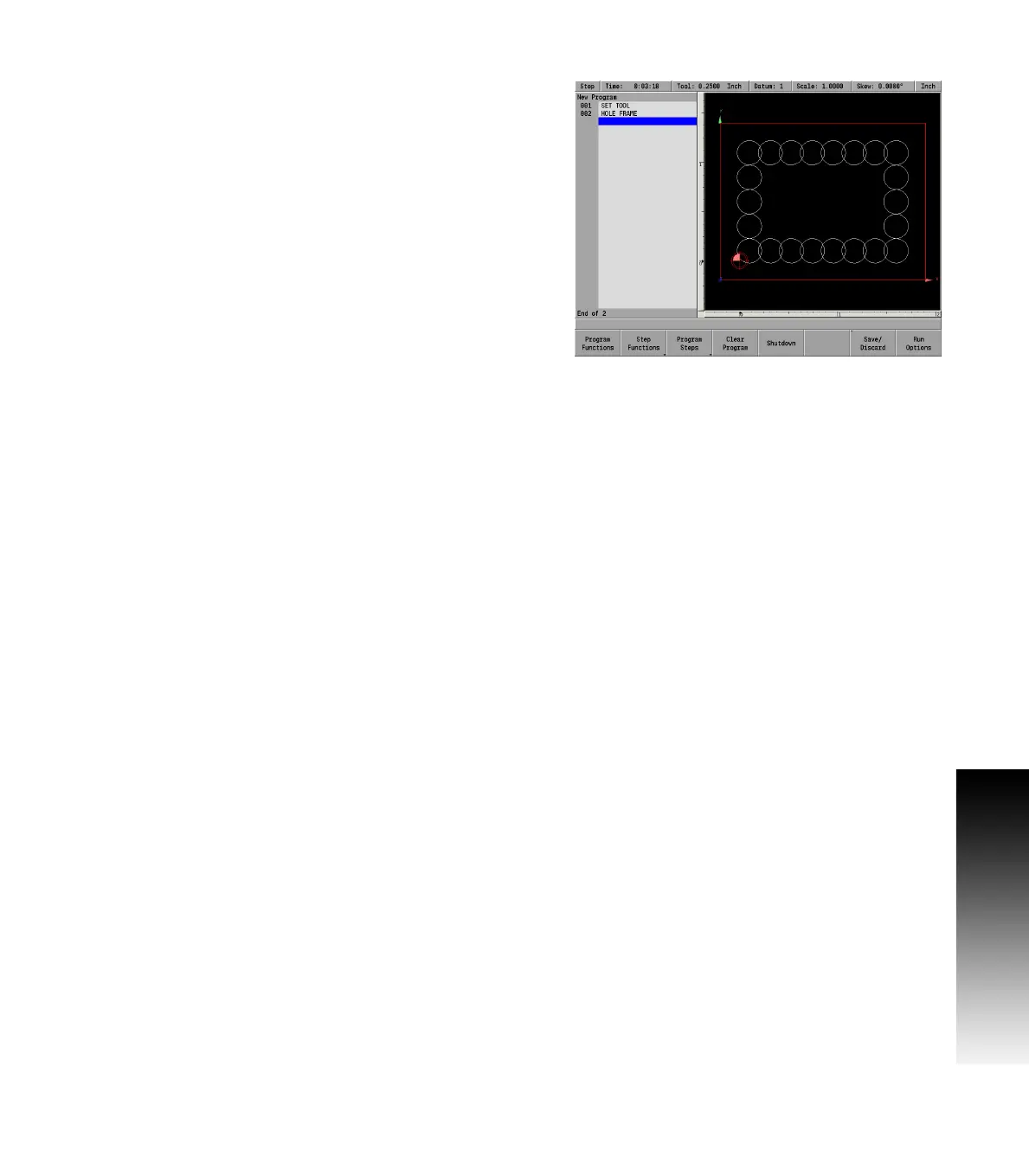
Hole frame and array
Hole Frame and Hole Array patterns require the same information, but
their patterns differ slightly. Hole frames limit holes to the outside
edge of a rectangular shape, while hole arrays allow holes along the
outside edge and throughout the center.
Hole Frames and Hole Arrays can be defined three ways:
By the position of the 1st Corner, size, and the number of holes.
By the position of the 1st Corner, position of the 2nd (diagonal)
Corner, and number of holes.
By the position of the 1st Corner, size, and the number of holes.
By the position of the center, hole spacing, and number of holes
Choose the method that’s easiest for you based upon the
information from your print.
You’ll also be prompted for Peck and Tool Retract values. Peck lets
you break chips and reduce chip buildup during drilling operations. Tool
Retract allows you to program MILLPWR
G2
to raise the tool at regular
intervals.



 To Next Page