186 8 Milling and Drilling
8.1 Milling and Drilling
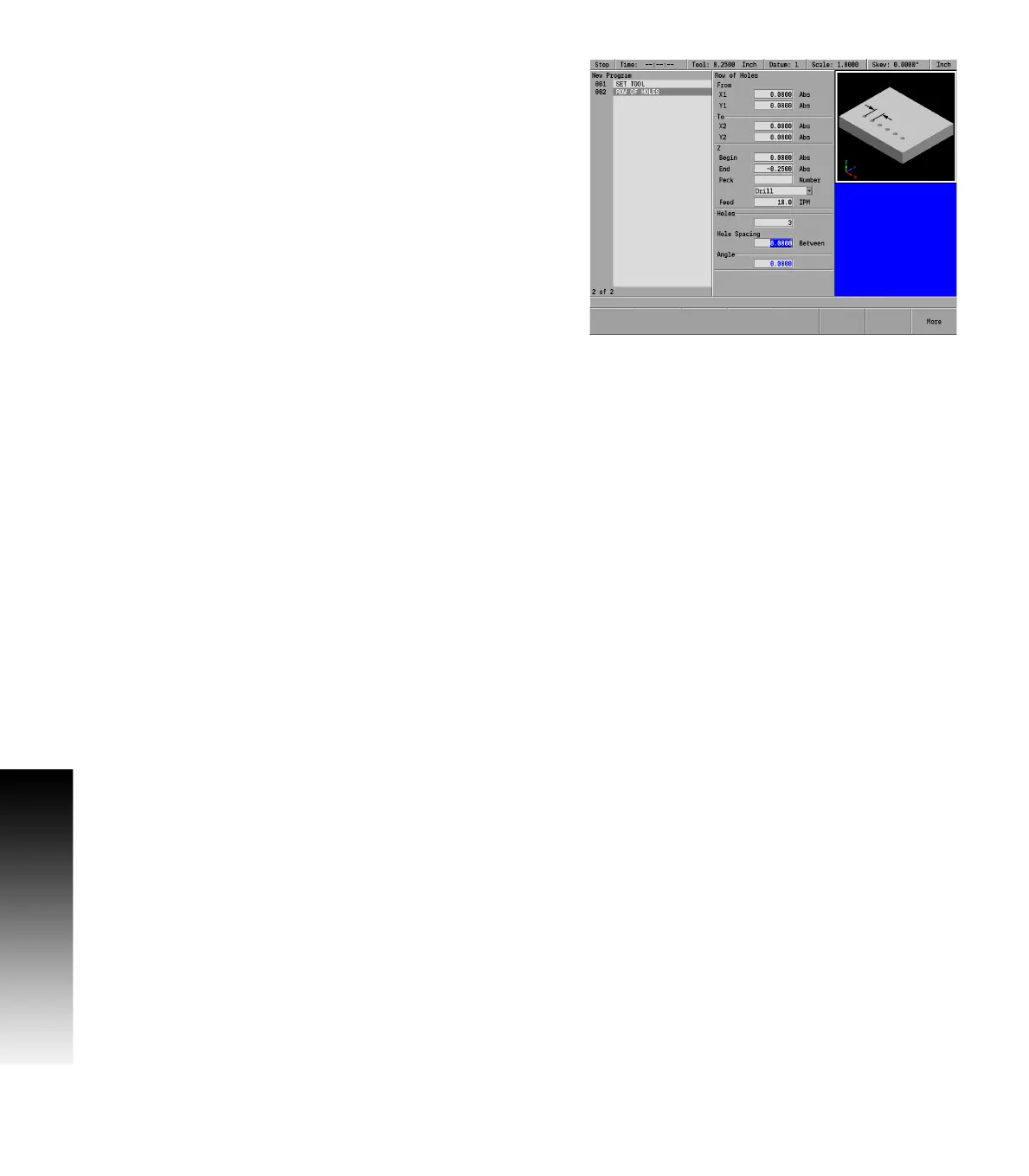
Entering data:
Select the Row of Holes from the popup menu.
In the From field, enter the X and Y axes coordinates for the center
of the first hole and ARROW DOWN to the next field.
Now either: Enter the X and Y axes coordinates for the center of the
last hole in the To field; or perform the following step instead.
ARROW DOWN and enter the distance between each hole (from center
point to center point) in the Hole Spacing field, then enter the angle
of the row of holes.
ARROW DOWN, enter the Z fields, Begin, End, and Peck data.
Select the type of machining to be done: Drill, Bore, or Position.
Either pick from the drop down menu, or the soft keys.
Enter the Z axis Feed Rate. The last feed rate used previously in the
program will be displayed. Rapid is also available, select by using the
Rapid soft key, or select from the drop down menu.
ARROW DOWN or press the More soft key.
Additional information can be entered for tool retract and tool dwell.
The tool field enters the current tool selected as reference
information. To use a different tool, that tool has to be entered as
the current tool.
Press the USE key.



 To Next Page