ACU-RITE MILLPWR
G2
123
6.2 Folders
Loading a G-code program
MILLPWR
G2
has the ability to read and run G-code programs. Basic
editing is also possible. It is important to fully test the G-code program
before machining a part.
A G-code program can be loaded into MILLPWR
G2
in the same
manner as MILLPWR
G2
programs. Once loaded, MILLPWR
G2
will
indicate with an "x" the first error regardless of the cursor location. An
error message also appears in the message line indicating that the line
contains invalid code. The invalid code can be removed by editing the
program outside of the MILLPWR
G2
.
The Load soft key opens programs that have already been saved. Use
the following steps to load a G-code program from MILLPWR
G2
User
folder, a USB device, or from a network location.
If a program is loaded, save the open program, it does not have to
be cleared.
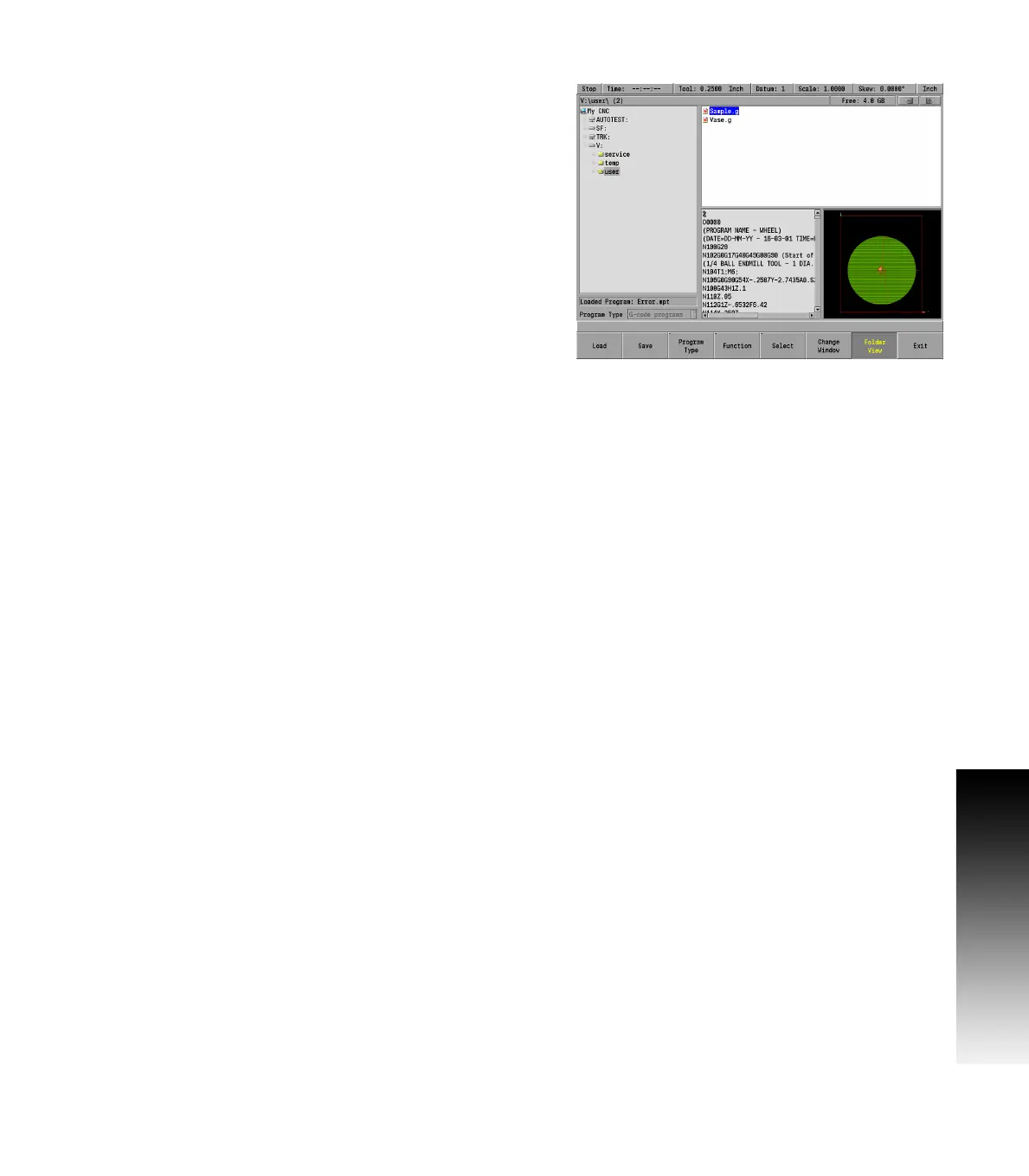
When a G-code program is not located in the current folder, select
the location of the G-code program using the Folder View soft key,
and Change Window soft key as needed.
Verify that G-code programs is selected in the Program Type popup
menu. Only G-code programs stored in the selected folder will be
displayed, see "Program type filter" on page 93.
Using the ARROW keys for navigation in the display window, highlight
the G-code program to load.
Press the Load soft key, and verify that the desired program is now
loaded.
When loading a program from a network, or a USB memory device,
first select the device from the directory tree and follow the same
procedure as would be done from the MILLPWR
G2
User folder.
Running a G-code program
MILLPWR
G2
has the ability to read and run G-code programs. It is
important to create and proof the G-code program before attempting
to machine a part.
Verify the program in the CAD/CAM system that generated the
program. MILLPWR
G2
will draw the program when Loaded. Finally,
lower the knee and dry run the program to verify that the tool path,
feeds and speeds are correct.



 To Next Page