200 8 Milling and Drilling
8.2 Additional Milling Functions
Side Finishing
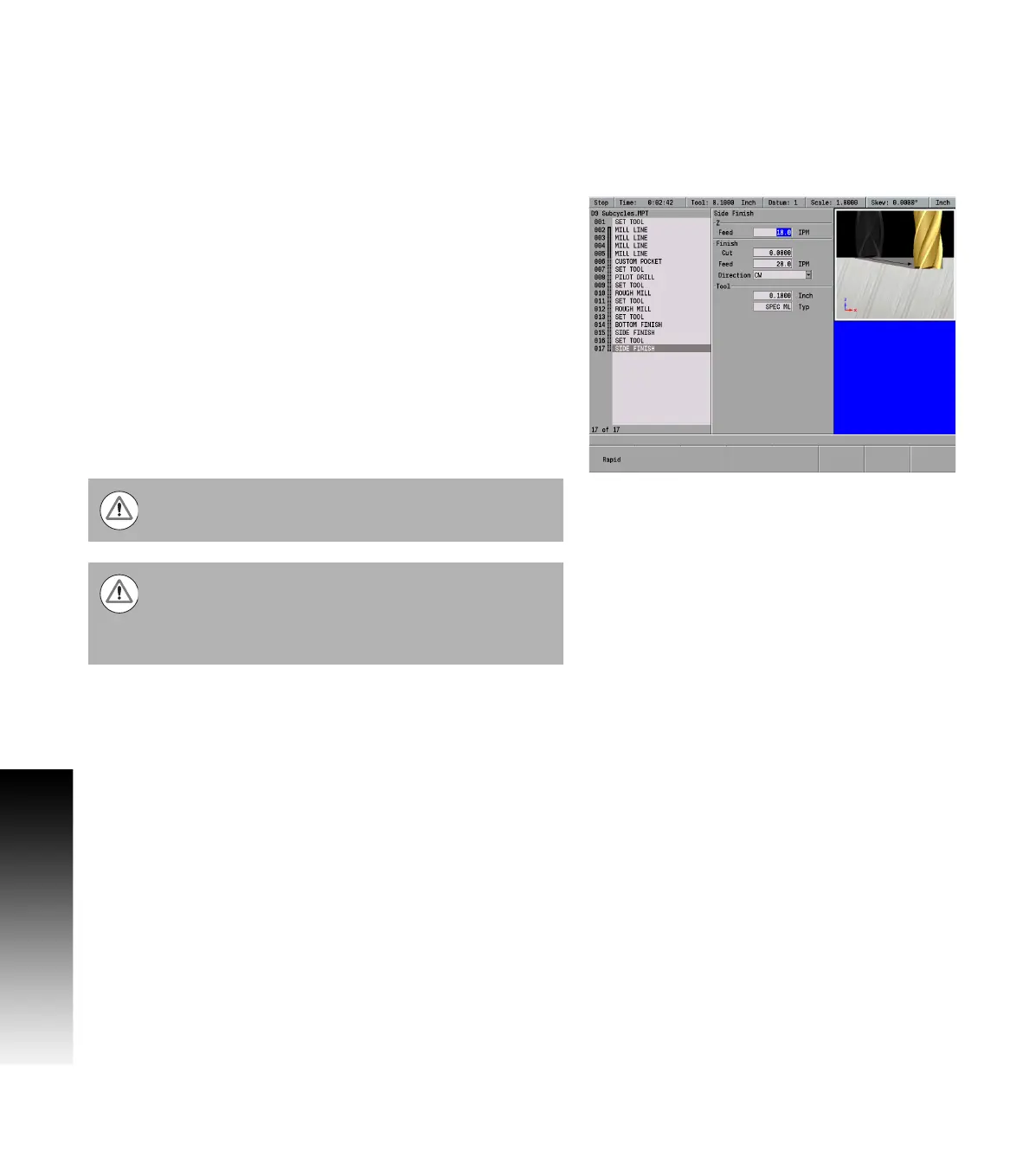
The Side finish step removes material from the side wall of the custom
pocket. It is possible to program multiple tool change and side finish
steps
Side Finish steps are programmed after the Bottom Finish step.
To program a side finishing operation:
From the PGM screen, place the cursor immediately below the
bottom finish step.
If necessary, program a Set Tool step with the finishing tool's size
and parameter settings.
Press the Program Steps soft key.
Select Side Finish in the popup menu.
Enter the Z axis feed rate.
Enter the amount of side material to remain after this operation.
Enter 0 to remove all of the remaining side material.
Enter the table's finish feed rate
For Direction, press either the CW or CCW soft key. The direction is
applied specifically to this side finish operation.
Press the USE key.
Warning: Rough milling must be programmed before
bottom and side finish operations.
Warning: It is possible to start running a program from
one of the cycles following the custom pocket. This
should only be done if the previous cycles have already
been run. Otherwise, the tool may rapid into material that
the system assumes has been machined.



 To Next Page