ACU-RITE MILLPWR
G2
29
1.1 MILLPWR
G2
Disengage Z axis feature
MILLPWR
G2
provides the flexibility to switch between 2 axes and
3 axes operation.
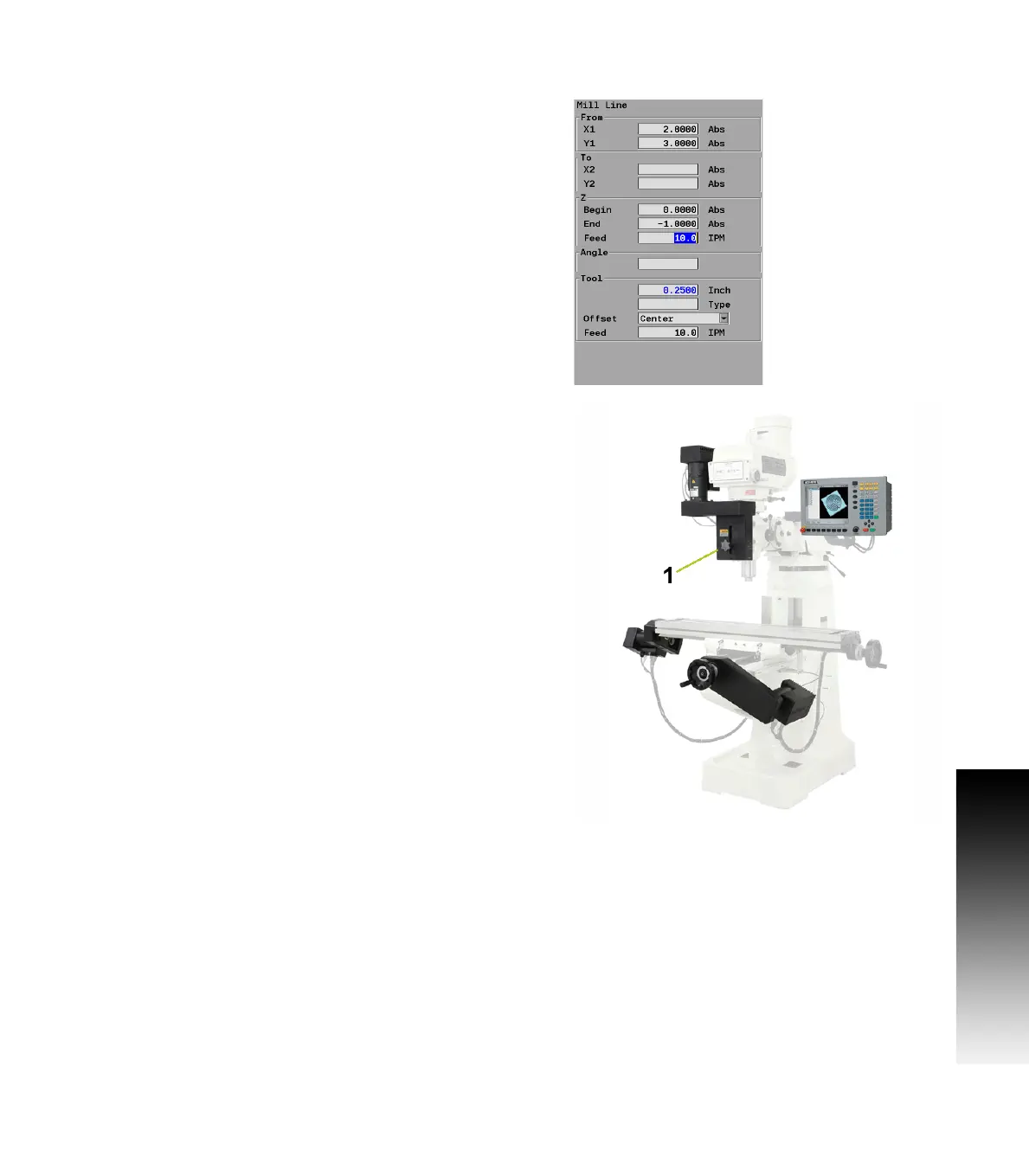
Disengaging the Z axis drive:
Leave the Z Begin field blank when programming a step, or a one
time milling operation.
Raise the quill, then loosen the quick release knob [1] on the front of
the Z axis drive system.
When a program step, or milling operation is then performed, the
operator is prompted to manually position the quill.
Re-engaging the Z axis drive
Raise the quill handle to seat the ball screw into the nut block (e.g.
this would be similar to hitting a dead stop).
Tighten the quick release knob [1].



 To Next Page