ACU-RITE MILLPWR
G2
141
7.1 Demonstration Program
Programming the lower vertical Line
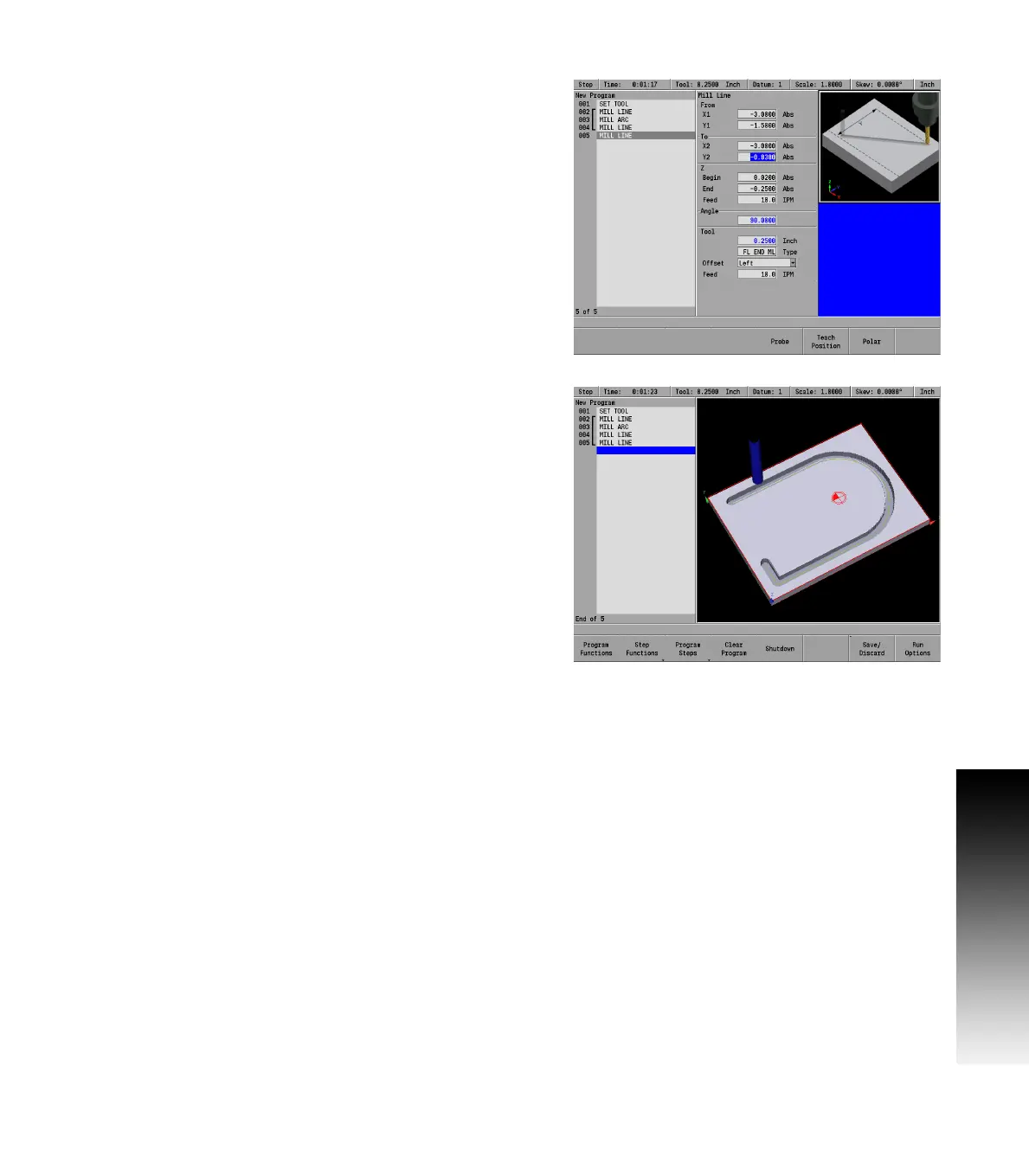
Next, the line that starts vertical from the bottom line at the end of the
arc will be entered.
Press the LINE key.
Again, MILLPWR
G2
assumes that the program is continuing from the
last step. So it has automatically filled in the From: X1, and Y1 fields,
the Z: fields, Tool fields, Feed: fields, and the Offset field.
Using the numerical keypad, enter the following information:
In the To: X2 field enter -3.0, and ARROW DOWN.
In the To: Y2 field enter -.838, and ARROW DOWN.
Press the USE key.
Next, the lower angled line will be added.



 To Next Page