ACU-RITE MILLPWR
G2
63
3.2 Calculator
3.2 Calculator
Accessing the calculator
The built in calculator can be used for simple arithmetic, or other math
functions. The calculator can be accessed at any time, during most
operations.
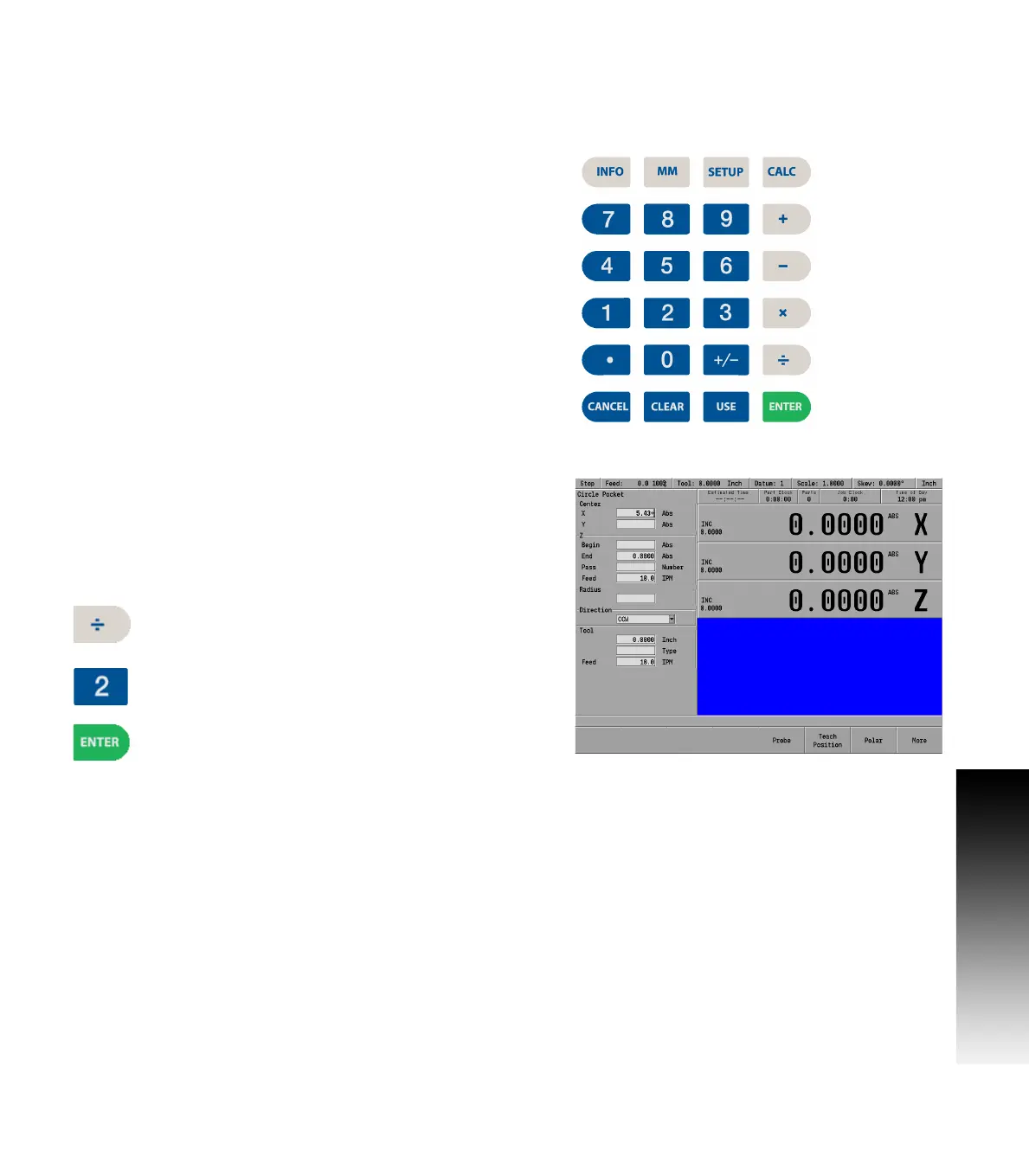
The mathematical functions; +, -, x, and ÷, can be access at any time
using the numerical key pad. These functions are normally accessed
while in a field of a dialogue during PGM mode.
Refer to Chapter 9 "Geometry Calculator" on page 210 for a complete
description, and how to use the Geometry Calculator to perform
complex geometry, and RPM calculations.
Using the calculator to insert data
The calculator can be used in the numeric field of dialogues.
Example, Milling a circle pocket:
The radius of a circle is required in the data input field, and the part
drawing provides a diameter dimension.
The diameter dimension can be entered into the dialogue field.
Then press the Divide by key. The ( ÷ ) divide by
symbol will appear in the field showing the calculation
step.
Then press the 2 key. This will also appear in the field
as part of the calculation steps.
Then press the ENTER key, and the result will be
entered into the dialogue field.



 To Next Page