64 3 DRO Mode and Calculator
3.2 Calculator
Trig functions
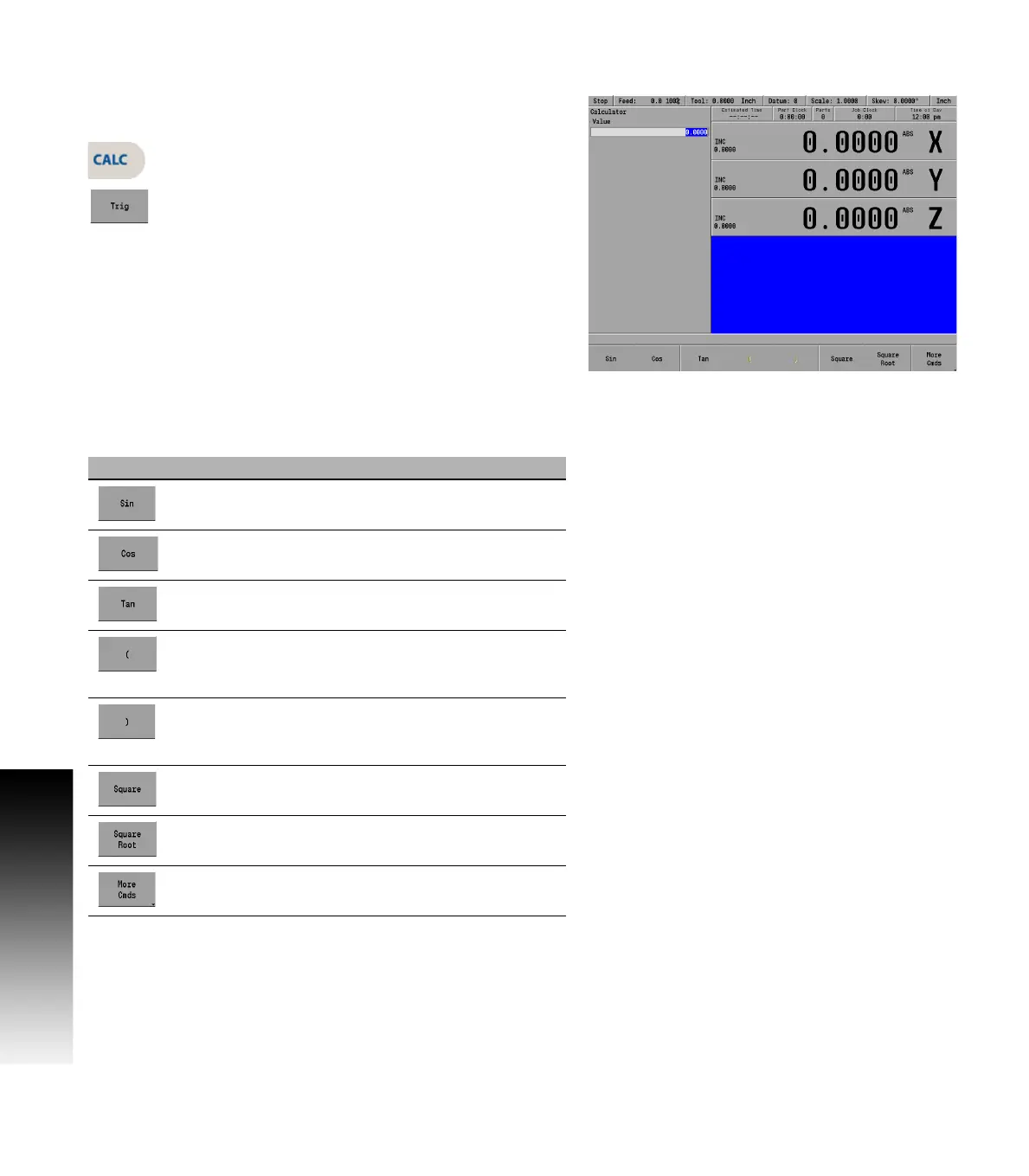
The Trig function calculator can be accessed at any time, during most
operations.
To access the calculator’s Trig functions, press the
CALC key.
Then press the Trig soft key, and select the function
to be used.
The following Trig calculator soft keys are available:
Soft key Description
Sin
Trigonometric Sine function
Cos
Trigonometric Cosine function
Tan
Trigonometric Tangent function
Open Parenthesis (
Used as one of a pair to enclose a sum, or other
expression.
Close Parenthesis )
Used as one of a pair to enclose a sum, or other
expression.
Square
Number multiplied by itself
Square Root
Square root of a number
More Cmds
(see next soft key display area)



 To Next Page