210 9 Geometry/RPM Calculator
9.1 Geometry Calculator
9.1 Geometry Calculator
Overview
The MILLPWR
G2
geometry calculator is used to construct Point/Line/
Arc entities which can then be transferred to the part program.
MILLPWR
G2
built-in calculator is capable of handling everything from
simple arithmetic to complex trigonometry, geometry, and RPM
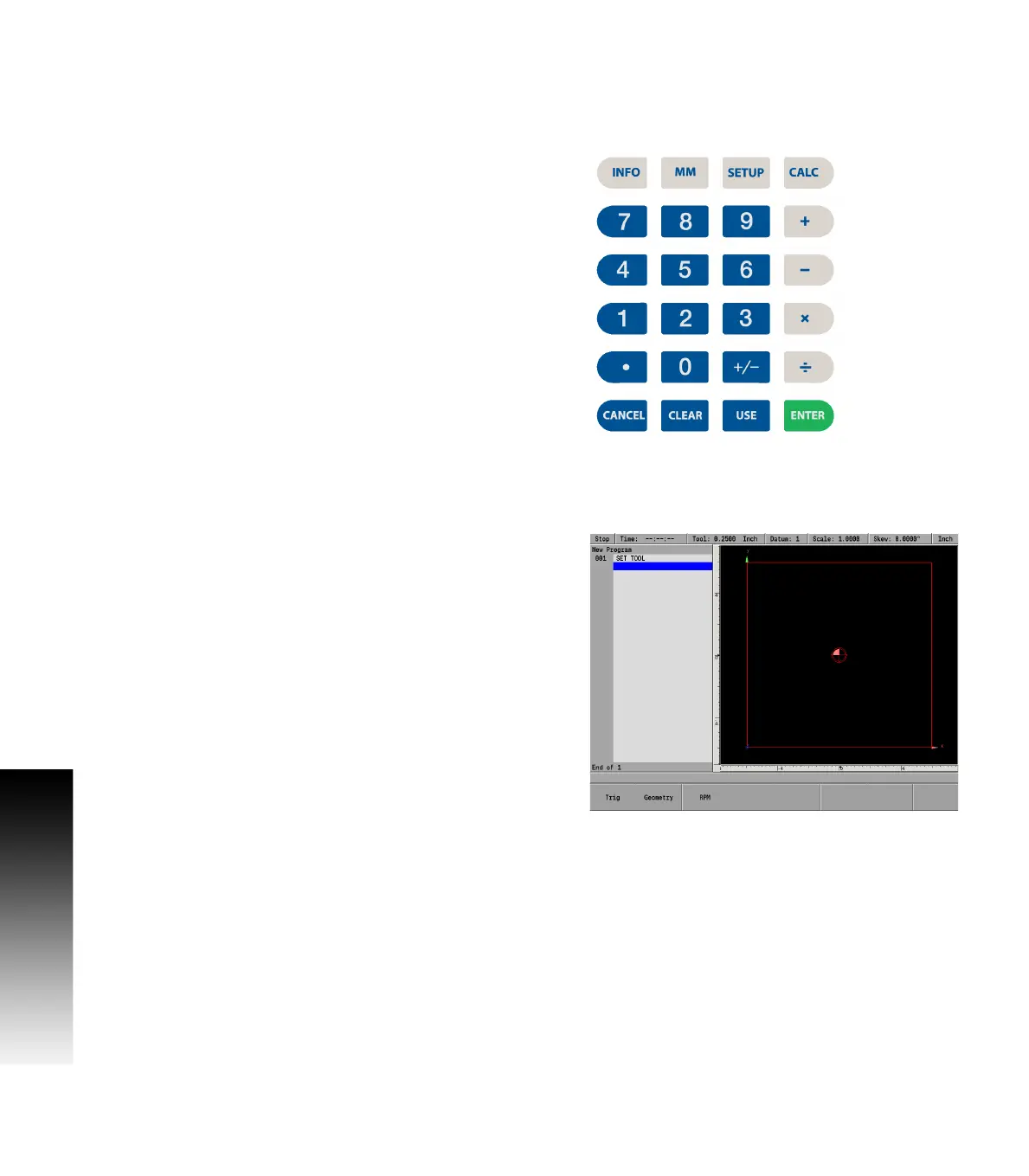
calculations. The numeric keypad resembles a standard calculator with
keys for numbers 0 through 9, four math function symbols
(+, -, x, and ÷), a decimal point, and a positive/negative sign (+/-).
The geometry calculator is accessible from most screens and fields.
Pressing the CALC key at any time will access the “stand-alone”
calculator.
Accessing the geometry calculator
The geometry calculator is a stand-a-lone calculator that contains a
listing of geometry steps and a graphic visualization.
The calculator is opened by pressing the CALC key and selecting the
Geometry soft key. This is only available in PGM mode.
Press the CALC key to enter the calculator mode..
Press the Geometry soft key.
To exit the calculator, press the CANCEL key at any time.



 To Next Page