ACU-RITE MILLPWR
G2
221
9.3 RPM calculator
9.3 RPM calculator
RPM functions
MILLPWR
G2
includes a built-in RPM calculator that allows you to
make RPM calculations in seconds. It calculates the RPM based upon
the tool diameter and surface speed.
If your cursor is in the RPM field of a “Set Tool” step before you open
the RPM calculator, MILLPWR
G2
can transfer the result directly into
the field for you.
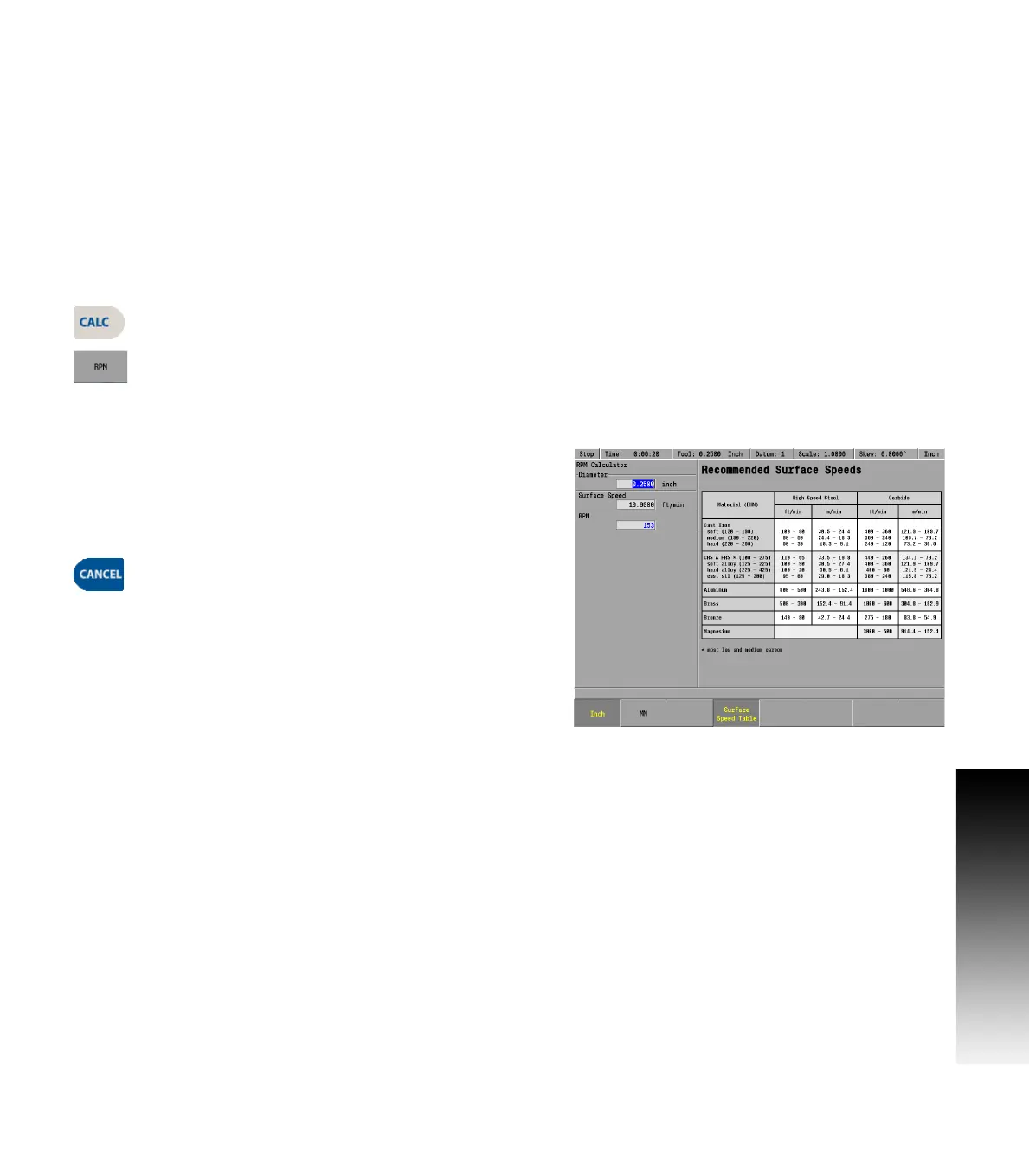
Using the RPM calculator
Press the CALC key.
Then press the RPM soft key.
RPM dialogue
Enter the diameter of the tool in the Diameter field. Soft keys are
available to switch between Inch and MM.
Enter the surface speed for the material and cutter type in the
Surface Speed field.
MILLPWR
G2
will calculate the RPM.
Press the CANCEL key to return to the program.



 To Next Page