220 9 Geometry/RPM Calculator
9.2 Geometry User Interface
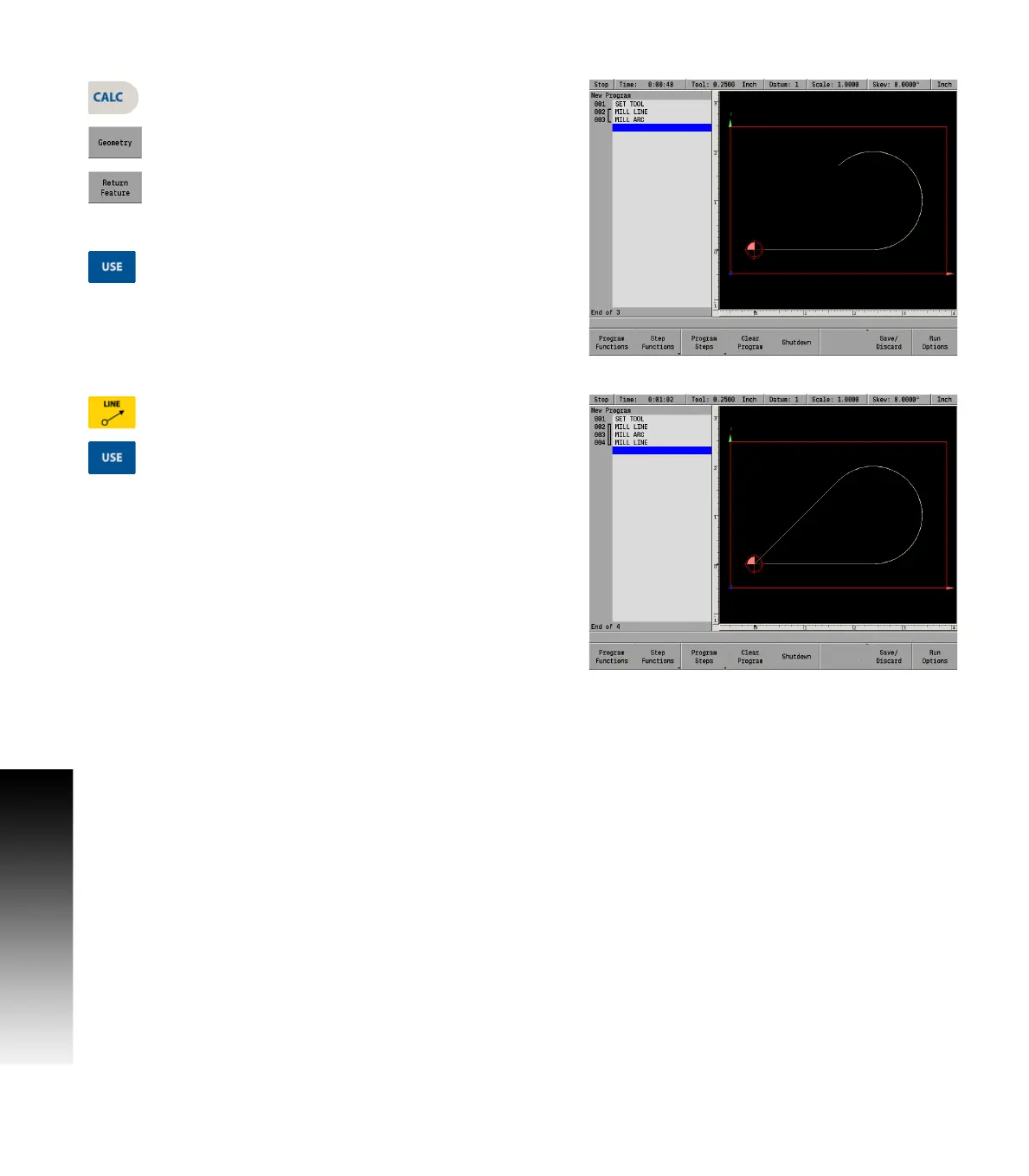
Returning the arc feature
Press the CALC key.
Press the Geometry soft key.
Highlight the GeoArc (step 003). Press the Return
Feature soft key. The program screen will return and
automatically add an arc step to your program and
place the arc's information into the dialogue.
Press the USE key to accept the arc into the part
program.
Finishing the program
Press the LINE key to begin a new Mill Line dialogue.
Enter coordinates for the To point (point A).
Press the USE key to accept the line into the part
program.



 To Next Page