122 6 Programming
6.2 Folders
G-code programs
G-code editing capabilities
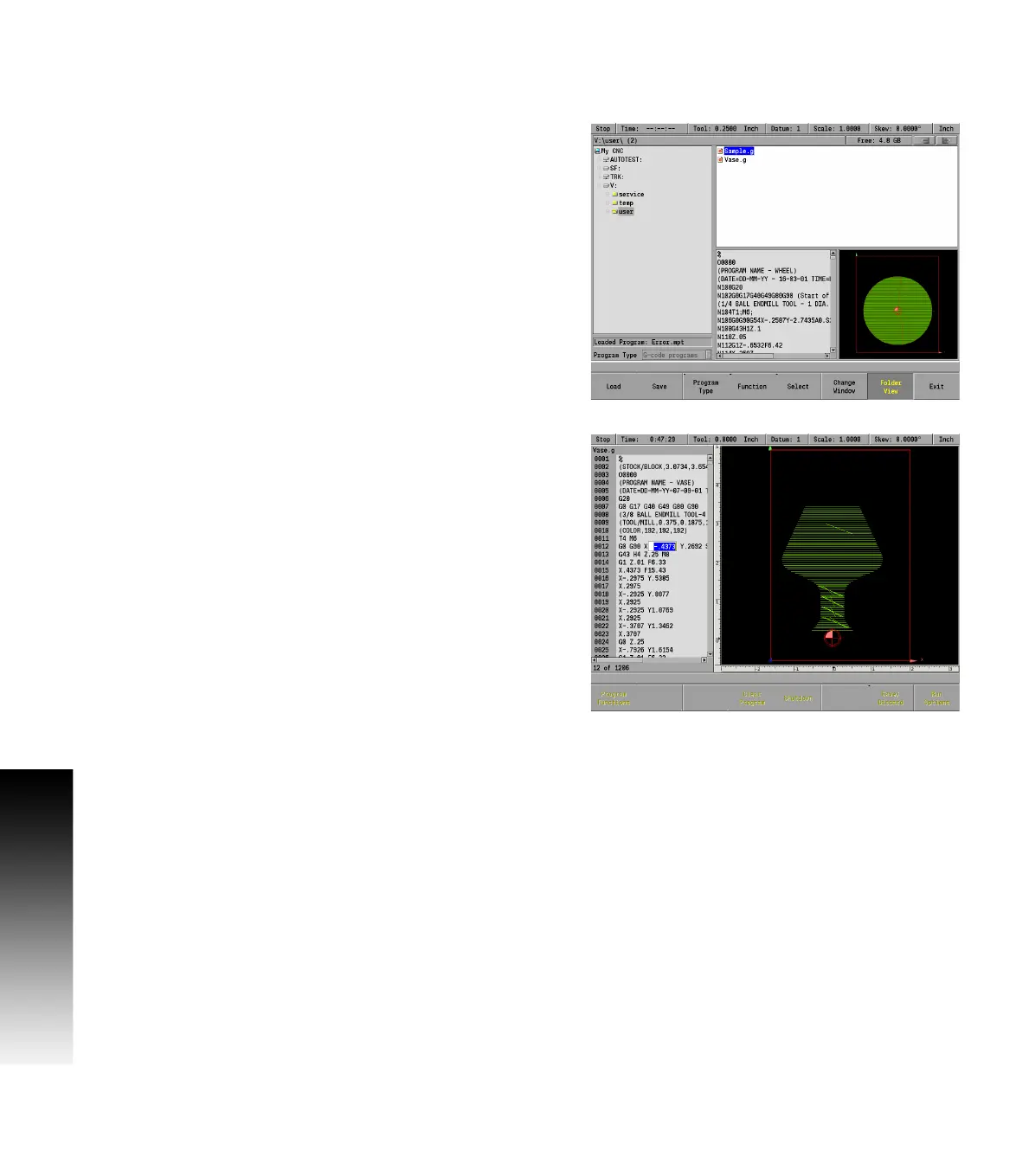
G-code programs have basic editing capabilities. The value of an
existing g-code address can be changed.
There are no soft keys available for editing, all navigation is done using
the ARROW keys. Use UP and DOWN ARROW keys to move the cursor to the
line that needs to be edited. And press ENTER to edit the line.
Use the LEFT and RIGHT ARROW keys to move from address value to
address value within the line. Enter the new value for an address. The
UP and DOWN ARROW keys do not function in this mode.
Only the value of an address when highlighted can be changed. The
CANCEL key will cancel any edits made. The ENTER key and the LEFT or
RIGHT ARROW key accepts changes made to an address, and then
moves to the next address. The USE key accepts the changes to the
line and allows use of UP and DOWN ARROW keys.
The values of the following addresses can be edited: F, I, J, K, L, M,
N, O,P, S, T, X, Y, and Z. See "G-code and M-Code definitions" starting
on page 125.
A highlighted line can be removed by pressing the CLEAR key.
The MILLPWR
G2
will calculate the block form of the G-code program.
The values for the block form can be viewed using the Block Form soft
key. The block form can be edited and even inserted into the program
by using the soft key Insert G120. Once inserted in the program
(G120), the block form in the program is used. Remove the line
containing the G120 to revert back to the calculated block form.



 To Next Page