96 6 Programming
6.1 Conversational Programming
6.1 Conversational Programming
Programming considerations
“From” and “To” points
Lines and arcs are defined by their From point (the point where they
begin) and To point (the point where they end).
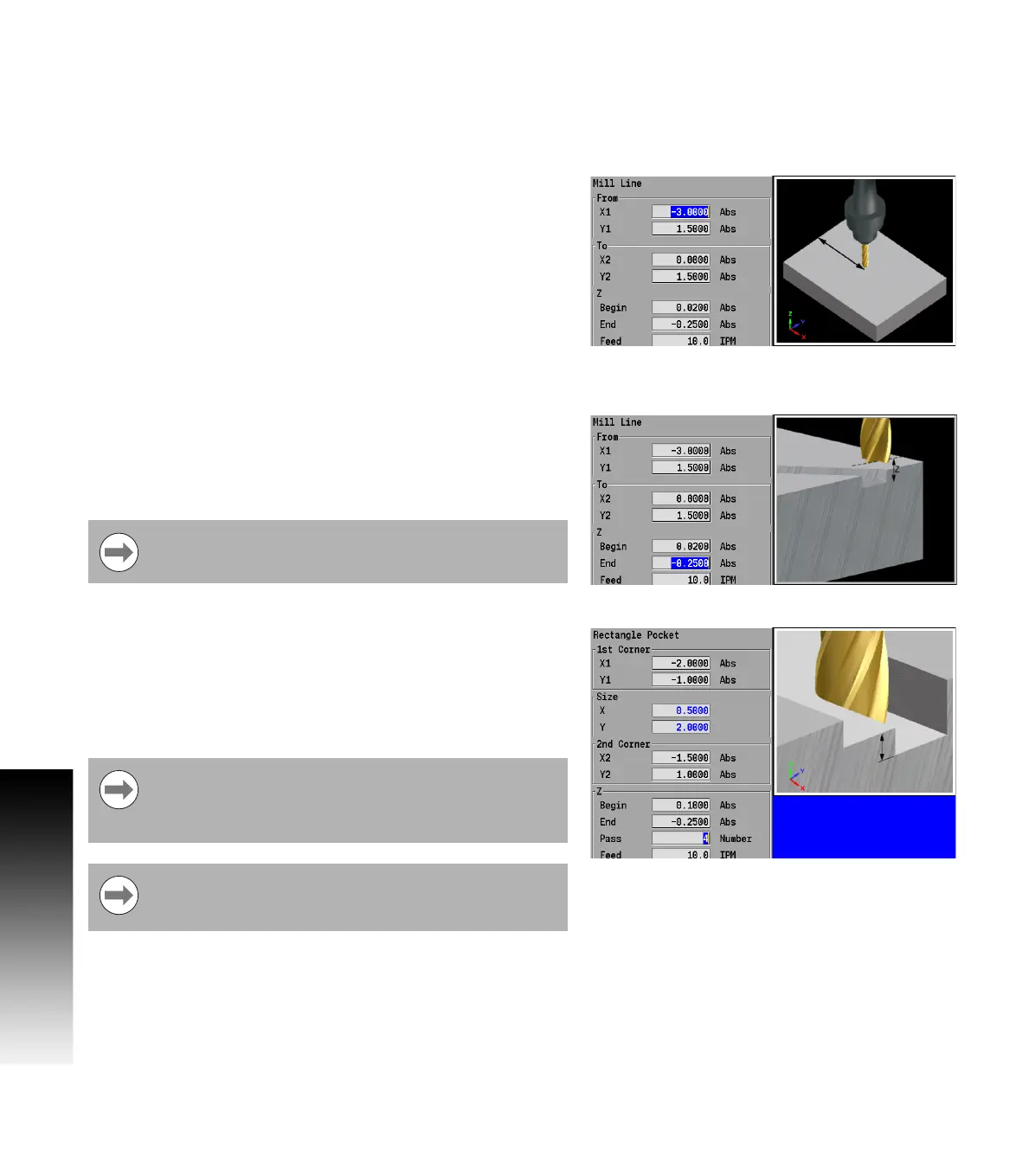
Depth of cut
When programming the depth of cut, MILLPWR
G2
will prompt for the
Begin and End locations for the Z axis.
The location that is entered into the Z Begin field tells MILLPWR
G2
where the quill is to begin cutting at the programmed feed rate. The
End location defines the depth of the cut.
Pass
Pass refers to the number of cuts or the distance (depth) of each cut
that are used to machine an area to its End depth. The operator selects
which is to be required in this field from Job Setup. In the Job Setup
dialogue, Distance or Number of Cycles must be selected. Which
selection is chosen will appear on all dialogues where it is required.
The number of passes can be controlled by entering a value in the
Pass field (where ever it is available).
Always be sure that the Begin location is above the
surface of the workpiece.
Pass is ignored on 2 axes systems. The operator must set
the depth of cut for each pass, and repeat the operation
until the full depth has been reached (see "Machining your
part" on page 114).
Leaving the field blank programs the MILLPWR
G2
to make
the cut in the number of passes it decides is necessary.
No pass will exceed the diameter of the active tool



 To Next Page