50 2 Machining Fundamentals
2.2 Manual Machine Positioning
Press the appropriate ARROW key (or soft key) to move the table in the
direction required for the axis move. The table will move at the
currently active jogging speed. The table will move until the ARROW
key is released.
Adjusting the feedrate
The Feedrate Override potentiometer can be used to override the
currently active feedrate or rapid rate for machine moves. The switch
provides a range of 0% to max% as defined in Job setup, see page
225. Setting the switch to 100% will allow the actual feedrate or rapid
rate currently active to be used.
Preset moves
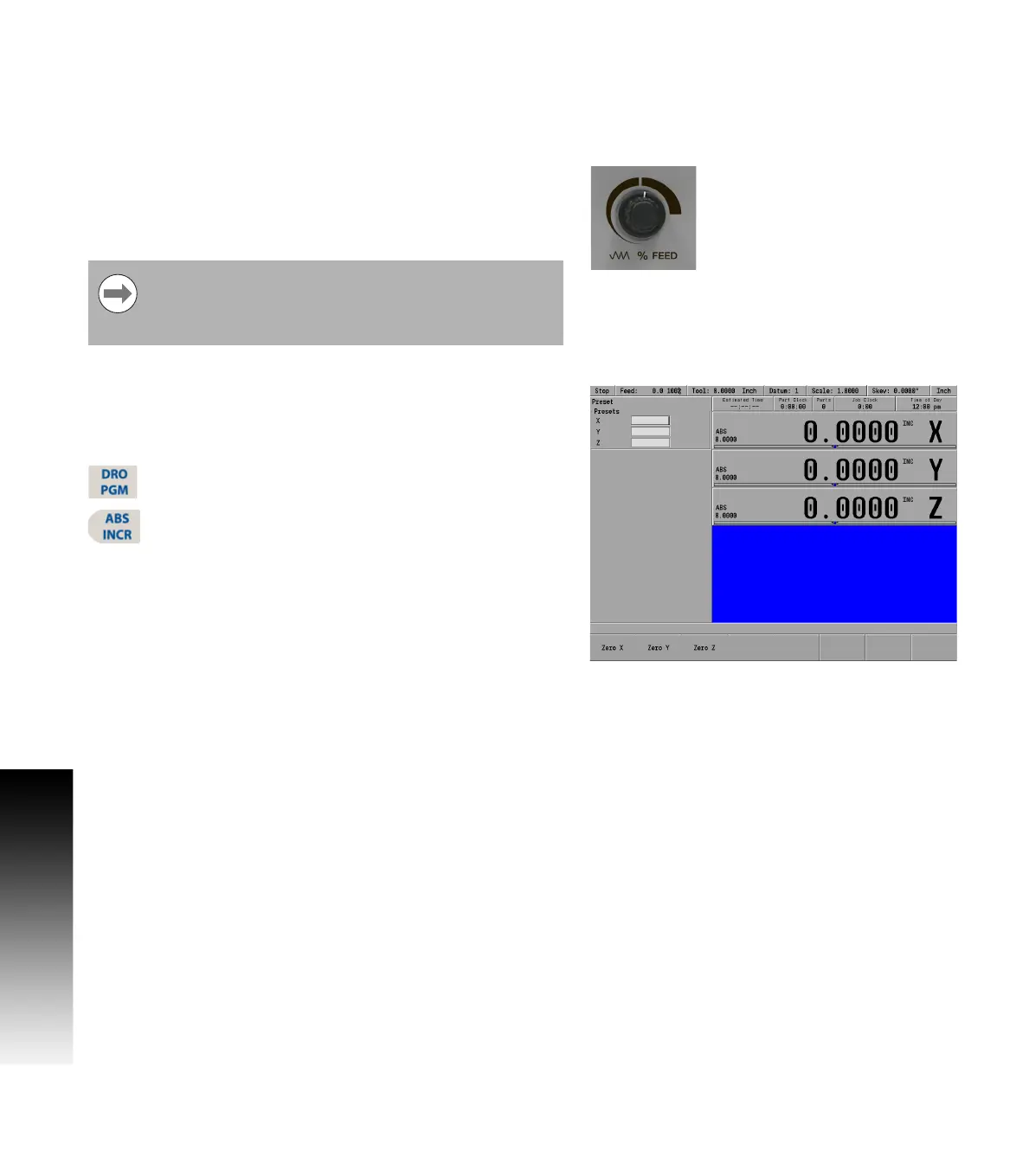
The Preset feature allows the machine to be used manually like a
readout. The preset dialogue is used to set a target location. After
entering a target location, the INCR display will show the distance
between the current position to, and the target position.
Press the DRO/PGM key on the front panel to place the
MILLPWR
G2
in DRO mode.
Press the ABS/INCR key on the front panel to place the
MILLPWR
G2
to INCR.
Press the Preset soft key to open the Preset dialogue.
Enter the target coordinates for X, Y, and Z.
Press the USE key to set the target and exit the Preset dialogue.
Press the CANCEL key at any time to cancel and exit the Preset
dialogue.
Manually move the table and/or quill until the INCR axis positions are
zero. When the INCR positions are zero, the machine is at the target
position.
Zero incremental
The INCR display may be set to zero at the machines current location.
Press the DRO/PGM key on the front panel to place the MILLPWR
G2
in DRO mode.
Press the ABS/INCR key on the front panel to place the MILLPWR
G2
to INCR.
Press the Zero X soft key to zero the X axis.
Press the Zero Y soft key to zero the Y axis.
Press the Zero Z soft key to zero the Z axis.
The INCR display will show zero. As the table or quill are moved, the
INCR display will show the distance from the current position to the
zero location.
The machine builder determines the default rapid rate and
maximum feedrate at setup. If the MILLPWR
G2
is shut
down, the configuration file reloads these default rates at
the next power up.



 To Next Page