ACU-RITE MILLPWR
G2
237
13.1 MILLPWR
G2
Off-Line Software
Installation
The software is installed in the usual manner by launching the setup
program, selecting an installation destination, and choosing the
desired features to be installed. Using the default setting for a
"Complete" feature installation is highly recommended to ensure
proper functionality. On some systems, you may be required to
restart the computer after installation before the application will
display properly.
Operation
Before using the off-line software, a USB Protection Module (ID.
683048-01, 683049-01, or 683050-01) must be inserted into an
available USB port on the computer. If no USB protection dongle is
installed, the software will not allow operation.
The off-line software can be started by using either the "MILLPWR
G2
Off-Line" shortcut created on your desktop during installation or from
the Start menu. Once the software is running, it is operated in the
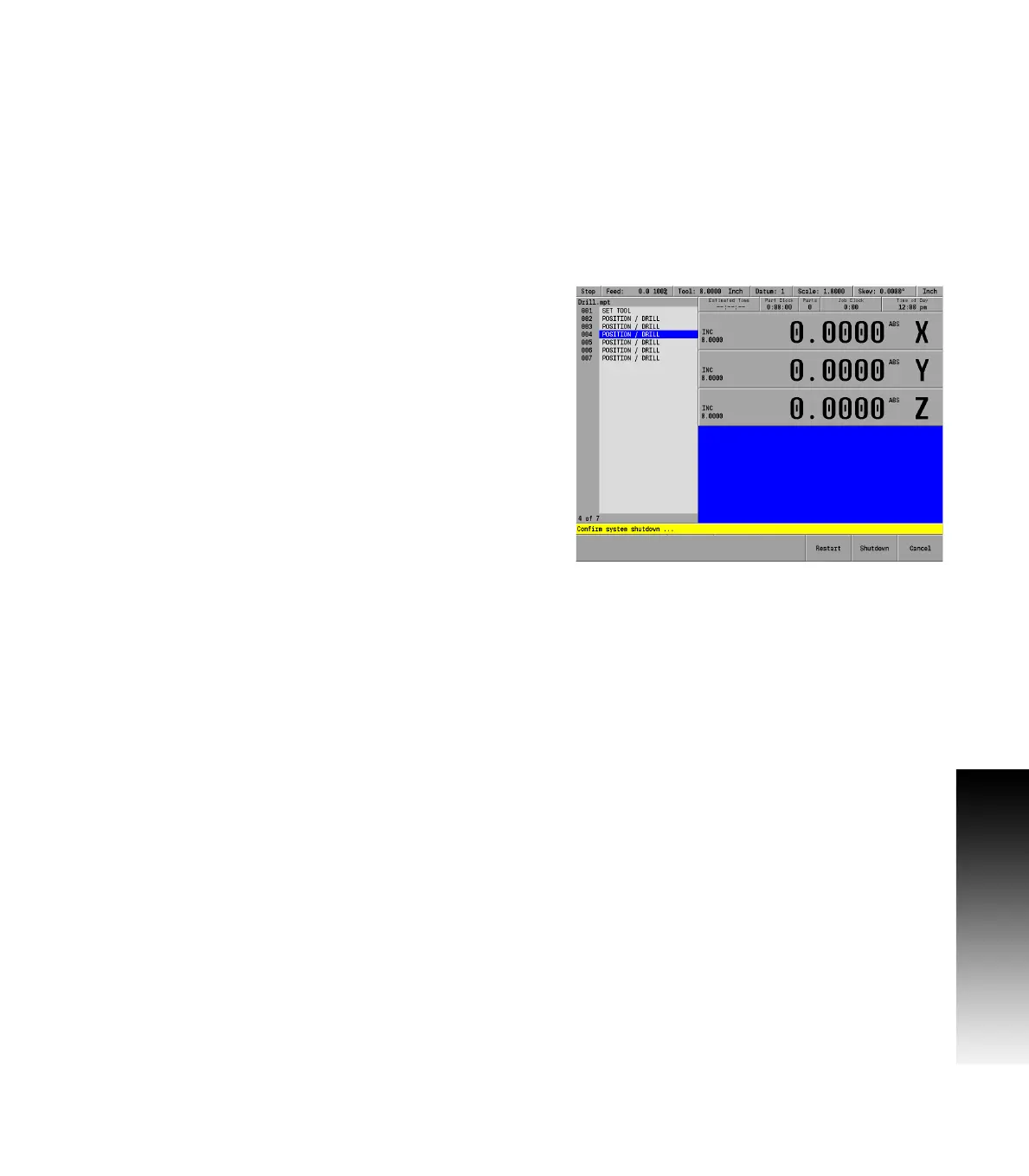
same manner as the machine itself. Similarly, it should be shut down
using the same sequence of selecting Shutdown and confirming
Shutdown at the prompt. If for some reason the software becomes
unresponsive, a force quit can be done using the "ShutDown
MILLPWR
G2
" shortcut created on your desktop during installation or
from the Start menu. Normal shutdown procedure should be used
unless the force quit method is absolutely required.
Programs created in the off-line software can be copied to the CNC,
and (with the correct setup) run on your machine.



 To Next Page