ACU-RITE MILLPWR
G2
217
9.2 Geometry User Interface
Step 2
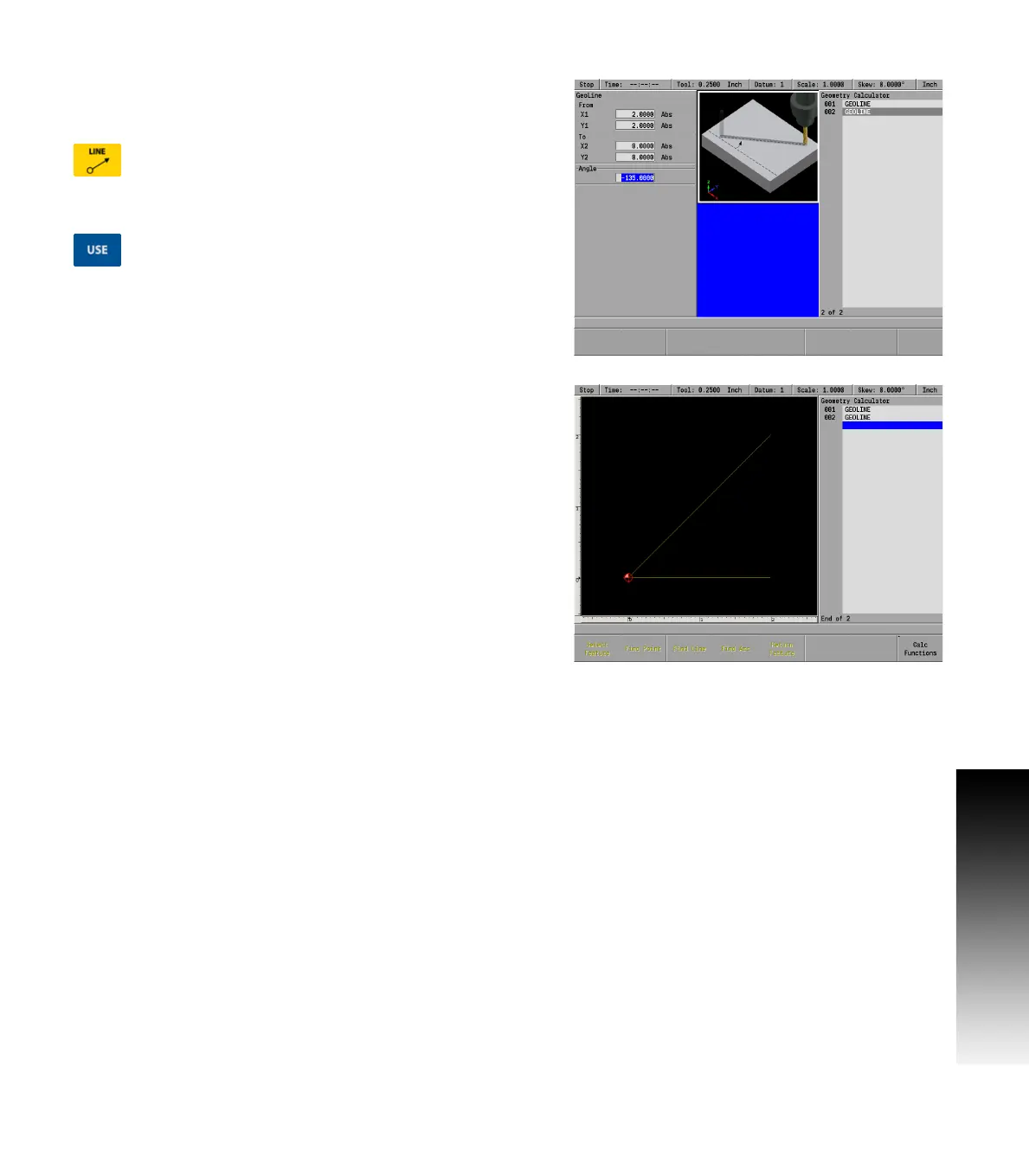
The second step will be to draw a line by entering the absolute
coordinates for point C (2, 2) in the “From” field and point A (0, 0) in
the “To” field.
Press the LINE key and enter the data in the GeoLine
dialogue. Enter 2 in the From X1 field, and 2 in the
From Y1 field.
Enter 0 in the To X2 field, and 0 in the Y2 field.
Press the USE key to enter the data into the program.
The Geometry Calculator screen should now have these two lines
displayed.



 To Next Page