234 12 Software Update
12.1 Updating System Software
12.1 Updating System Software
Software update
If desired as a precautionary method, a backup of the control's internal
drive can be made prior to updating the system software, by using the
included USB Recovery Drive (1127022-xx). Please refer to the manual
included with the drive for the backup procedure.
Use a blank USB memory stick (1 GB or larger) to update the software.
Do not use any memory stick with a smaller storage capacity.
A ZIP file must be obtained which includes the software installation
files. The ZIP can be extracted to the root of the empty USB drive.
When the control software is started, if a USB drive is present which
contains a software update, the control will automatically start a
software update. The required folder structure for the software update
on the USB drive is as follows:
<DRIVE>:\install\setup.zip.
Procedure for updating the software
Shut down the control software using the normal method of
pressing the Shutdown soft key.
Press the Restart soft key to initiate the reboot sequence.
Insert the USB memory device containing the folder named "install"
into an available USB port on the console.
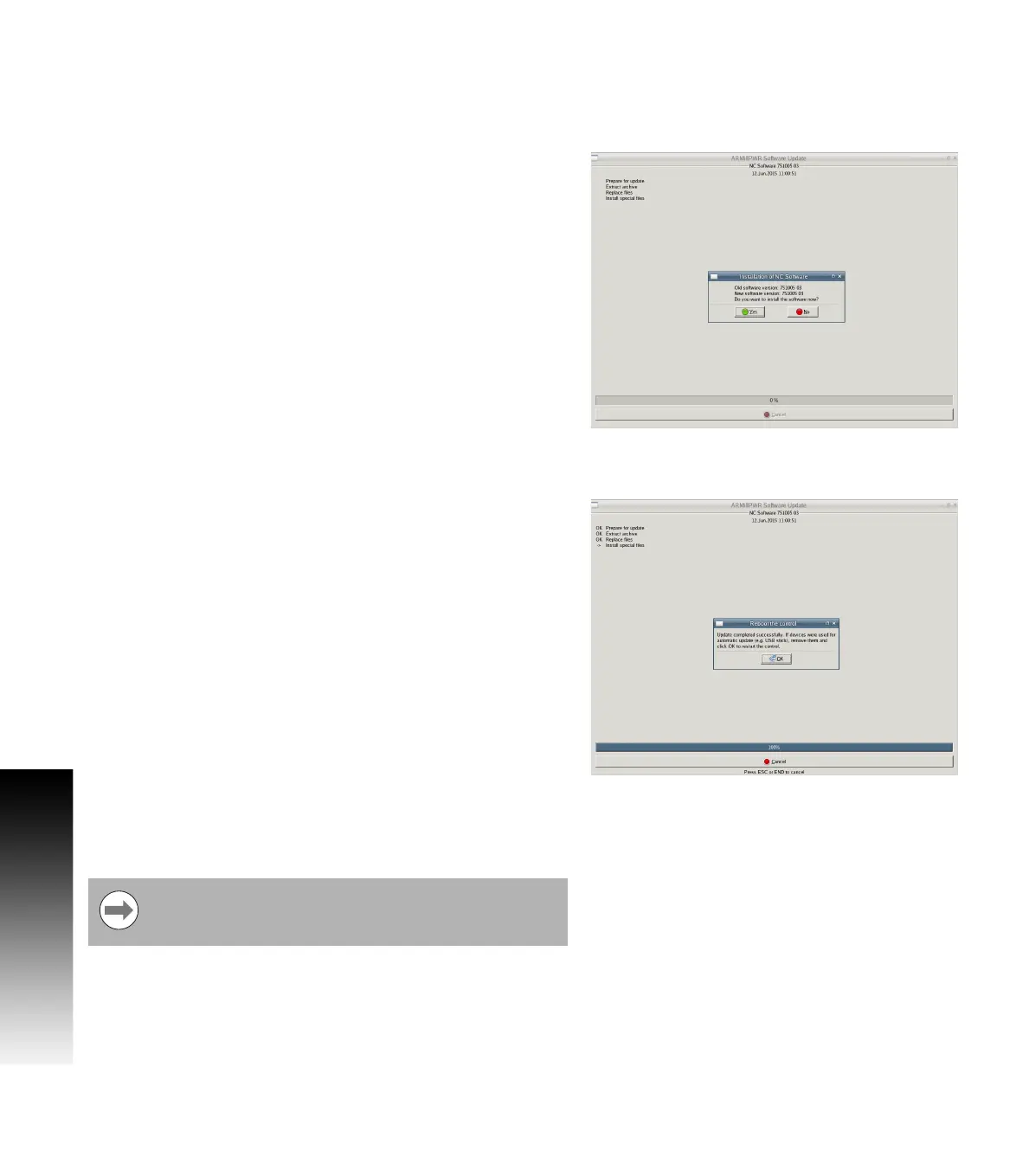
After starting, the MILLPWR
G2
Software Update screen will appear
with a confirmation box. If necessary, use the UP/DOWN ARROW keys to
select the language (e.g. English) and press ENTER.
A confirmation box will appear. If necessary, use the LEFT or RIGHT
ARROW keys to select Yes, then press ENTER.
The software update will now be done automatically, taking about
10 minutes.
When the update is complete, it will prompt you to remove the USB
drive and restart. At this time, remove the USB drive and press
ENTER to restart.
After the system has restarted, it will start up normally to the control
software.
If any issues are encountered, please either refer to the technical
manual or contact your service representative for assistance.
If the USB memory stick used for installation is not
removed, then the prompt to install the software will
continue to appear on subsequent power cycles.



 To Next Page