240 13 Off-Line Software
13.1 MILLPWR
G2
Off-Line Software
Numeric, and ARROW keys:
The ARROW keys on a standard PC keyboard will simulate the console
ARROW keys, and the number keys will simulate the console number
keys (using number lock). When number lock is turned off, the ARROW
keys on the number keys (2, 4, 8, 6) will simulate the console ARROW
keys.
Updating
It is not necessary to un-install the software before installing updates.
Running the new setup program will update the existing installation to
the newer version. Although your created part programs will remain
intact, it is always recommended to make a backup of your programs
and/or configurations before updating the software installation.
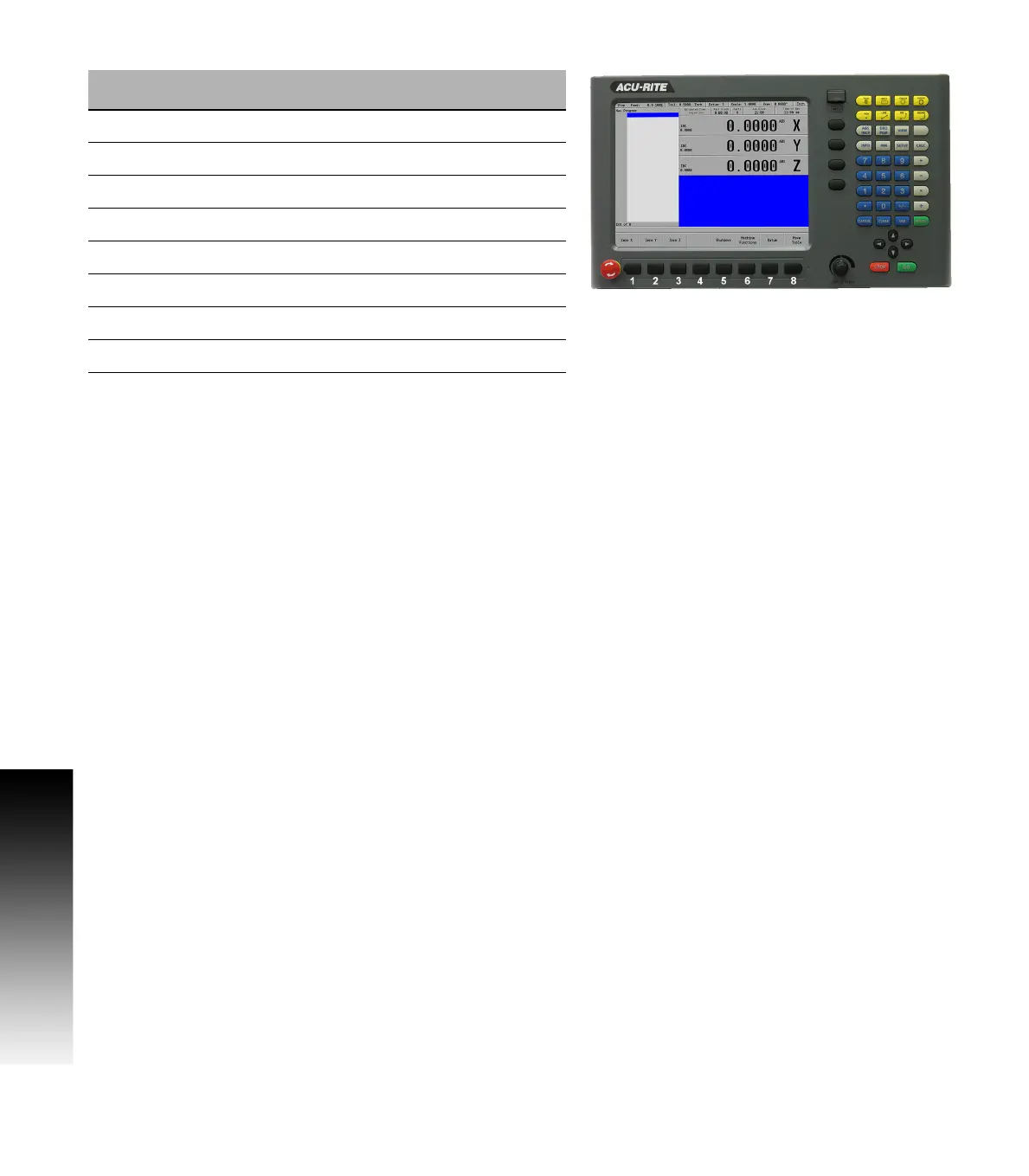
Soft keys Shortcut
1 F1
2 F2
3 F3
4 F4
5 F5
6 F6
7 F7
8 F8


 To Next Page