214 9 Geometry/RPM Calculator
9.2 Geometry User Interface
Some operations require entry of additional information (distance,
angle, or radius). If needed, the user is prompted to enter a value by
displaying a dialogue with fields that require additional data.
Managing geometry results
Since there are generally more solutions possible than desired, all
possible solutions are presented (without a step number). To keep the
result required, use the UP or DOWN ARROW keys to move the cursor to
that feature and press the Keep One soft key.
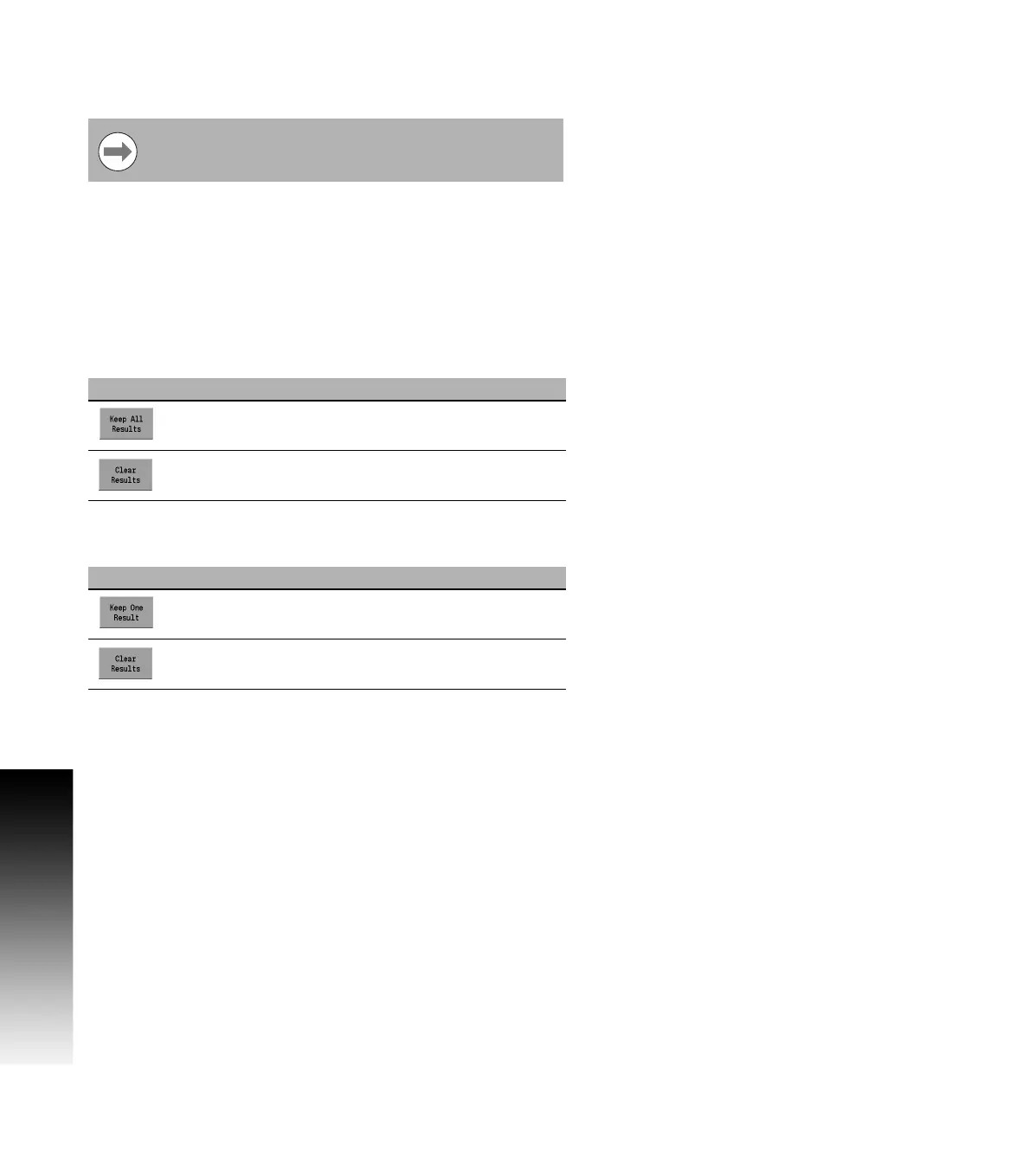
When the cursor is on an existing feature the following soft keys are
available:
When the cursor is on a feature that is not saved, the following soft
keys are available:
After selecting the features to be retained, press the Clear Results
soft key to remove the remaining unselected results from the listing.
Existing or new features can be viewed (or edited) by moving the
cursor to the step and pressing the ENTER key.
The results are cleared automatically when the Find Function soft key
is pressed again.
If the field is left blank, the data is calculated
automatically.
Soft Key Function
Pressing the Keep All Results soft key will save all
results found
Pressing the Clear Results soft key will clear all
results not saved
Soft Key Function
Pressing the Keep One Result soft key will save the
highlighted result found
Pressing the Clear Results soft key will clear all
results not saved



 To Next Page