218 9 Geometry/RPM Calculator
9.2 Geometry User Interface
Step 3
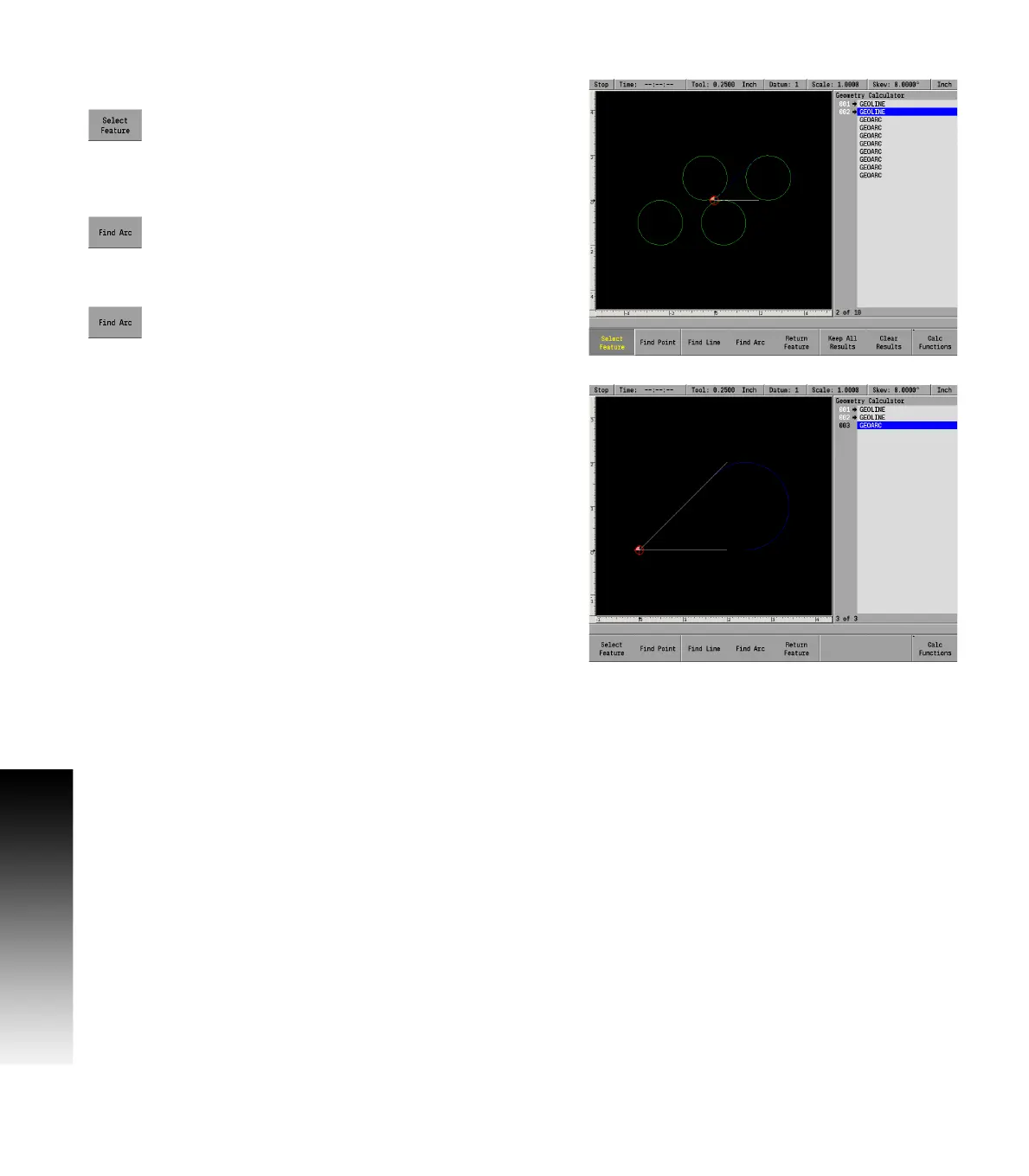
Finding the arc that’s tangent to the two lines.
Highlight 001 GeoLine and press the Select Feature
soft key. The ARROW indicates that the feature has
been selected.
Next, highlight 002 GeoLine and press the Select
Feature soft key.
Press the Find Arc soft key. A pop up dialogue will
display a field to define the arc radius.
Enter the radius of 1.
Press the USE key.
GeoCalc will display all the arcs that have a radius of 1 that are tangent
with the two lines.
Using the ARROW keys, scroll through the list of found GeoArcs until
the arc desired is highlighted.
Press the Keep One soft key, and GeoCalc will save the arc as item
003.
Then press the Clear Results soft key to erase the remaining arcs.



 To Next Page