ACU-RITE MILLPWR
G2
105
6.1 Conversational Programming
Establishing a datum
Overview
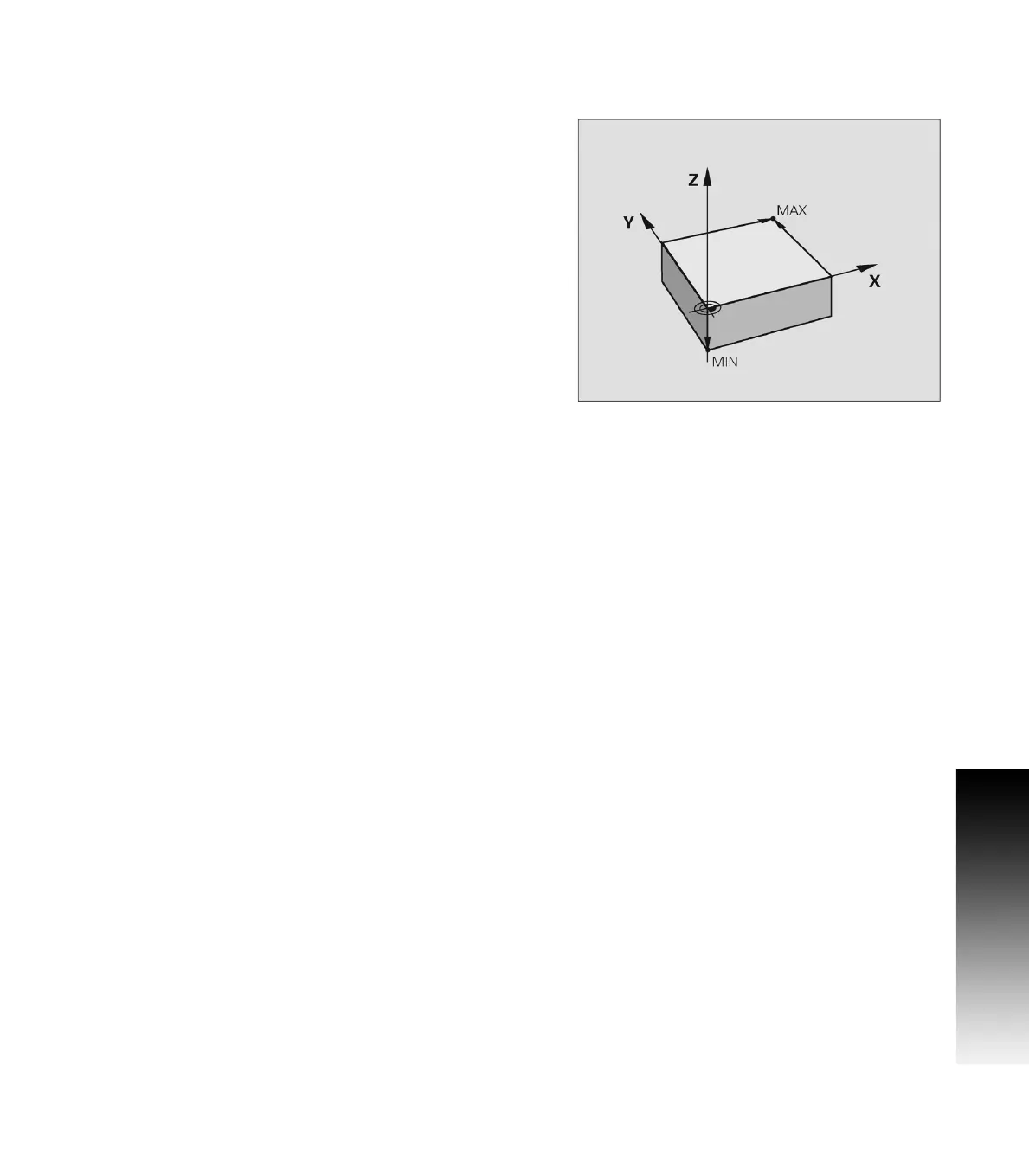
Datum is the workpiece zero or absolute zero, and is a point of
reference that the MILLPWR
G2
bases all of the part's coordinates
from.
A datum must be established for every job. Datum's location may be
indicated on the print; or the operator may establish a datum that
allows most of the part's dimensions be entered directly using the
least amount of calculations.
When establishing datum, it may be easiest to locate a known point
on each axis, such as the corner of the part, or a location on a vise or
fixture.
Datum can be set at a point on the top surface, a position beneath the
surface, or at a point where there's no material present (such as in the
center of a circular part). The following example will illustrate touching
off the edge of a work piece using a tool, but an edge finder can also
be used in place of the tool. Either item will accomplish the same
result.



 To Next Page