104 6 Programming
6.1 Conversational Programming
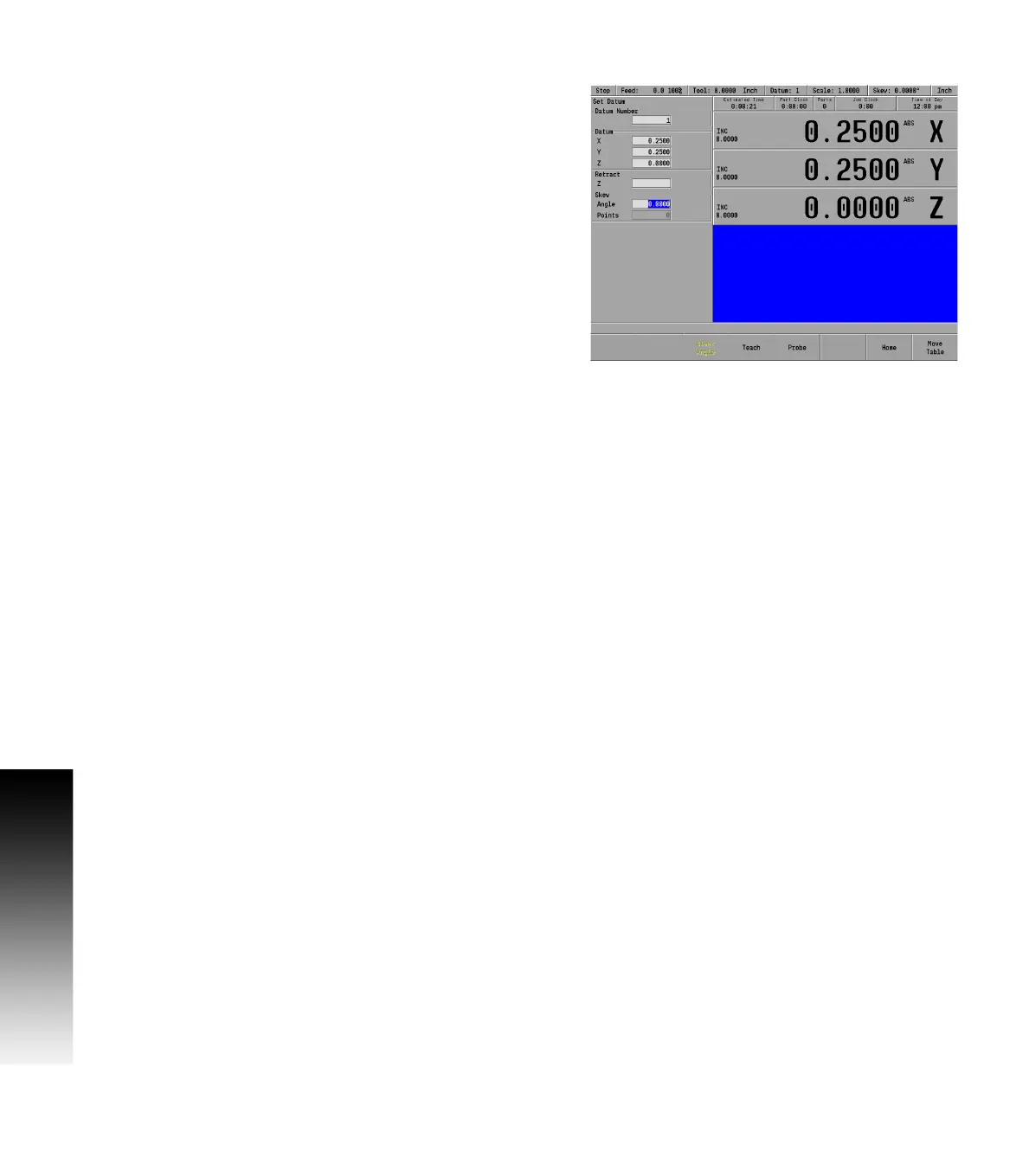
Setting the skew angle with an electronic edge finder:
Press the Datum softkey to open the DATUM dialogue. Highlight the
Angle field.
Press the Probe soft key.
Touch off on two or more points along any single straight edge of your
part. You’ll notice that the Angle and Points fields change as you enter
points.
Press the Finish soft key.
Press the USE soft key to accept all of the points and return to the
DRO screen. Press CANCEL to return to the DRO screen without
accepting any points or affecting your previous skew angle.
The Clear Angle soft key will reset the Angle, and the Points fields to
zero.
Using teach:
Move the table so that a mechanical indicator rests against any
straight edge on the part. Press the Teach soft key to enter your
coordinate.You’ll notice that the Points change.
Now move the table so that the mechanical indicator touches another
point on the same straight edge. Press the Teach soft key. You’ll notice
that the Angle and Points fields change.
Repeat this process for any additional points.
Press the USE soft key to accept all of the points and return to the
DRO screen. Press CANCEL to return to the DRO screen without
accepting any points or affecting your previous skew angle.



 To Next Page