108 6 Programming
6.1 Conversational Programming
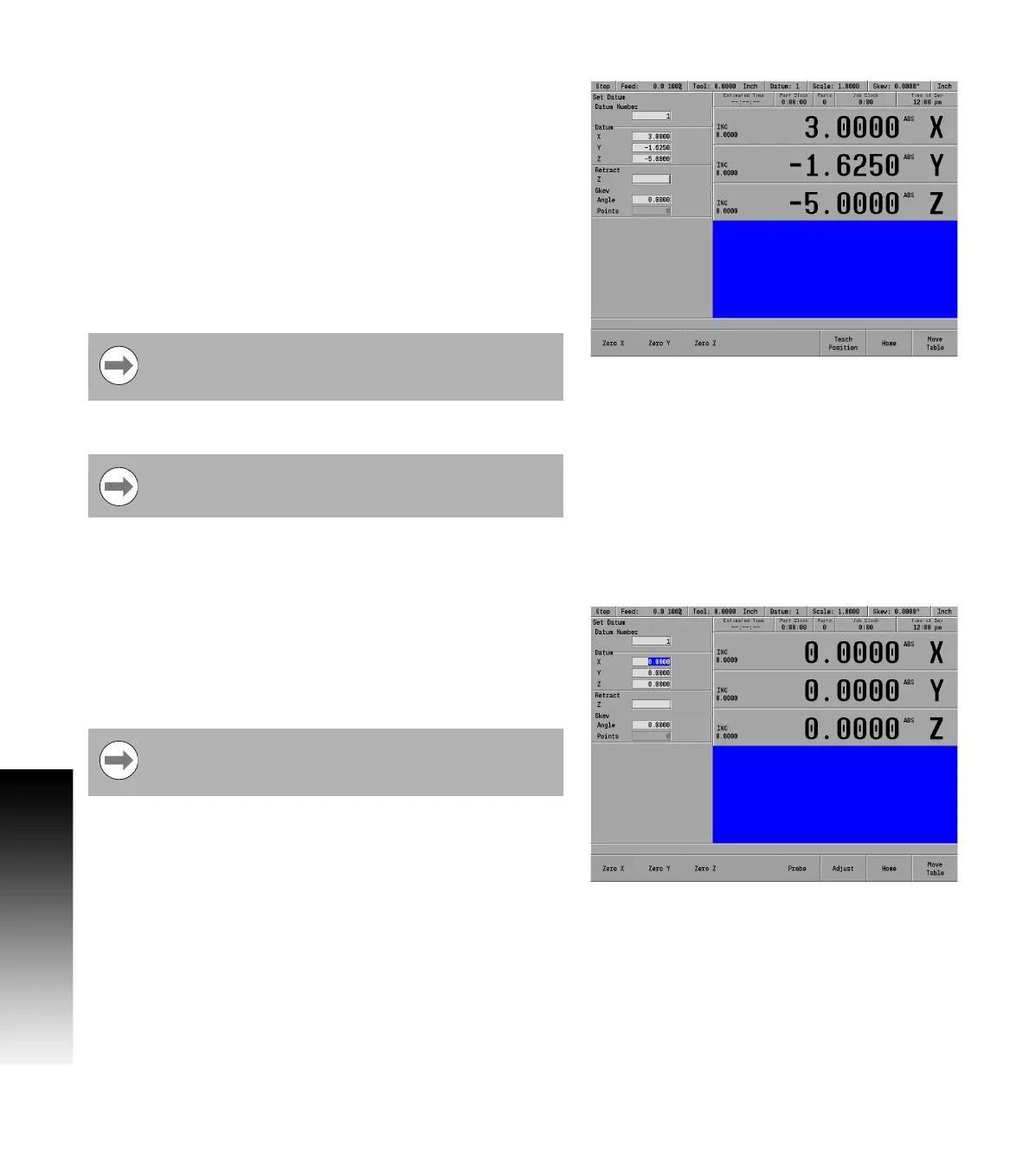
Retract Z
Now either enter the Z axis retract position (the position that the quill
should return to between steps) which is the location above the top
surface of your part.
Or press the CLEAR key to clear the value. If no value is set, the quill
will retract to the upper travel limit between steps.
Or press the Teach Position soft key to use the current quill
position as the retract location. Be aware that the quill will retract to
this location regardless of the tool's length or the Z datum location.
Press the ENTER or USE Key to save the datum location and return to
DRO mode.
Datum and the Z axis retract position have now been established.
Using an electronic edge finder
When the Set Datum dialogue is first opened, the Datum Number
field is highlighted. Enter a new datum number, or select a number
that is to be modified.
When a Datum field is selected (X, Y or Z), the Probe softkey is
enabled. This allows the operator to set the datum using an
electronic edge finder.
Each datum has its own retract position. When a new
datum is selected, that datum’s retract position will be
used.
Setting the datum on any axis will zero that axis’s INC
display.
When the probe key is selected, the electronic edge
finder is automatically selected. The radius of the tip must
first be entered into the Job Setup dialogue.



 To Next Page