ACU-RITE MILLPWR
G2
91
5.1 Programming Introduction
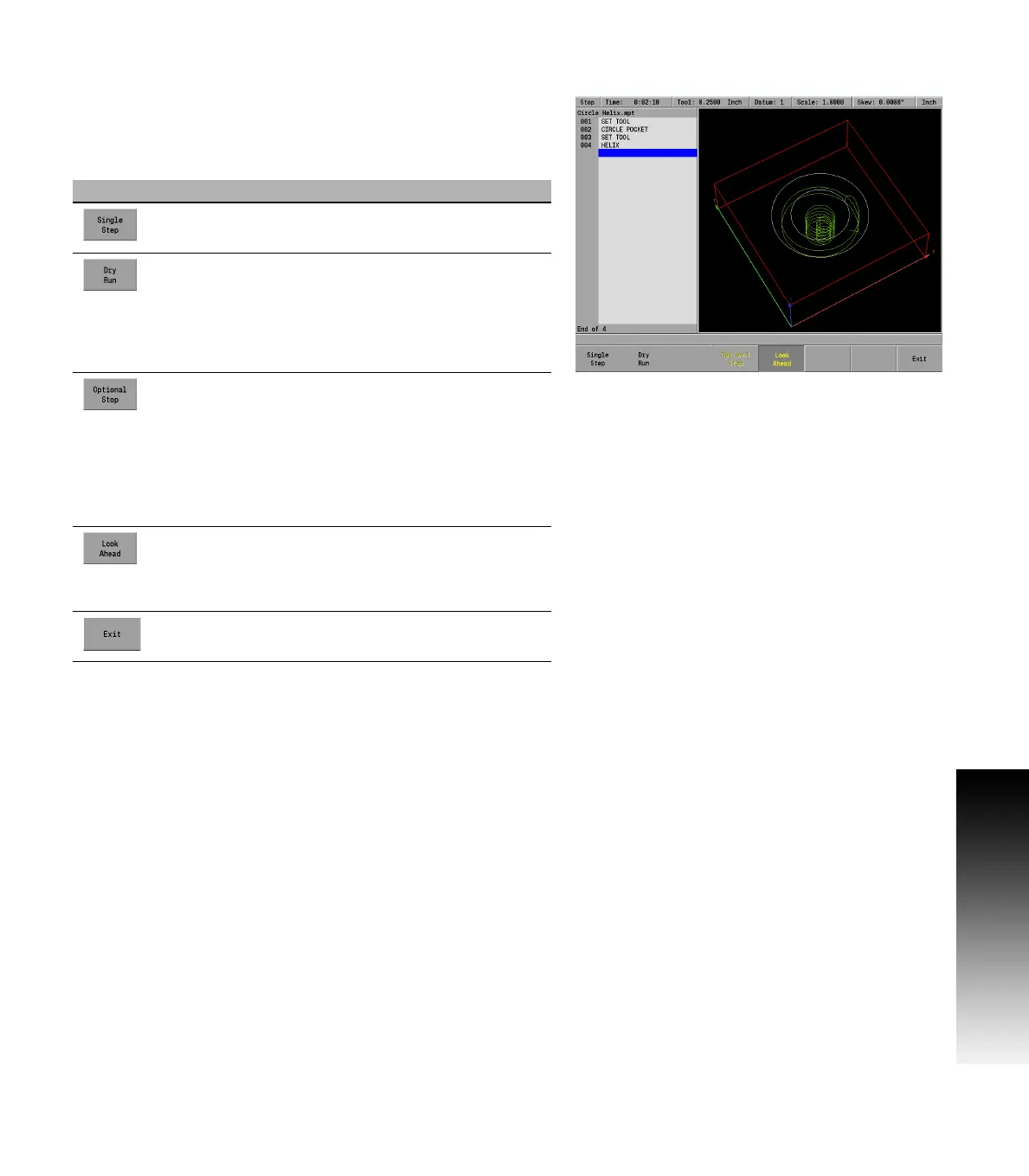
Run options soft keys
The Run Options soft key allows the program to be run and tested with
various options for a program. These options allow the operator to test
a program without actually cutting material. The Run Options must be
set before you start to run the program.
Soft key Function
The Single Step soft key will move the machine one
step at a time.
The Dry Run soft key will run the program’s tool path
at the speed defined in Job Setup. No material
should be placed within the tool path for this
function. Dry Run is intended to provide a quick
verification of the machine movements in the
program.
The Optional Stop soft key will allow the program
to be stopped at different locations to allow for
verification of particular program steps selected has
the operator. If a program has an optional stop (i.e.:
M01 in a G-code program), the system will only stop
at this block when Optional Stop is enabled. If it is
disabled, it will be skipped. The Optional Stop is an
M01 in a G-code program.
The Look Ahead soft key will detect when
programmed features with an offset are too small
for the current tool radius and adjusts the path as
needed.
The Exit soft key will exit the Run Options function
and return to the previous display.



 To Next Page