ACU-RITE MILLPWR
G2
111
6.1 Conversational Programming
Test the datum setting
It's recommended to test the datum setting before beginning a
program.
To confirm the datum setting use the Pos key.
To quickly move to the datum for X and Y, press the Pos key.
With the Z axis at its retract position, enter 0.0000 for the go to
position for both the X and Y (leave the Z field blank). Press the GO
key.
The table will move to the datum position X 0.0000, Y 0.0000.
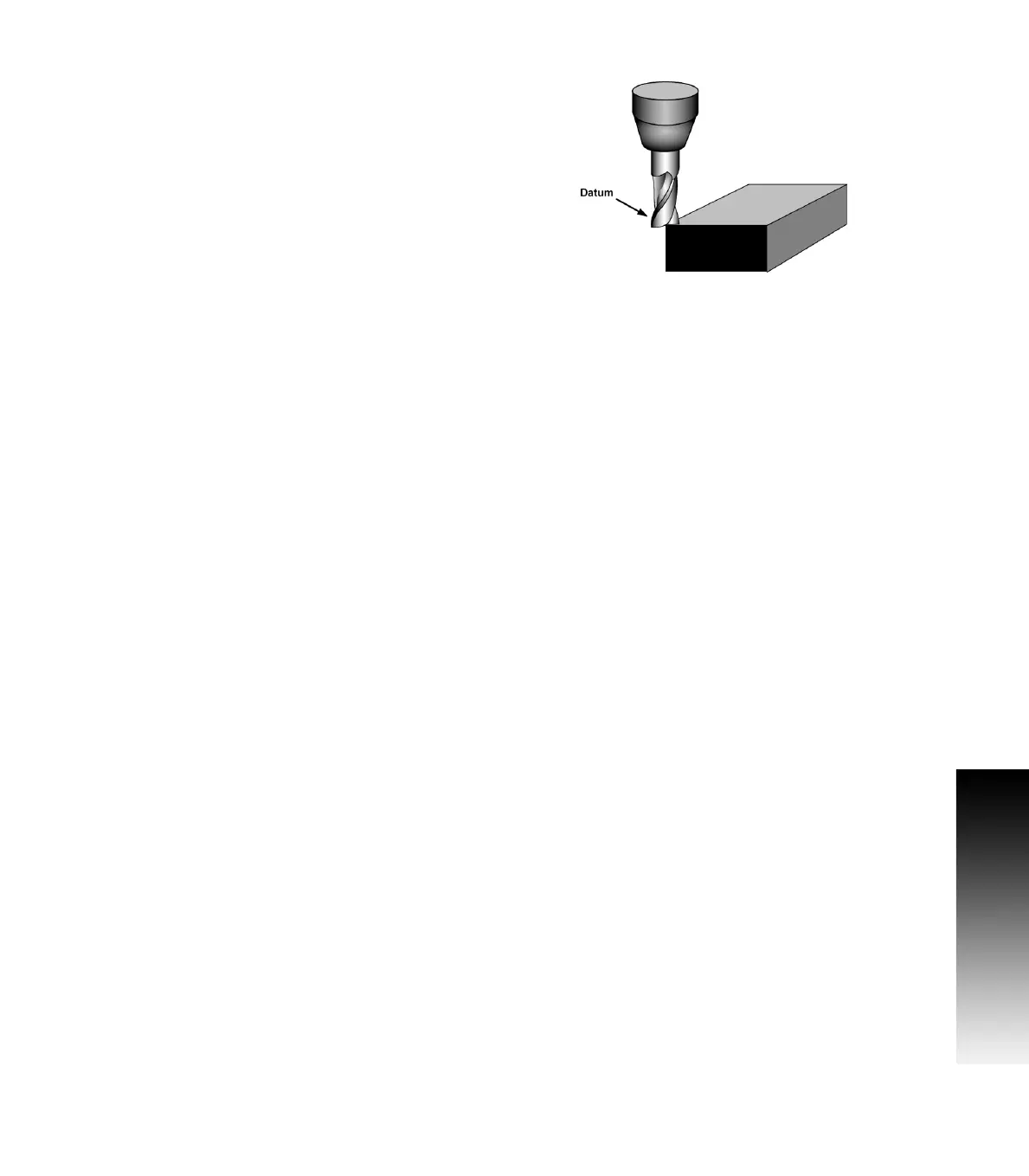
Lower the tool until it touches the part.
Visually check the tool's position. The lower left corner of the part
should be positioned directly beneath the center point of the tool.
The readout screen should be at 0.0000, confirming the datum is
accurate and programming can now begin.
The value of 0.0000 in the Z axis display may vary slightly depending
on how the tool tip contacts the top surface of the part on the corner
edge.



 To Next Page