156 8 Milling and Drilling
8.1 Milling and Drilling
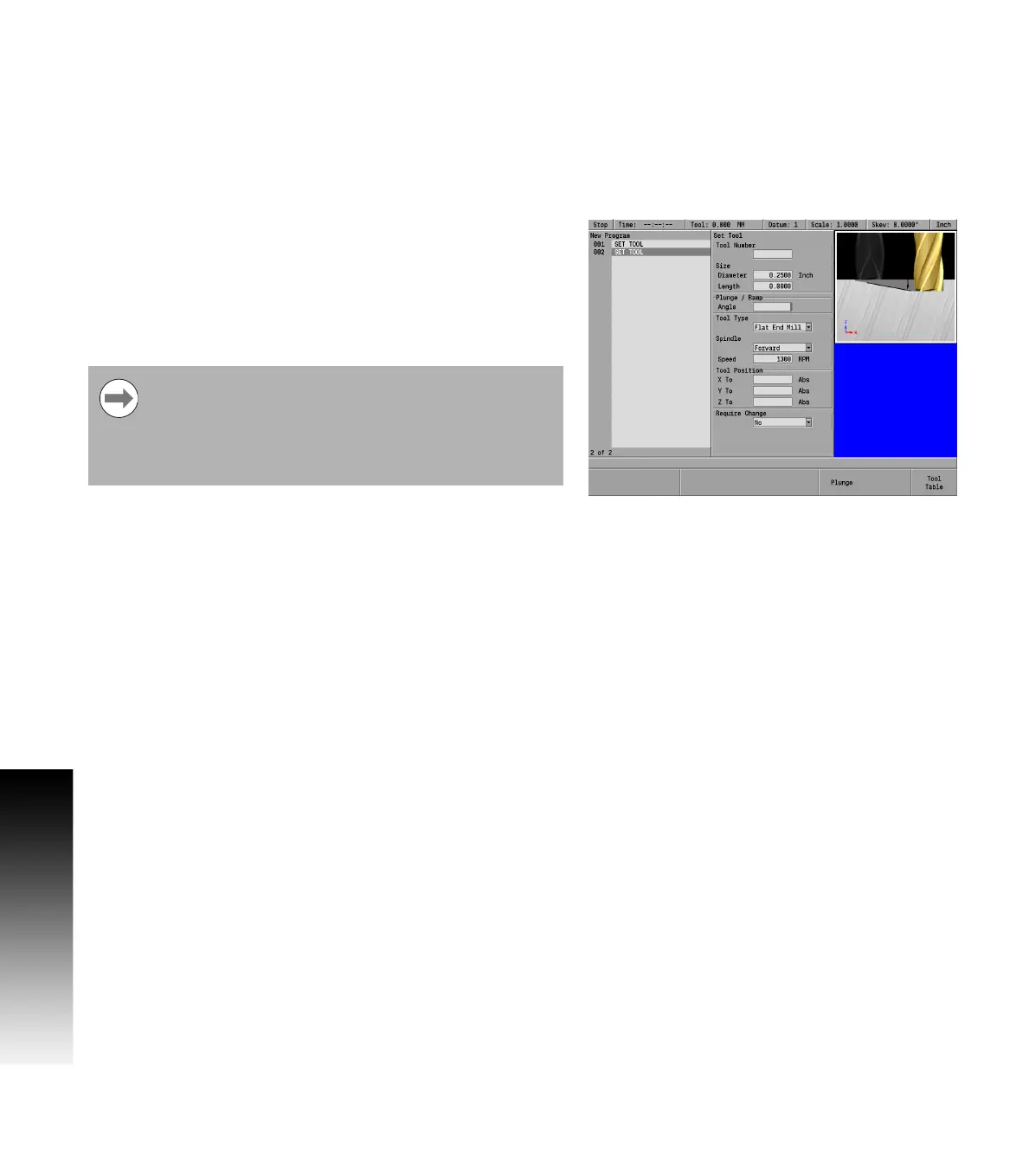
Importing Tool Settings from the Tool Table
Cursor to the Diameter field.
Press the Tool Table soft key to open the table.
Cursor to the tool to be used and press the USE key. The tool’s
diameter, length, plunge angle, and type are transfered to the Set
Tool dialogue.
Specifying the tool by its tool table number
Cursor to the Tool Number field.
If the tool’s number is known, enter the number (1-99), and press
the ENTER key.
If the tool’s number is not known, press the Tool Table soft key to
open the table.
Cursor to the tool to be used and press the USE key. The tool’s
number is transfered to the Set Tool dialogue.
Entering spindle data
ARROW DOWN to highlight the Spindle: field.
Press the Forward soft key.
Entering speed data
ARROW DOWN to the Speed: field (RPM) and enter the speed required
(e.g. 1300) using the numeric keypad.
When the tool is specified by number, only the tool
number is saved to the program. The current tool settings
for the specified tool are displayed in the dialogue, but not
saved as part of the program step. The tool settings
(diameter, length, plunge angle, and type) are retrieved
from the tool table each time the SET TOOL step is run.



 To Next Page