Version 16.10 AF-6600 AF-5000 Series Install Manual 238
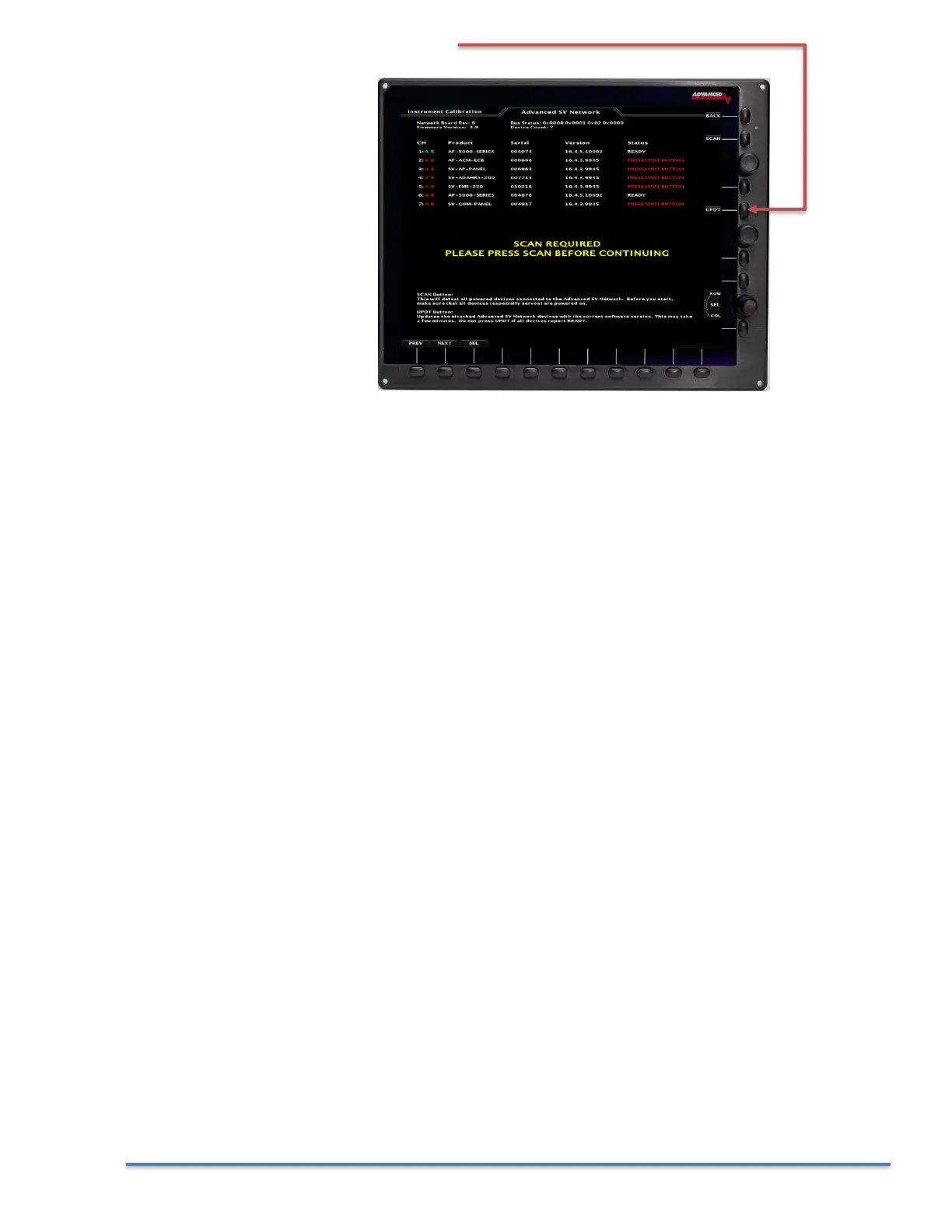
15. Press the UPDT button on the PFD EFIS
16. After the software is finished loading on all the connected SV-Network devices you will be instructed
to power down the system.
17. Once all the EFIS screens have tuned off you can repower the system and verify that all the EFIS
screens are running the latest software from the CHECK > ABOUT > SYSTEM menu.



 To Next Page