Anatel A643a - Troubleshooting 187 of 220
RPS - June 2007 - Edition 12
Anatel Operator Manual
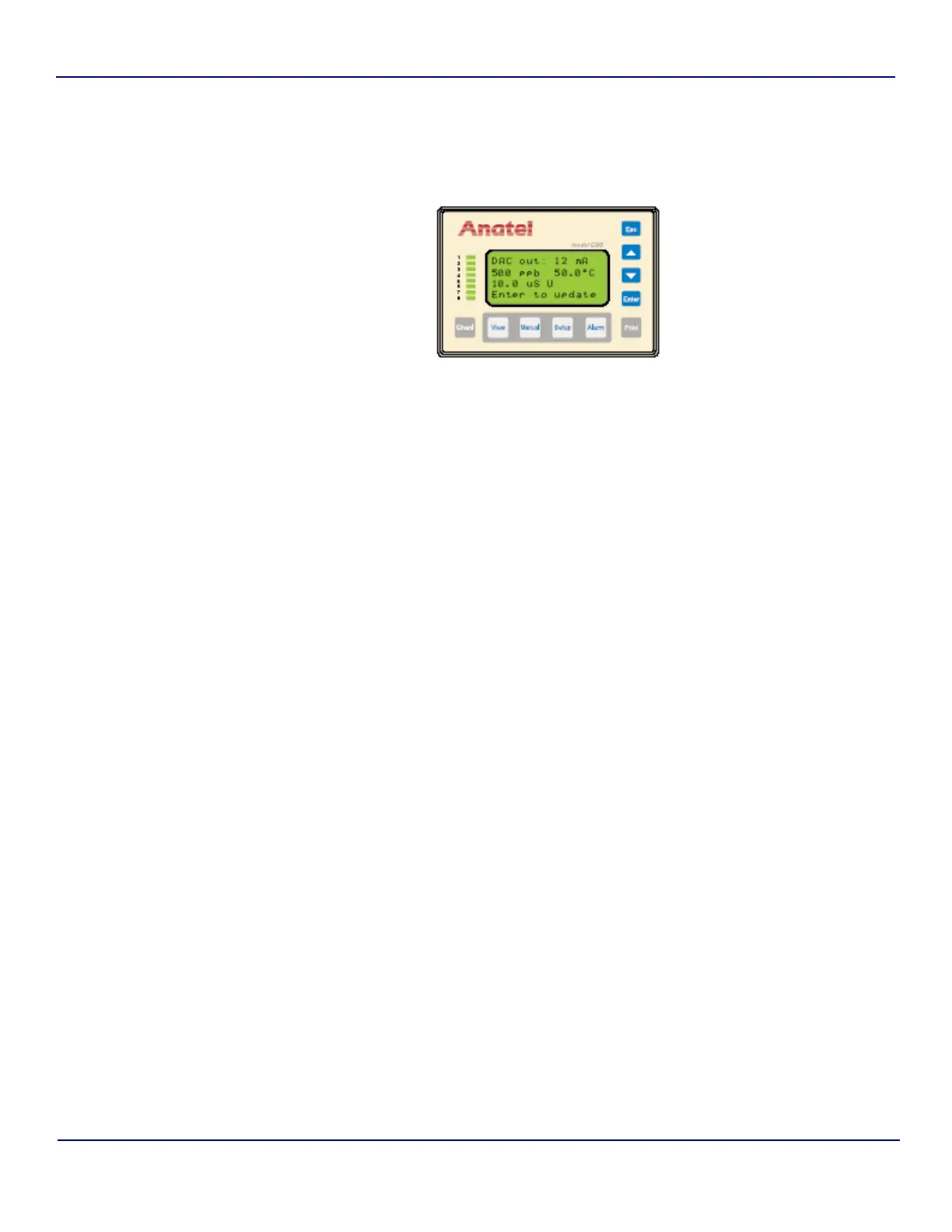
To test the DAC output:
1) With the Analyzer’s I/O Diagnostics Menu displayed, specify DAC Out Test and
press Enter.
2) Use the Up and Down Keys to specify the desired mA output. The available selections
are within the minimum and maximum values over the specified range (4–20 or 0–20)
in 1 mA increments.
3) With the appropriate mA output showing on the Controller, press Enter and the TOC,
temperature and conductivity readings proportional to the chosen analog output are
displayed. The displayed readings should reflect those observed at the external DAC
module.
4) Repeat the procedure to verify the DAC output over its entire range, if desired.
Fig 14-10 : DAC Output Test Screen


 To Next Page