156 BD FACSAria User’s Guide
Close the sort block door and open the sort collection chamber door, if
needed. The sort block door must be closed to install the tube holder.
Tilt the holder to insert it into the slotted fittings below the sort aspirator
drawer, then close the sort collection chamber door.
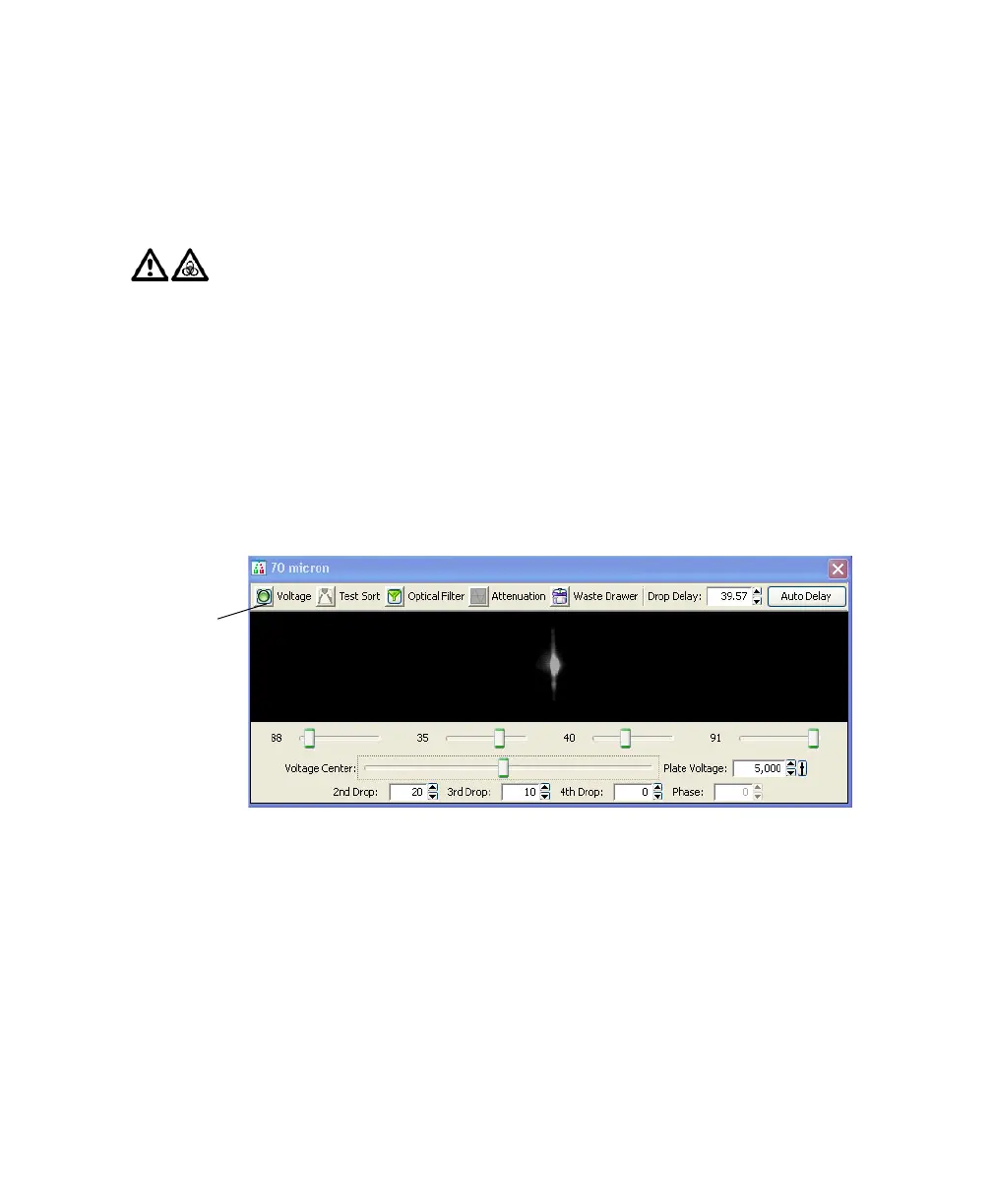
3 Turn on the deflection plates.
Click the Voltage control in the Side Stream window (Figure 5-1 on
page 156). The voltage warning light illuminates, indicating that the plates
are charged.
Figure 5-1 Turning on the deflection plates
Make sure the center stream image does not move after the plates are
turned on. Major movement of the center stream could indicate that the
plates or area around the plates needs cleaning. See External Cleaning on
page 180.
4 Turn on Test Sort and optimize the side streams. See Figure 5-2.
Adjust the voltage sliders to view the required number of streams.
Before installing the tube holder, ensure that an O-ring is installed in the
groove on top of the tube holder. The O-ring minimizes the chance of
aerosols escaping. It can be found in the accessory kit (Catalog No.
337897).
Voltage
button



 To Next Page