172 BD FACSAria User’s Guide
2 Turn on the deflection plates.
Click the Voltage control ( ) in the Side Stream window. The voltage
warning light illuminates, indicating that the plates are charged.
Tip Make sure the center stream image does not move after the plates are
turned on. Major movement of the center stream could indicate that the
plates or area around the plates needs cleaning. See External Cleaning on
page 180.
3 Turn on Test Sort and optimize the far left side stream, then turn off Test
Sort.
Adjust the far left slider for minimal deflection of the stream. The stream
should be deflected just enough to clear the hole in the splash shield. Do
not adjust the other sliders.
If you cannot see a stream image or the image is dim, adjust the micrometer
dial on the diode laser (Figure 1-17 on page 41) to better view the streams.
4 Select Sort > Home Device.
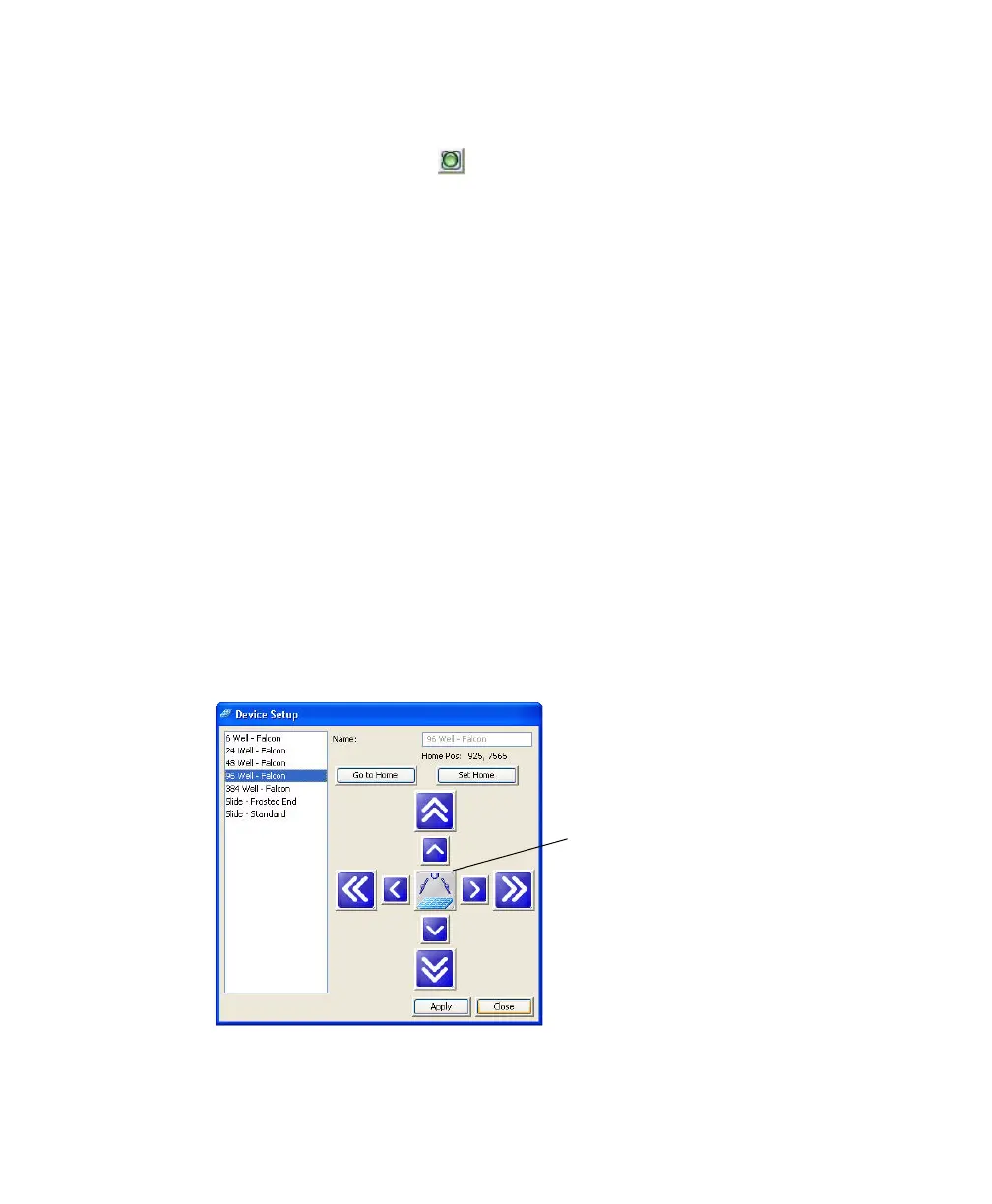
5 In the Device Setup dialog box, select the collection device you are using
and click Go to Home.
The stage moves to the pre-programmed Home position.
Test Sort button



 To Next Page