Chapter 6: Shutdown and Maintenance 183
Sample Line Backflush
After a sample tube is unloaded, the sample line tubing within the sample
injection chamber is automatically flushed inside and out with sheath fluid to
eliminate potential sample carryover. Use the Sample Line Backflush command to
perform additional backflushing of the inside of the sample line after a tube is
unloaded. Perform the Sample Line Backflush when you observe sample
carryover or after running samples with adherent cells or dye.
NOTE Keep the stream running while performing the backflush.
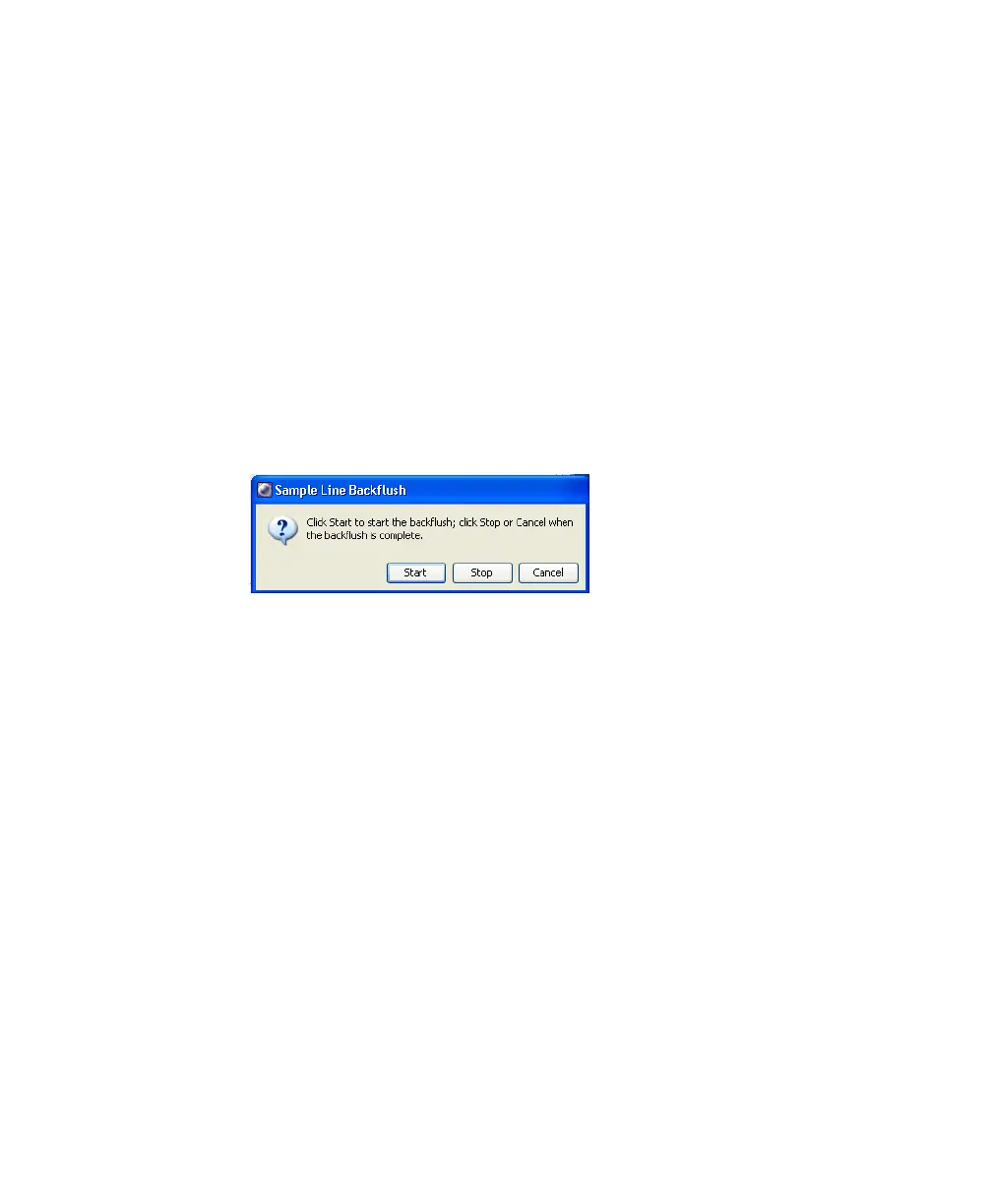
1 Select Cytometer > Cleaning Modes > Sample Line Backflush.
2 Click Start to start the backflush.
3 Click Stop to stop the backflush, or click Cancel to stop the backflush and
close the dialog box.
The backflush does not stop automatically.



 To Next Page