184 BD FACSAria User’s Guide
Clean Flow Cell
Use the Clean Flow Cell command to run a tube of cleaning fluid such as
BD FACSRinse solution through the sample line and flow cell, without sheath
running.
NOTE After the procedure is complete, the cleaning fluid remains in the sample
line and flow cell until the stream is restarted.
Note that the Clean Flow Cell procedure is run automatically during fluidics
shutdown. You can repeat the procedure when poor optical performance
indicates that additional cleaning is needed.
1 Open the flow cell access door and turn off the stream.
2 Remove the nozzle.
3 Select Cytometer > Cleaning Modes > Clean Flow Cell.
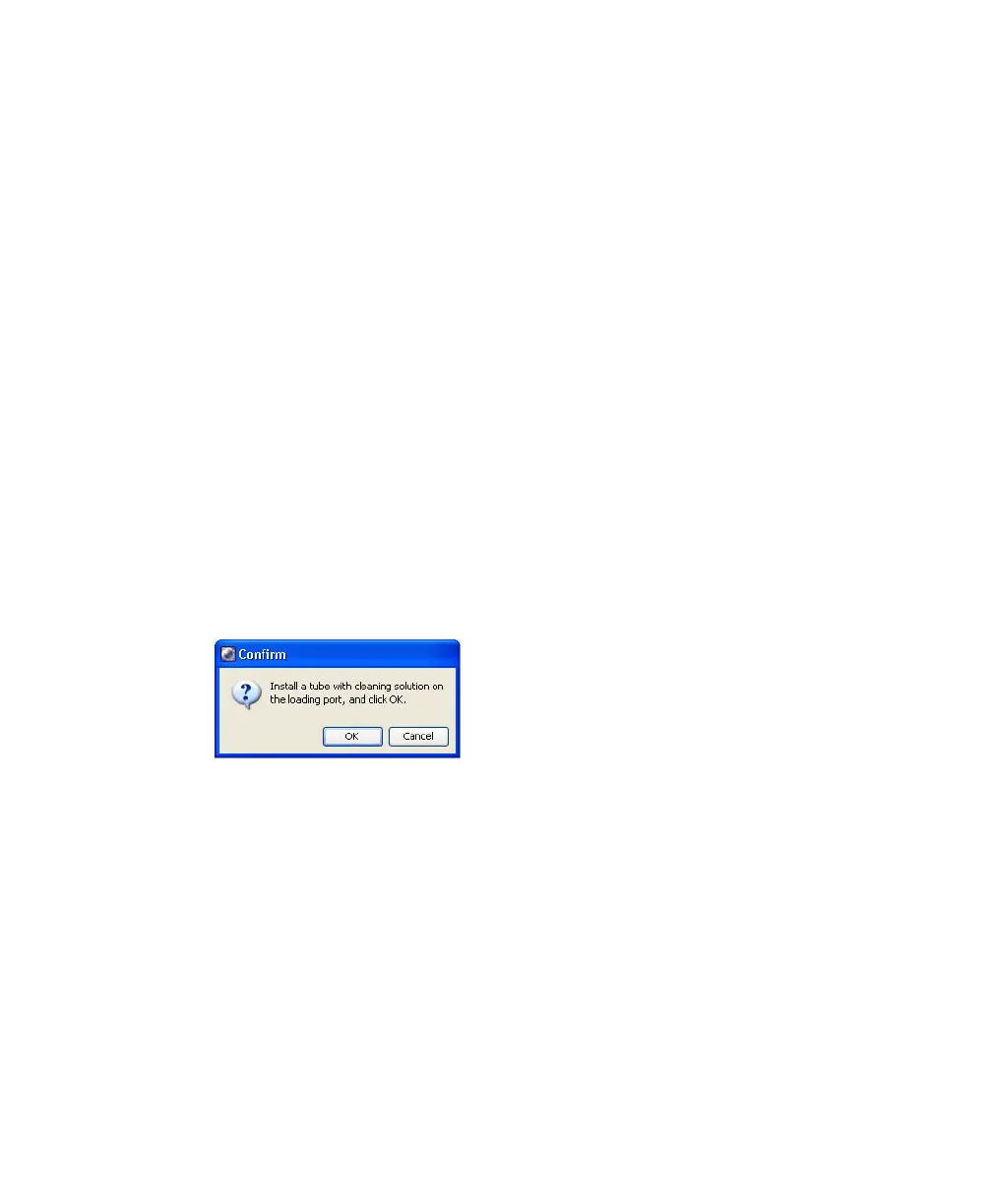
4 When prompted, install a tube containing approximately 3 mL of cleaning
fluid (such as BD FACSRinse solution), then click OK.
The cytometer loads the tube and cleans the cuvette with the cleaning
solution.
5 Click OK when the completion dialog appears.
6 Replace the nozzle.
7 Wait a few minutes and then restart the stream to flush the cleaning
solution from the flow cell.



 To Next Page