Chapter 6: Shutdown and Maintenance 189
For the bulk injection chamber option, see Clean Bulk Injection Chamber
on page 191.
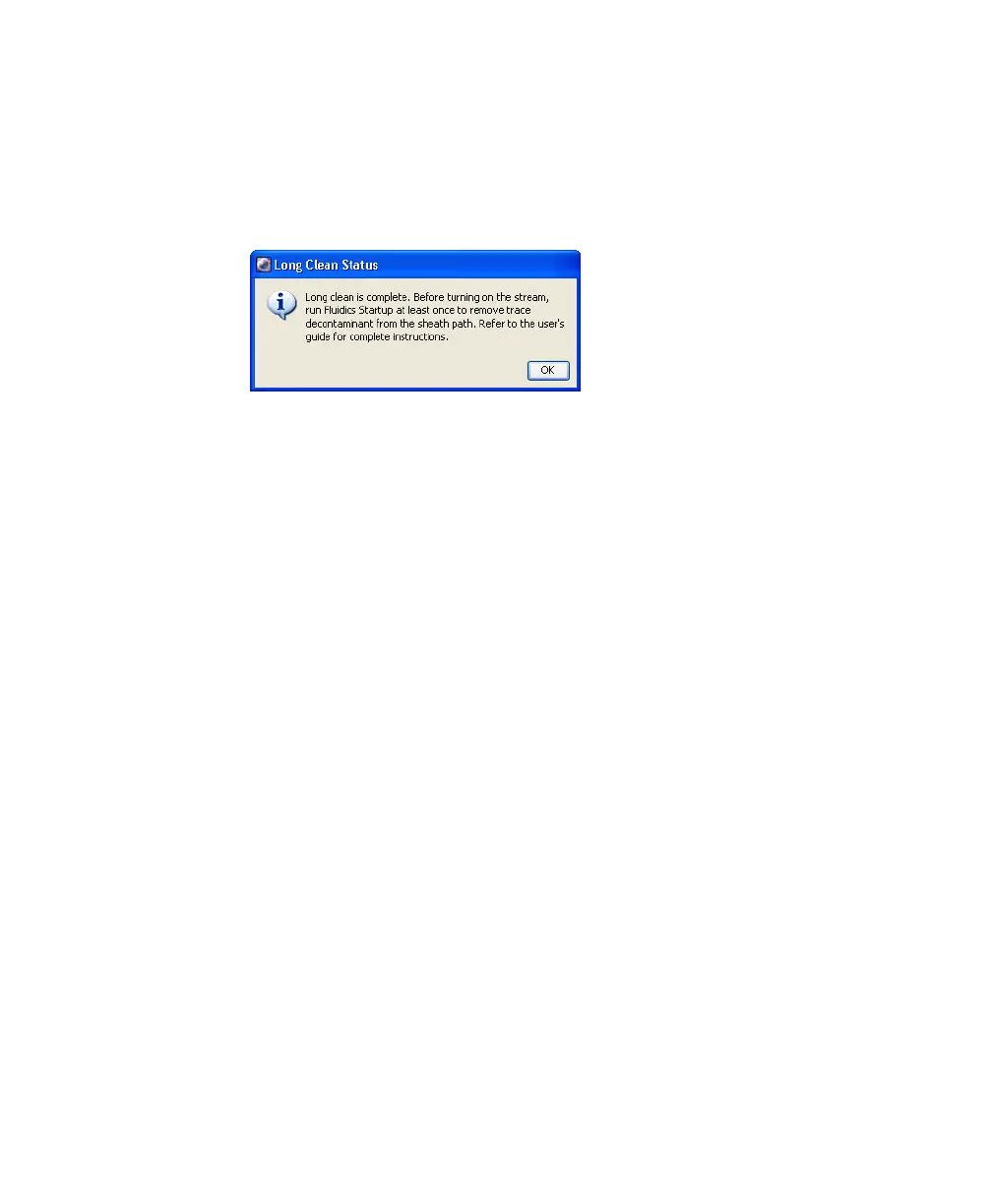
6 Wait 8–10 minutes for the cleaning cycle to finish. Click OK to dismiss the
completion message.
If the completion message does not appear after 10 minutes, verify that
there are no error messages in the Status tab of the Cytometer window. If
the cleaning mode fails, see Fluidics Troubleshooting on page 237.
7 (Optional) Remove the plenum reservoirs and wipe them down with 10%
bleach, followed by DI water.
BD Biosciences recommends that you remove the plenum reservoirs only
for the most stringent decontamination. You do not need to perform this
step each time you run a Long Clean.
For instructions, see Cleaning the Plenum Reservoirs on page 190.
8 Run fluidics startup.
Fluidics startup removes cleaning fluid from the plenum tanks and fluid
lines and replaces it with sheath fluid.
The following steps are not required, but are recommended for removing
residual decontaminant after performing a long clean with bleach or
ethanol. This will ensure a safe environment for biological samples.
9 When fluidics startup is complete, run fluidics shutdown.
10 When fluidics shutdown is complete, run fluidics startup again.



 To Next Page