192 BD FACSAria User’s Guide
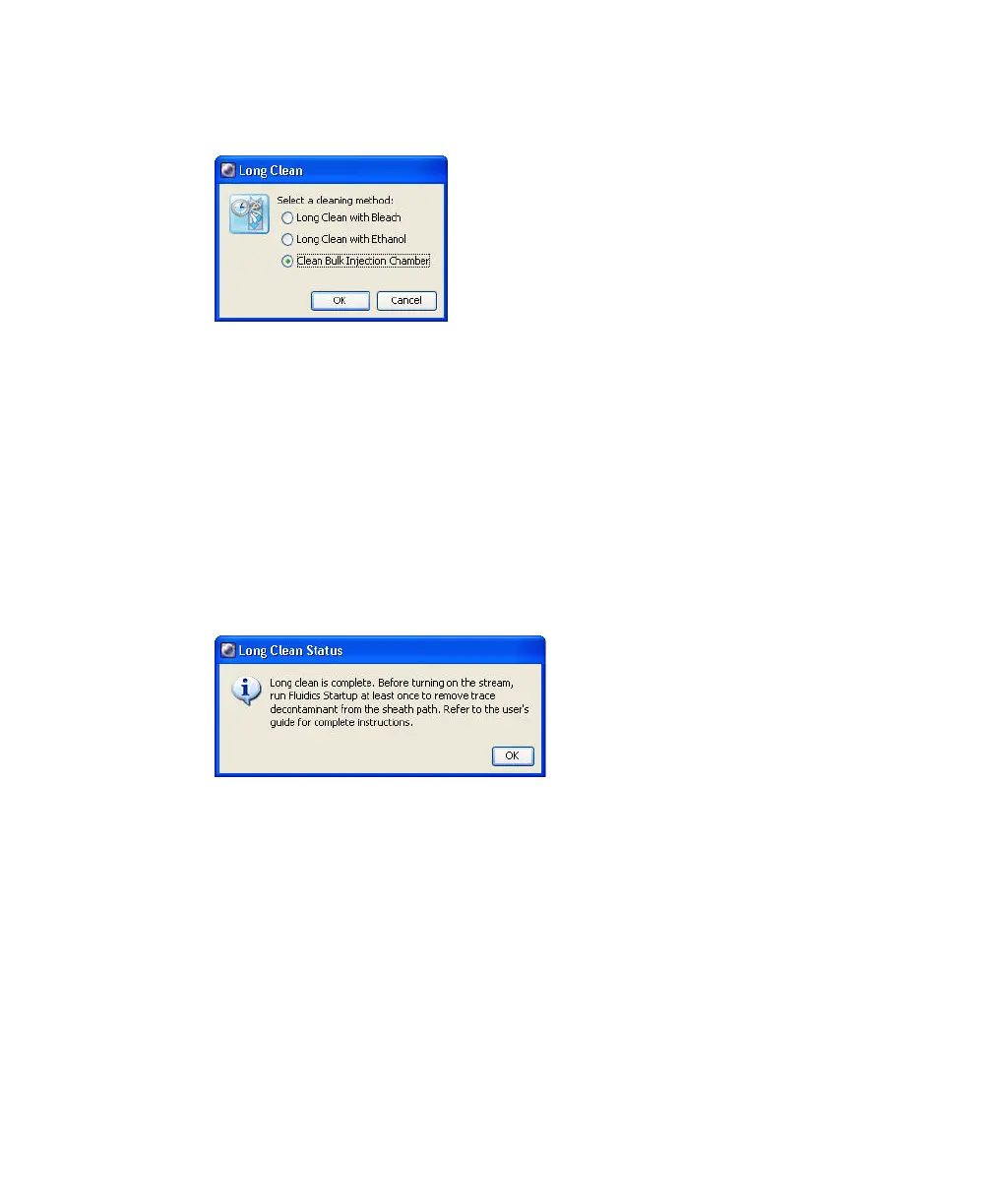
5 Select the Clean Bulk Injection Chamber option and click OK.
During the next 4–5 minutes, the cytometer performs the following:
• Closes and seals the bulk injection chamber
• Fills the chamber with DI water and flushes the chamber
• Fills the chamber with ethanol and flushes the chamber
• Air-dries the chamber and then opens it
A message appears when cleaning is complete.
6 Click OK to dismiss the completion message.
7 Use a clean, dry cloth to remove residual ethanol from the loading port.
8 Before using the system, run fluidics startup.



 To Next Page