196 BD FACSAria User’s Guide
3 Click OK to start the cleaning process.
A progress message appears. During the next 3–5 minutes, the cytometer
performs the following:
• Primes all fluid lines with ethanol/bleach
• Turns on the stream
• Loads the ethanol/bleach tube and starts running it
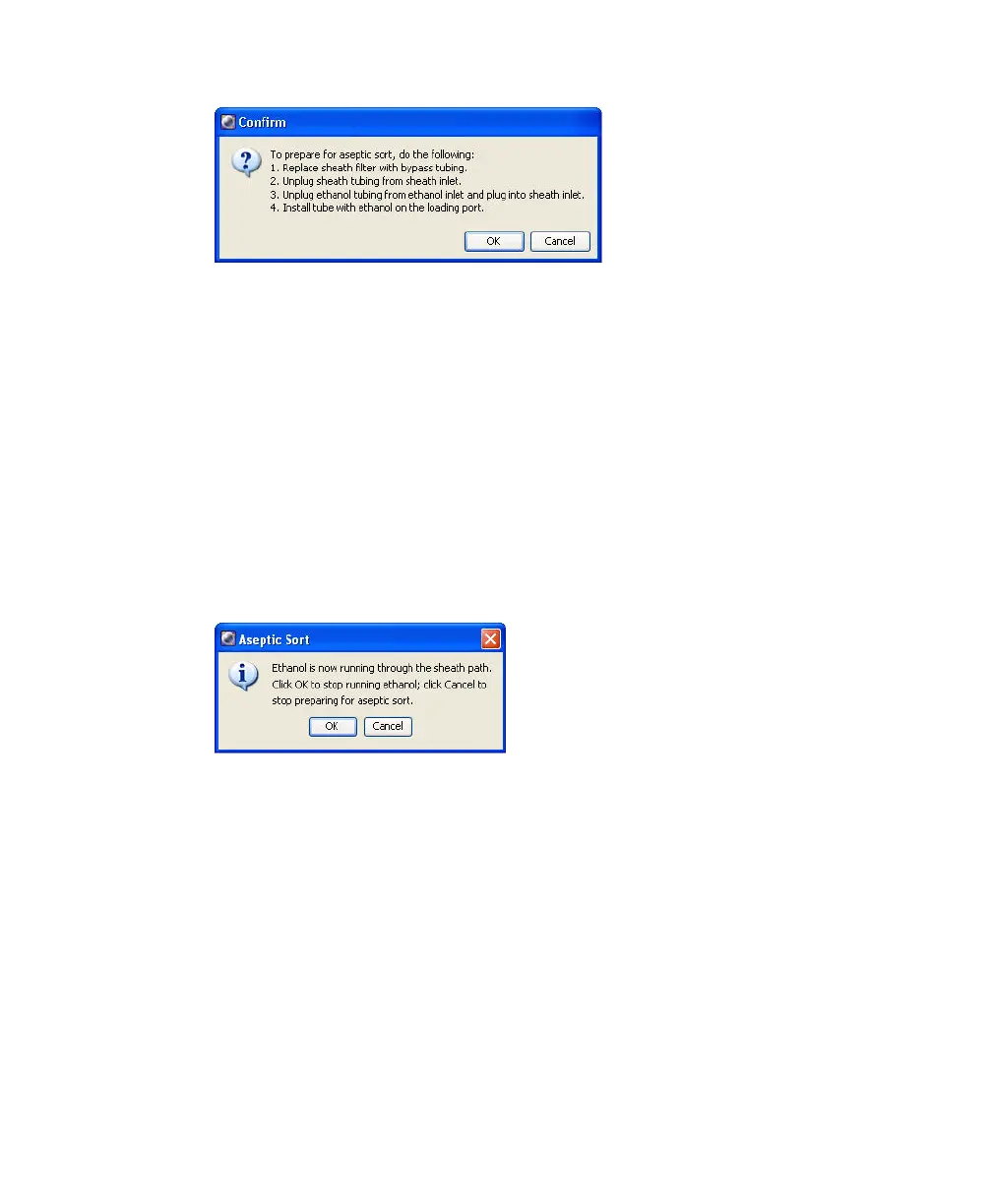
Once the cytometer is running ethanol or bleach through all lines, a
message appears.
4 Let the ethanol/bleach run for 10 minutes, unless your application requires
longer for decontamination. Click OK when finished.
Do not run ethanol/bleach longer than is necessary to decontaminate.
NOTE Click Cancel only if you want to cancel the cleaning mode. Do not
click Cancel to stop running ethanol/bleach.
The cytometer stops running the ethanol/bleach sample, unloads the tube,
and stops the stream.



 To Next Page