Chapter 6: Shutdown and Maintenance 197
Replacing the Ethanol or Bleach with Sheath Fluid
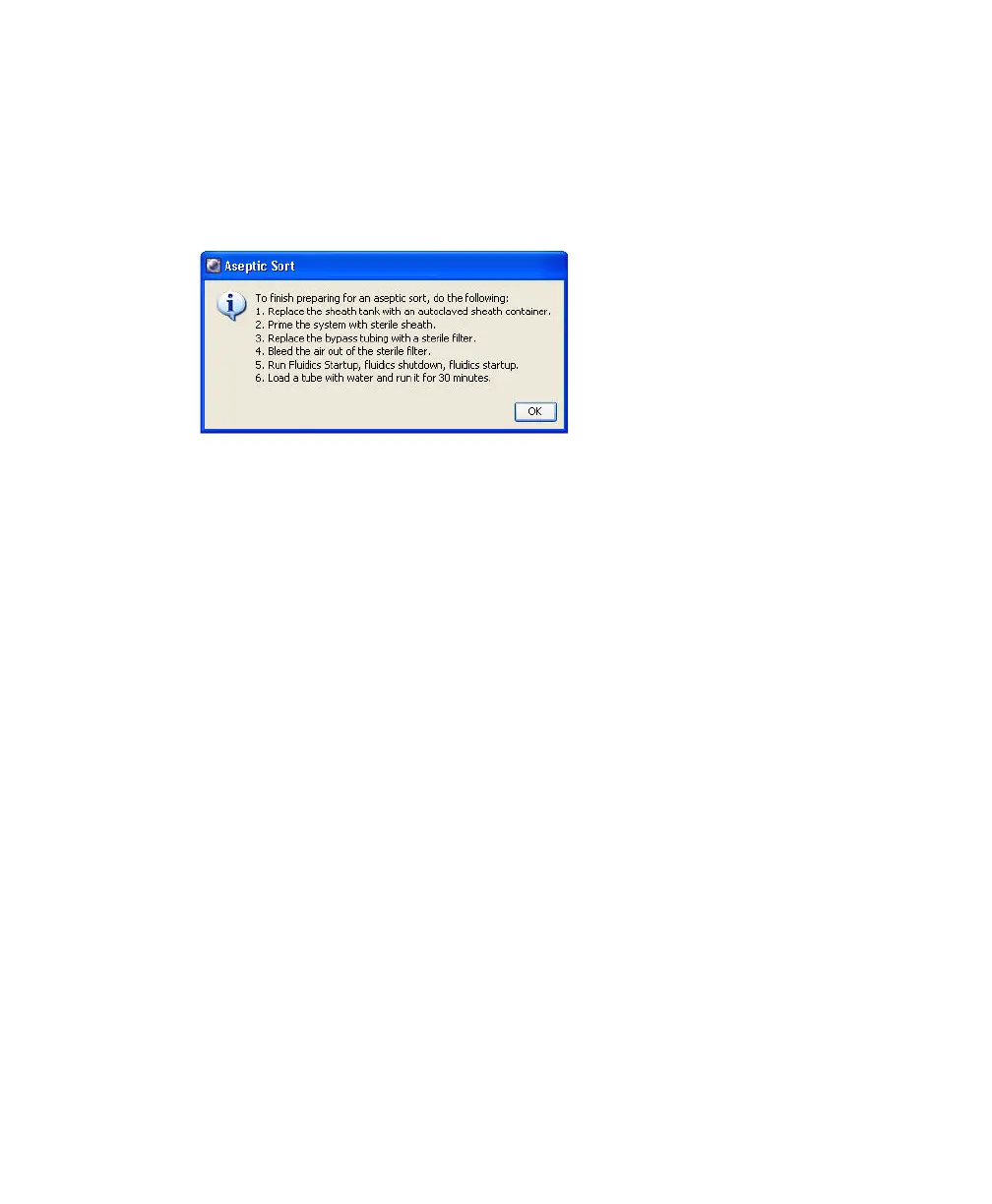
Now that all fluid lines have been cleaned, the system prompts you to install an
autoclaved sheath container on the fluidics cart. Follow these steps to complete
the cleaning procedure.
1 At the prompt, detach the ethanol or bleach line from the sheath port on
the fluidics cart and connect it to the ethanol or bleach port (Figure 6-3 on
page 195).
2 Connect an autoclaved sheath container to the sheath port.
Tip To prevent contamination, clean the sheath probe and tubing with
10% bleach. Fill the container with sterile sheath fluid.
3 Prime the system with sterile sheath fluid.
• Click OK to dismiss the instruction dialog, and select Cytometer >
Cleaning Modes > Prime After Tank Refill.
• Select the Sheath checkbox, then click OK.
4 When the prime is finished, remove the bypass tubing and install a new
sheath filter in its place.
5 Open the bleeder valve on top of the filter and wait for fluid to seep out of
the bleeder valve. Close the valve.
See Purging Filters on page 198.
6 Run fluidics startup.



 To Next Page