252 BD FACSAria User’s Guide
Defining a Custom Configuration
BD FACSDiva software is provided with initial configurations specific to your
cytometer. Additional custom configurations can be defined. Refer to the
BD FACSDiva Software Reference Manual and the Cytometer Setup and
Tracking Application Guide for instructions. To switch between predefined
configurations, select the appropriate configuration name and click Set
Configuration.
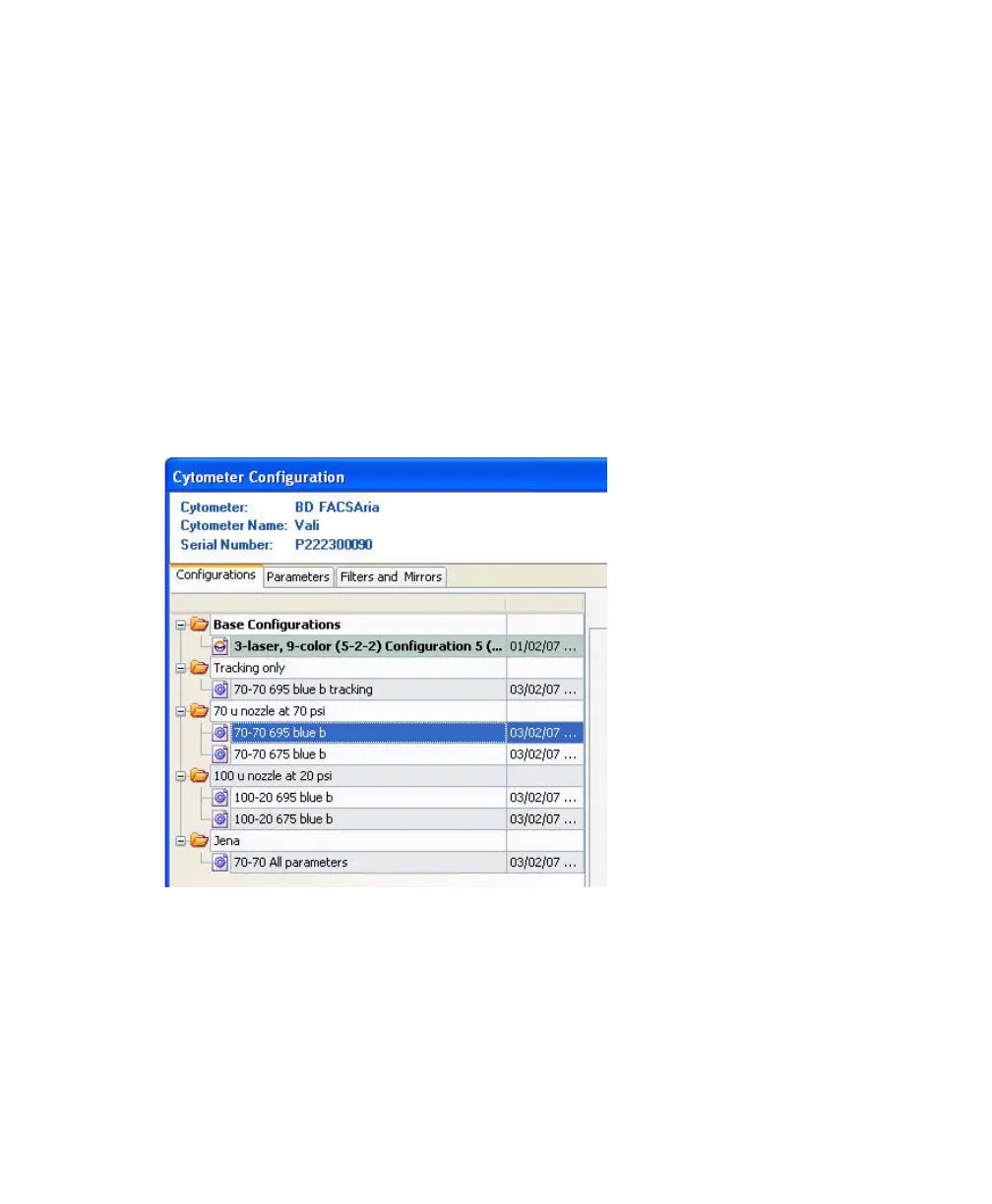
When creating custom configurations, use descriptive names that make it easy to
identify the configuration. See Figure A-1 for an example of a structure that
groups configurations by nozzle size and sheath pressure.
Figure A-1 Custom Configuration examples



 To Next Page