254 BD FACSAria User’s Guide
Removing/Installing the FSC ND Filter
For applications involving large particles where events appear off scale on the
FSC axis with a gain of zero, keep the FSC ND filter in place to decrease the FSC
signal and keep the events on scale. For applications involving small particles (eg,
bacteria or platelets), you might need to remove the FSC ND filter as follows.
1 Open the flow cell access door.
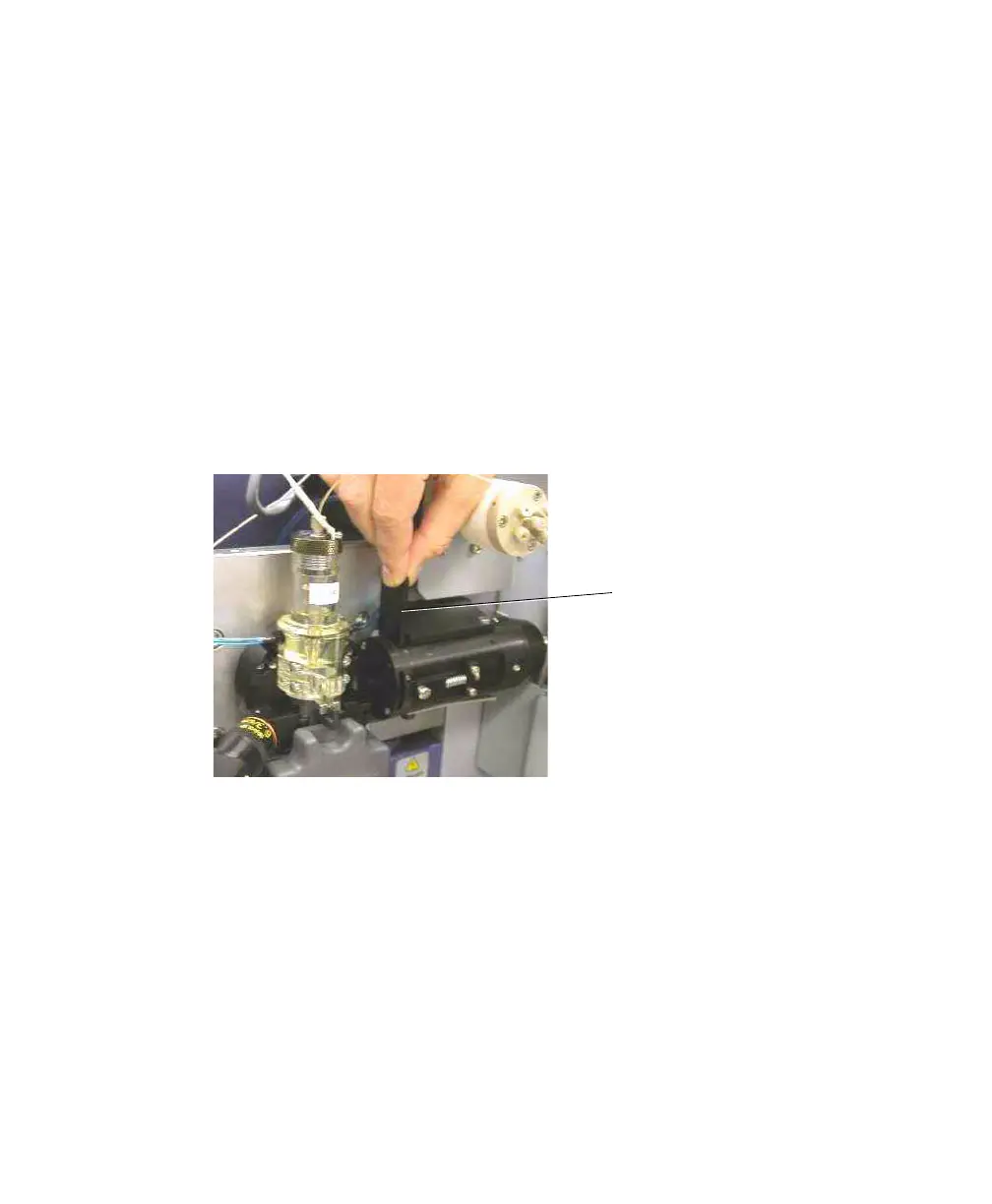
2 Locate and pull out the FSC ND filter (Figure A-2).
The filter is installed at the left end of the FSC detector block, just to the
right of the flow cell. To remove the filter, pull it out of the slot.
Figure A-2 Removing the FSC ND filter
3 To reinstall the filter, slide it into the slot with the filter side down.
FSC ND filter



 To Next Page