Appendix B: Application Settings 259
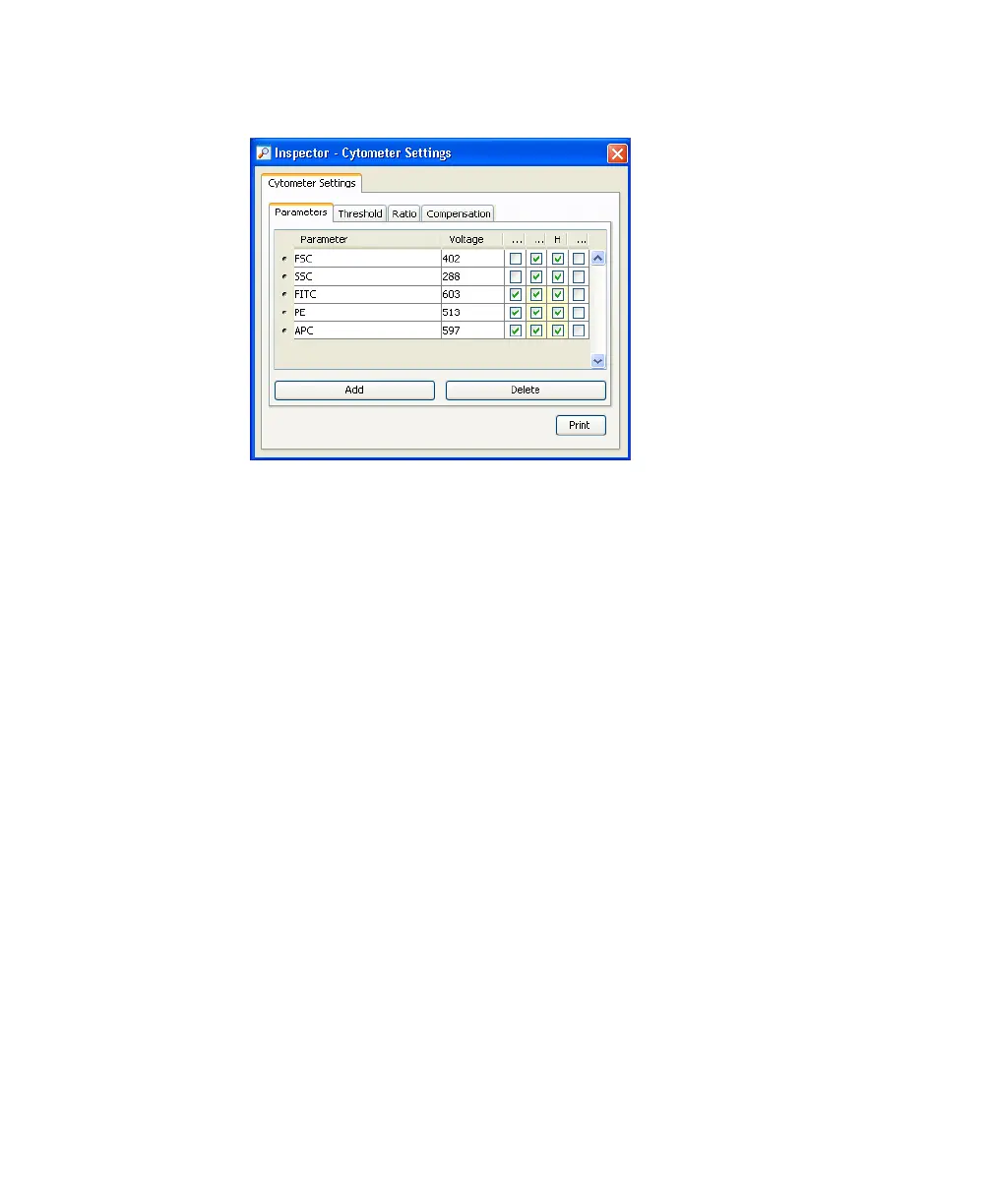
Figure B-1 Inspector Window - Parameters tab
Adjusting Area Scaling
The required area scaling factor changes based on sheath pressure and particle
size. The area scaling factors should be verified for each experiment performed
on the instrument.
1 In the Browser, right-click Global Sheet 1 and select Apply Analysis
Template.
2 In the Template dialog, select the Area Scaling worksheet and click OK.
3 Create a new specimen by clicking the New Specimen button on the
Browser toolbar.
4 Expand the new specimen, then click to set the current tube pointer to
Tube_001.
5 Install the FITC control tube onto the loading port and click Load in the
Acquisition Dashboard.
6 Adjust the FSC and SSC voltages to place the particles on scale. See
Figure B-2.



 To Next Page