264 BD FACSAria User’s Guide
Saving Application Settings
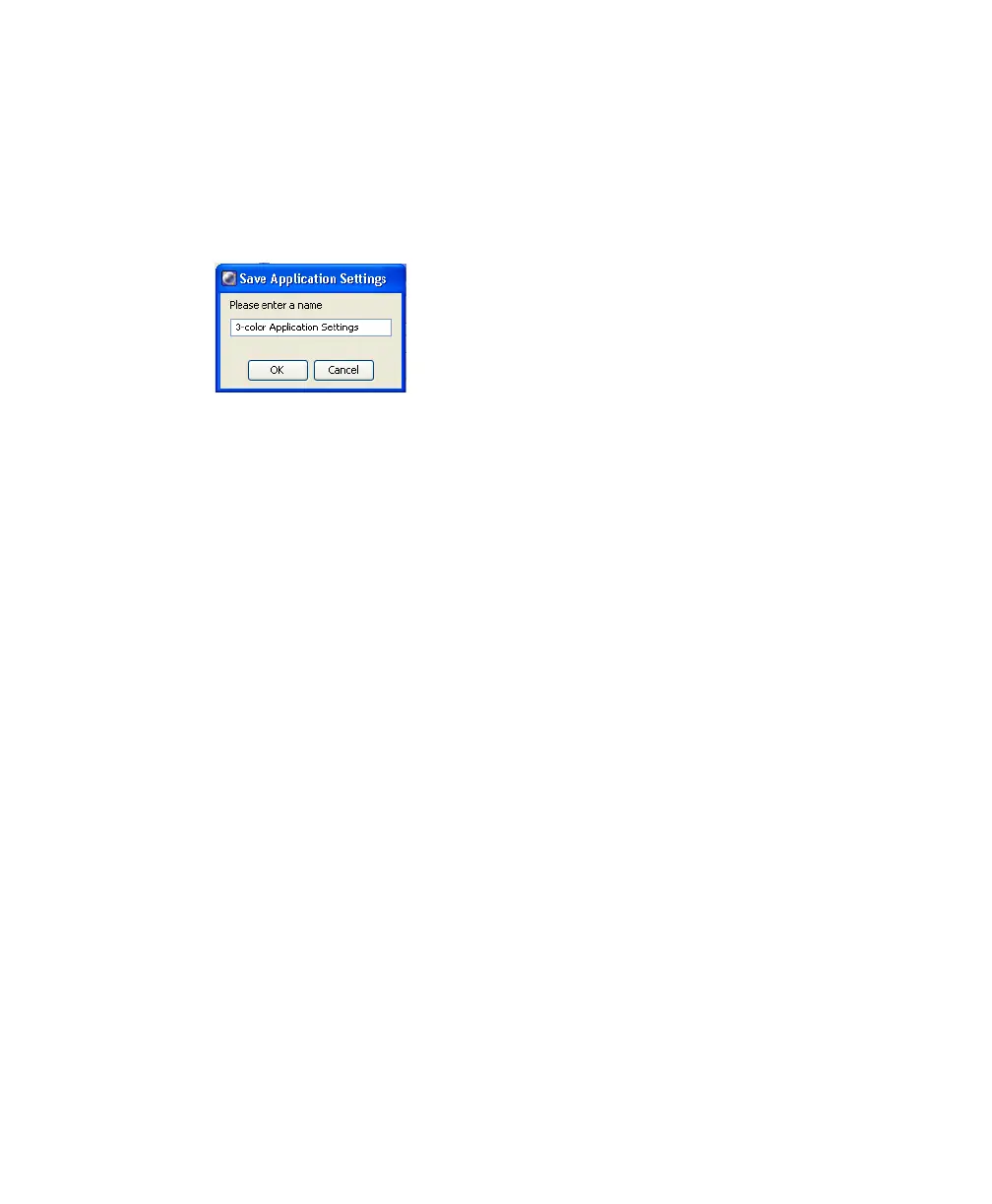
1 Right-click Cytometer Settings in the Browser, then select Application
Settings > Save, to save the values for reuse. See Figure B-8.
Figure B-8 Saving Application Settings
2 In the Applications Settings dialog, rename the application settings with a
descriptive name.
3 Click OK.
The application settings are saved to the catalog.



 To Next Page