180
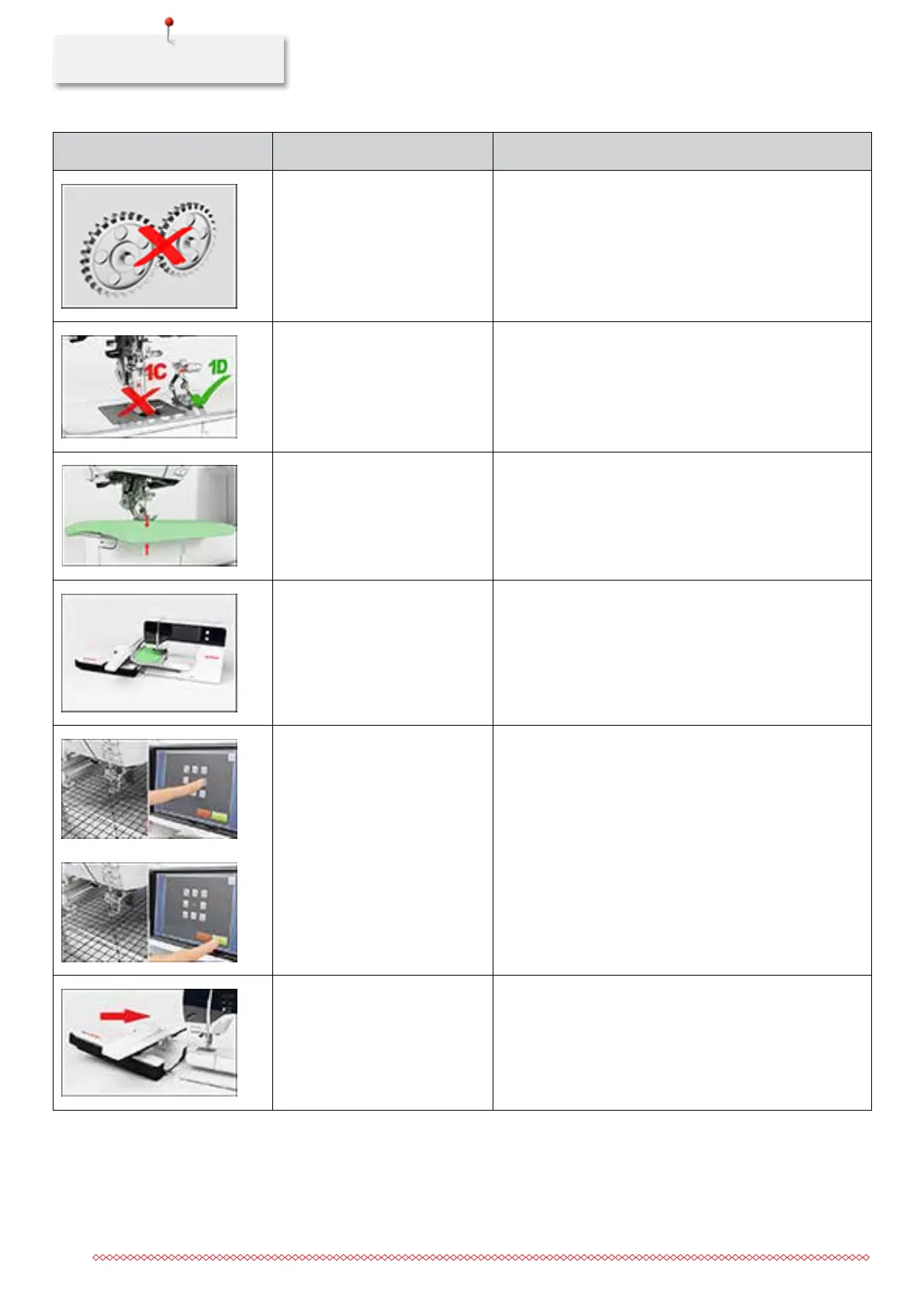
Message on the display Cause Repair
The main motor isn't running.
> Clean the hook.
> Remove the hook and make sure that there are no
pieces of broken neelde points on the magnetic back of
the hook.
> Deactivate the thread catcher in the Setup Program.
Incorrect presser foot for the
BERNINA Dual Transport.
> Attach a presser foot with the labeling «D».
The fabric under the presser foot
is too thick.
> Reduce the fabric thickness.
The contact between the
machine and the embroidery
module is interrupted due to
vibrations.
> Make sure that the module and the machine are
standing on a stable, even surface.
> Connect the embroidery modul to the machine.
The needle position doesn't
correspond with the center of the
hoop.
> Calibrate the hoop.
The embroidery module is not
attached.
> Connect the embroidery modul to the machine.
> Contact the specialized BERNINA dealer to have the
machine checked.
035964.50.04_2014-08_Manual_B790_EN


 To Next Page