A warning will appear asking you to confirm the action. Click ‘change’.
ATEM Software control will now close and restart in your selected language.
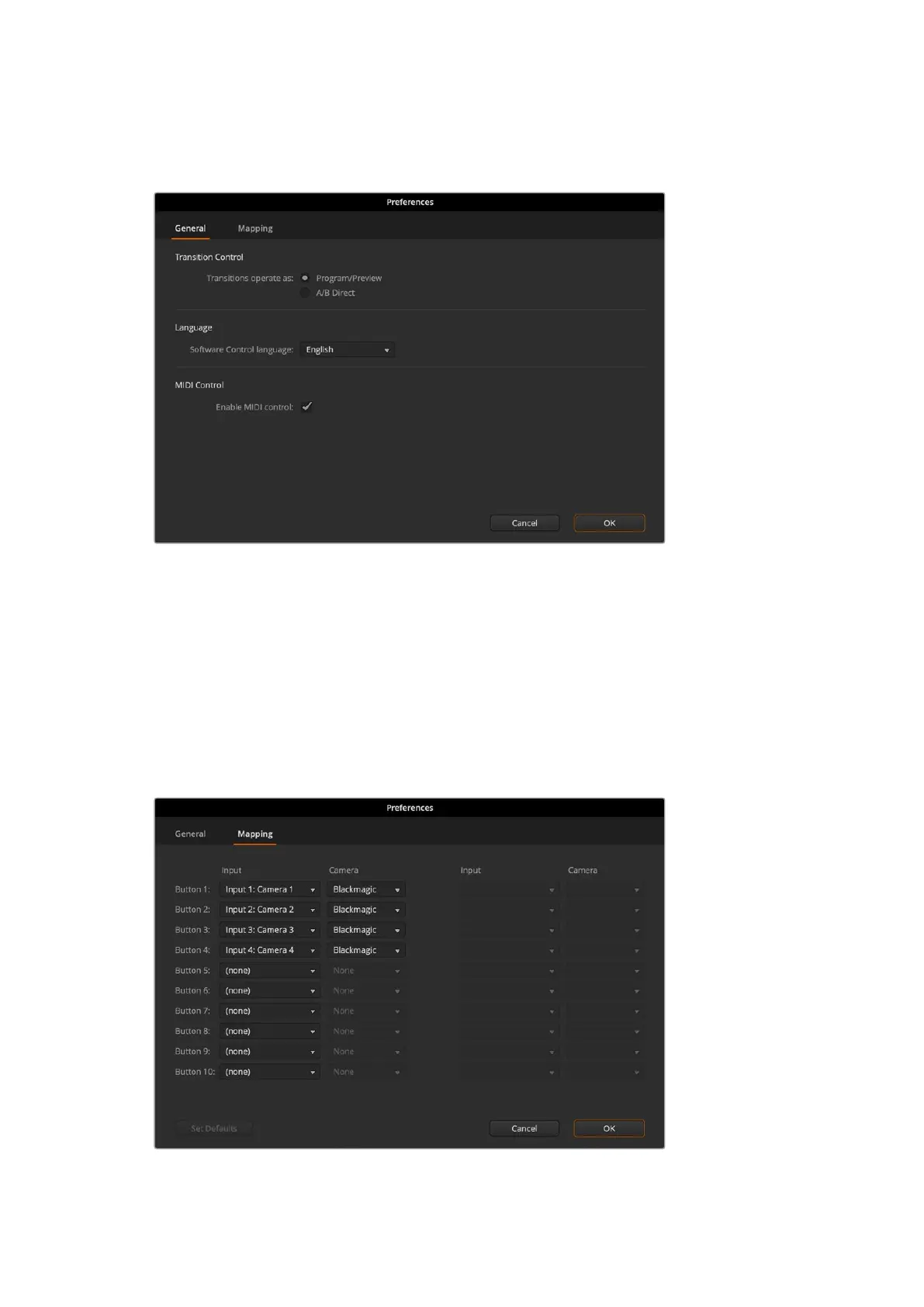
You can change the language for ATEM Software
Control in the ATEM Software Control preferences.
Button Mapping
In the mapping preferences, you can assign inputs to specific buttons on the preview and
program rows.
ATEM Software Control and external ATEM hardware panels support button mapping so you
can assign sources to different buttons. For example, occasional sources can be assigned to
less prominent buttons. Button mapping is set independently for each control panel so button
mapping set on a software control panel will not affect the button mapping set on a hardware
control panel.
You can assign important cameras to more prominent buttons
95Changing Switcher Settings



 To Next Page
 Loading...



