84
Start-Up
For internal set-point value default (SP-INPUT → intern), the process set-point value is input directly on
the process level.
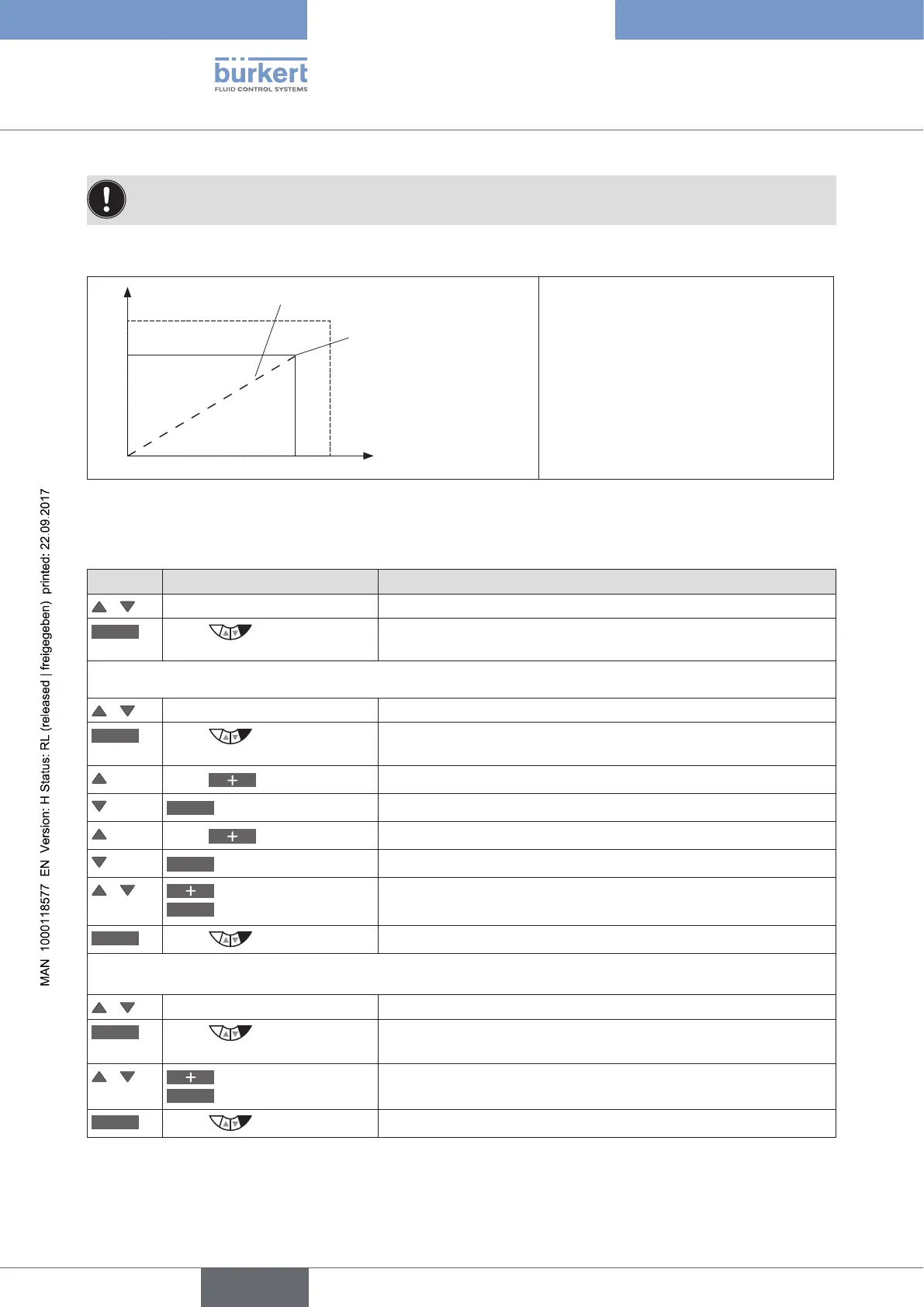
Example of a sensor calibration for frequency signal type:
Pulses
Liters
Flow-rate
0
100
10
K-factor
(pulses/liter)
Scaling:
Process actual value:
100 pulses correspond to 10 liters
Process set-point value:
K-factor 1.25 correspond to 8 liters
Figure 38: Example of a sensor calibration for frequency signal type
Scaling of the process actual value in the menu SETUP → PV-SCALE:
Key Action Description
/ Select PV-SCALE Selection in the main menu (MAIN).
ENTER
Press
The submenu options for scaling of the process actual value are
displayed.
1. Setting PVmin
/ Select PVmin
INPUT
Press
The input screen is opened. First specify the physical unit which has
a dark background.
Press (x times)
Select physical unit.
<–
Select decimal point
The decimal point has a dark background.
Press (x times)
Specify position of the decimal point.
<–
Select scaling value
The last digit of the scaling value has a dark background.
/
Increase value
<–
Select decimal place
Set scaling value (lower process actual value).
OK
Press
Return to PV-SCALE.
2. Setting PVmax
/ Select PVmax
INPUT
Press
The input screen is opened. The last digit of the scaling value has a
dark background.
/
Increase value
<–
Select decimal place
Set scaling value (upper process actual value).
OK
Press
Return to PV-SCALE.



 To Next Page